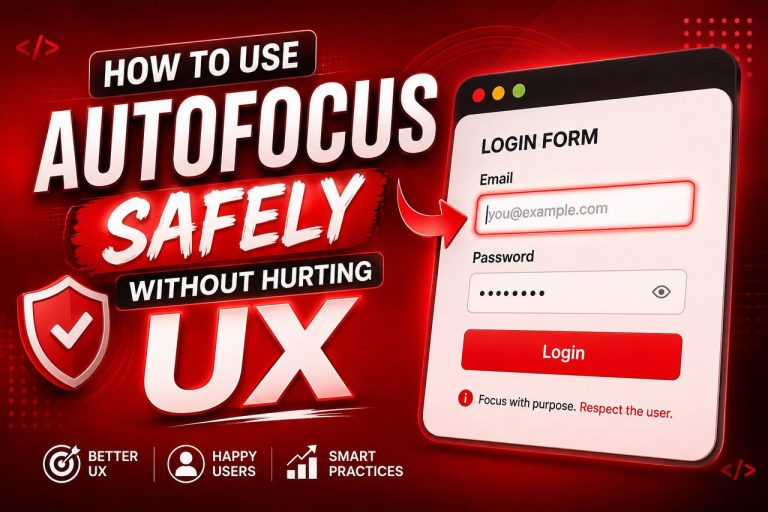
How to Use autofocus Safely Without Hurting UX
When building web forms, one of the first things you’ll notice is that users often need to click inside an input field before they…
Read article ↗When building web forms, one of the first things you’ll notice is that users often need to click inside an input field before they…
Read article ↗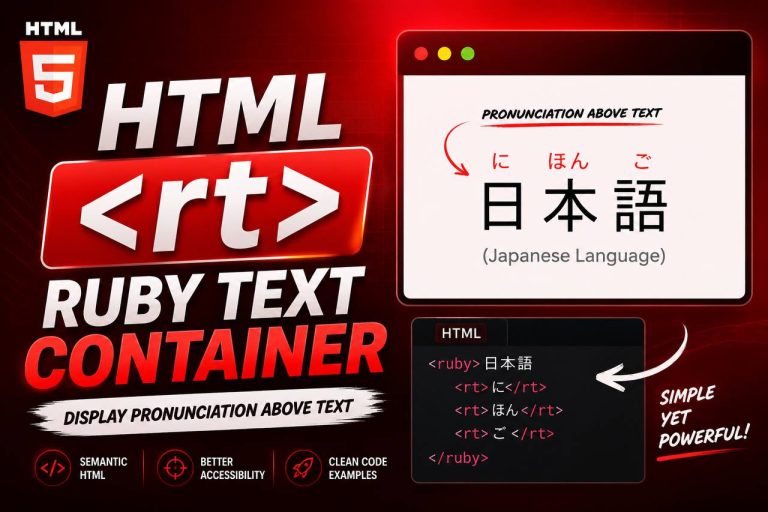
When learning HTML, you’ll come across many tags that are used every day, such as <div>, <p>, <img>, and <a>. However, HTML also includes…
Read article ↗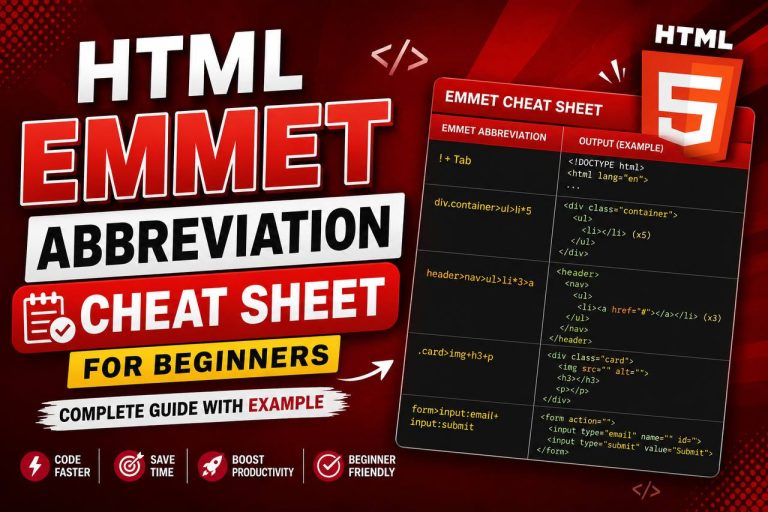
Meta Description: Learn the most useful HTML Emmet abbreviations for beginners. Understand Emmet symbols like >, +, *, ^, {}, [], $, and more…
Read article ↗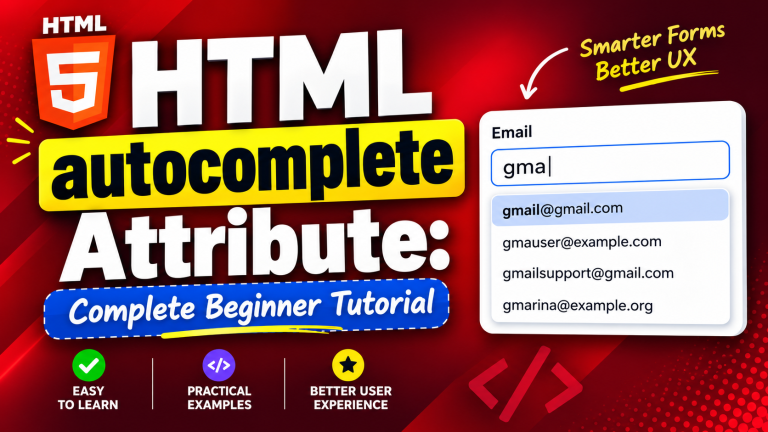
When creating forms in HTML, making them easy and convenient to use is just as important as making them look good. Nobody enjoys typing…
Read article ↗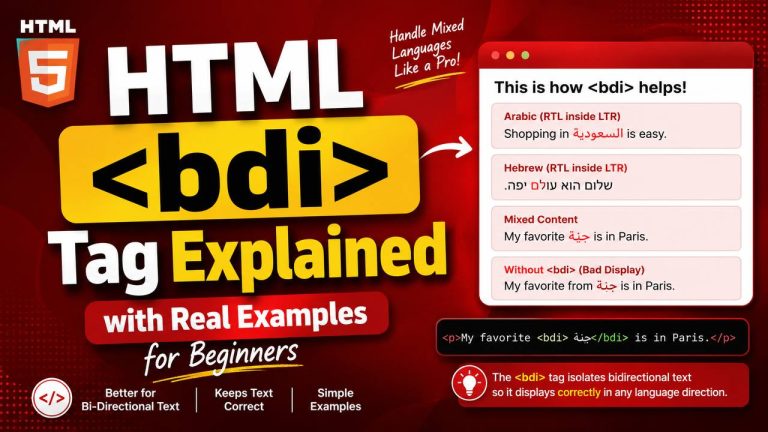
If you’ve been learning HTML, you’ve probably become familiar with common elements like headings, paragraphs, links, images, and lists. As you continue exploring HTML,…
Read article ↗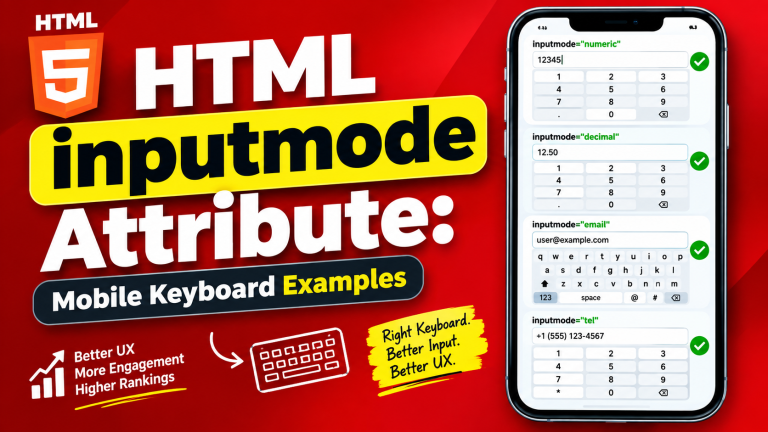
When building forms for websites, most beginners focus on creating text fields, email fields, password fields, and buttons. While these are important, there is…
Read article ↗
Learning HTML becomes much easier when you build real projects instead of only reading tutorials. While understanding HTML tags is important, applying that knowledge…
Read article ↗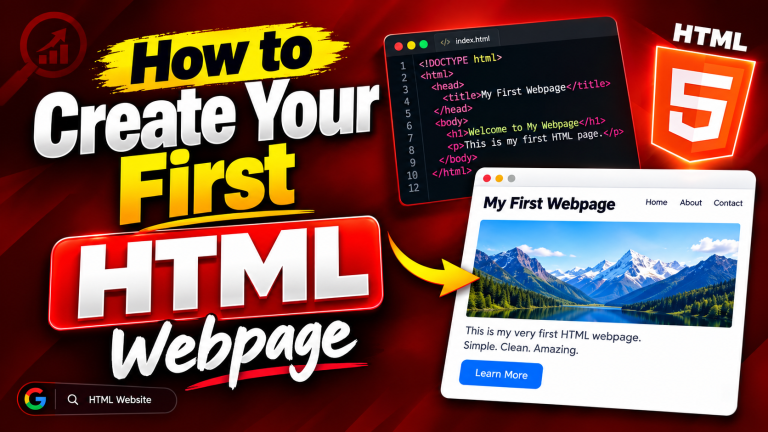
Have you ever wondered how websites are made? Every webpage you visit—whether it’s a personal blog, an online store, a news website, or a…
Read article ↗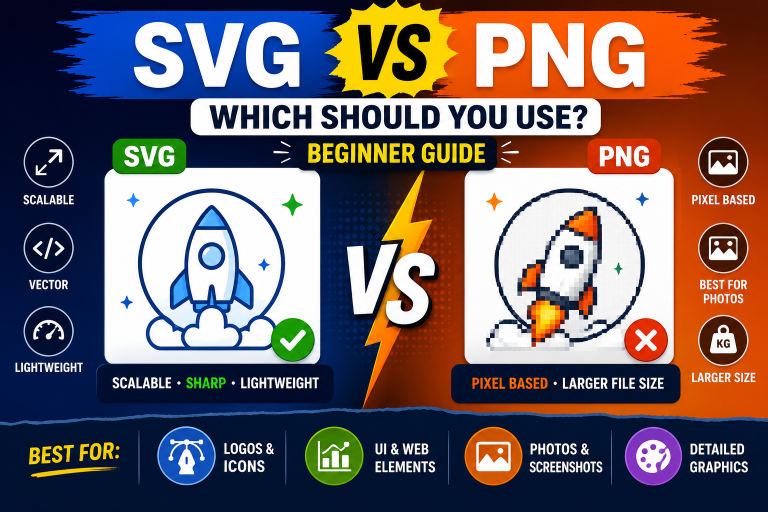
Svg Vs Png….When building a website, one of the most common questions beginners ask is, “Should I use SVG or PNG for my images?”…
Read article ↗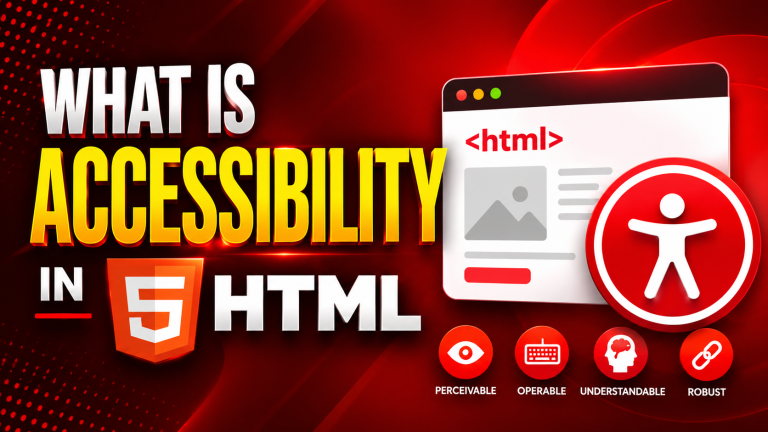
When people think about building a website, they often focus on making it look attractive, load quickly, and work well on different devices. While…
Read article ↗