11
→
KAYLEOTECH / DIGITAL LAB
Learn tech.
Learn tech.
Build better.
Clear web development lessons, practical technology guides and useful digital knowledge — without the noise.
01 Practical02 Beginner-friendly03 Built to grow

<html>learn();
CSSstyle.css
INTERACTIVE LAB
Learn by seeing it work.
Kayleotech is designed to make technical concepts easier to understand with small, visual experiments instead of walls of theory.
- Copy-ready examples
- Instant visual feedback
- Beginner-friendly explanations
<button id="learnBtn">Explore Kayleotech</button>button { border-radius: 999px; padding: 14px 20px; }learnBtn.addEventListener('click', () => alert('Keep building!'));Try the interaction
LATEST FROM THE LAB
View all →Fresh ideas, guides & lessons.
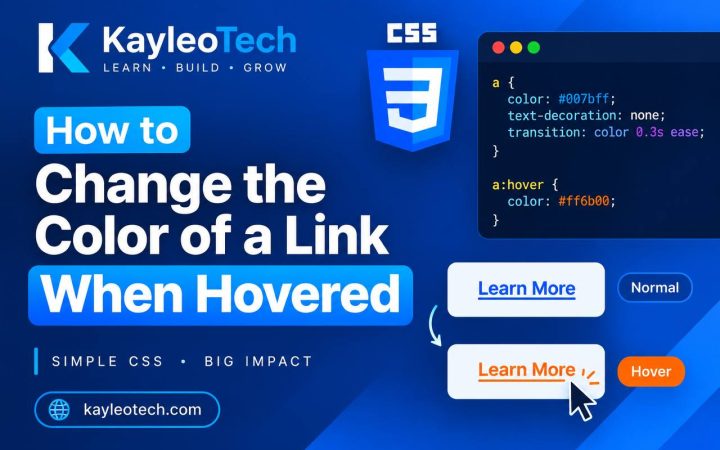
CSS
How to Change the Color of a Link When Hovered
Changing the color of a link when a user moves their mouse over it is a simple way to make a website…
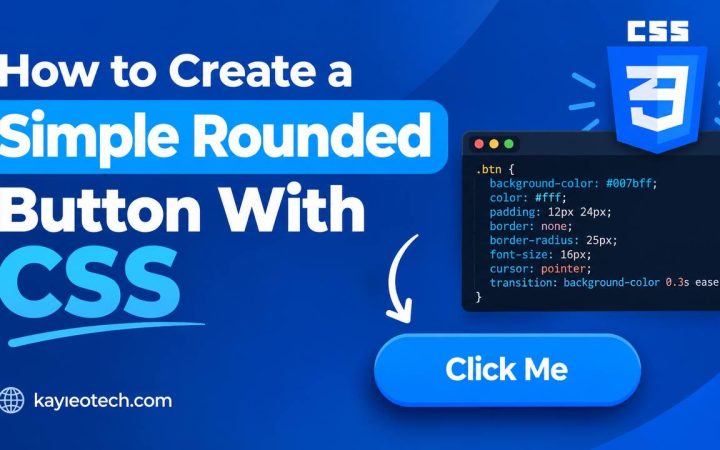
CSS
How to Create a Simple Rounded Button With CSS
Rounded buttons are common on modern websites. You can find them on login pages, registration forms, contact pages, shopping websites, and many…
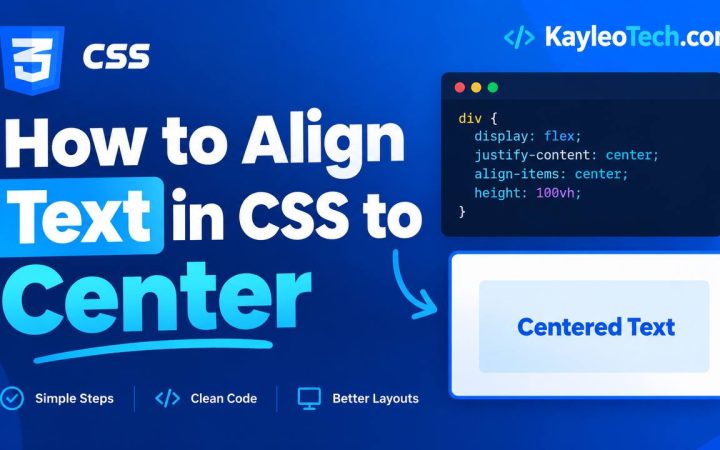
CSS
How to Align Text in CSS to Center
Centering text is one of the most common tasks when building a website with HTML and CSS. Whether you are creating a…
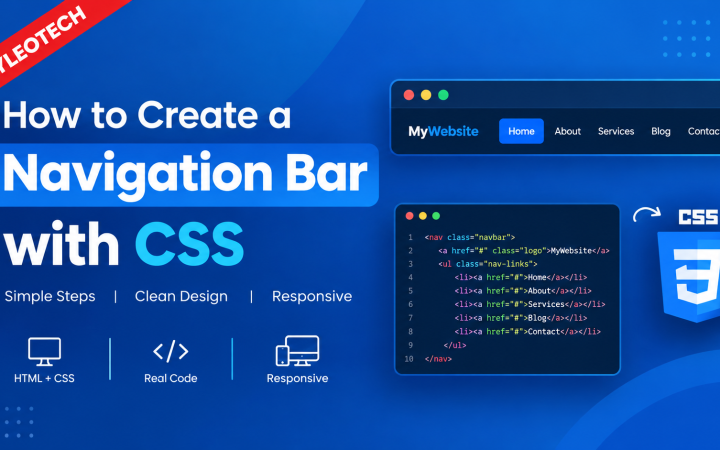
CSS
How to Create a Navigation Bar with CSS
A navigation bar is one of the most important parts of a website. It helps visitors move from one page to another…
CSS
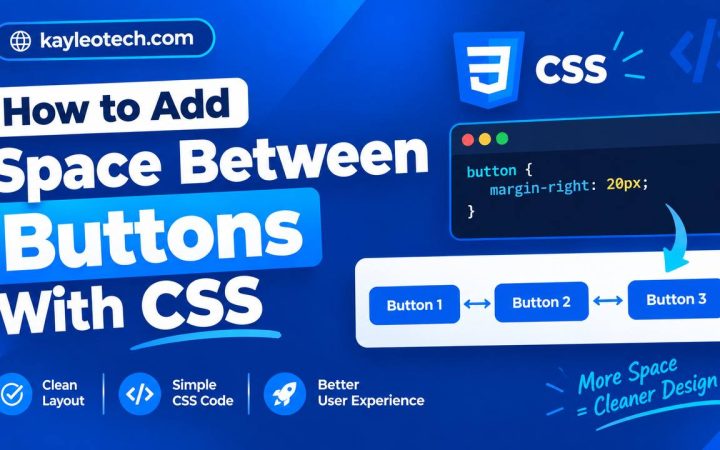
How to Add Space Between Buttons With CSS
When building a website, you will often place two or more buttons next to each other. These buttons might be used for…
CSS
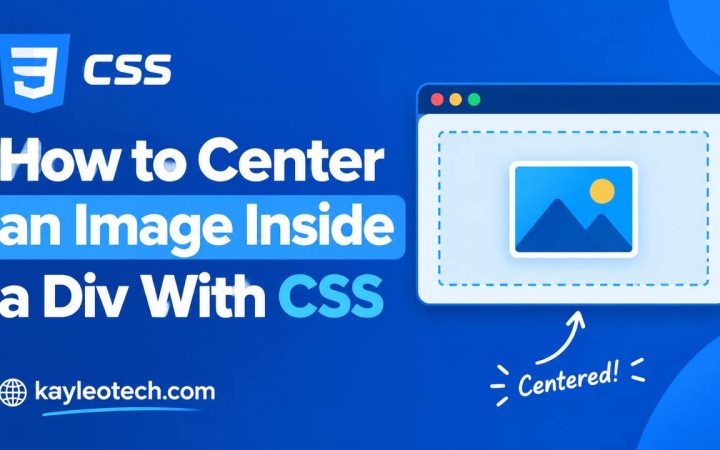
How to Center an Image Inside a Div With CSS
Centering an image inside a <div> is one of the most common tasks when learning HTML and CSS. You may want an…
QUICK CHECK
Test what you know
Choose an answer and see your result instantly.
1. Which language is used to structure a web page?
2. Which technology controls presentation and layout?