
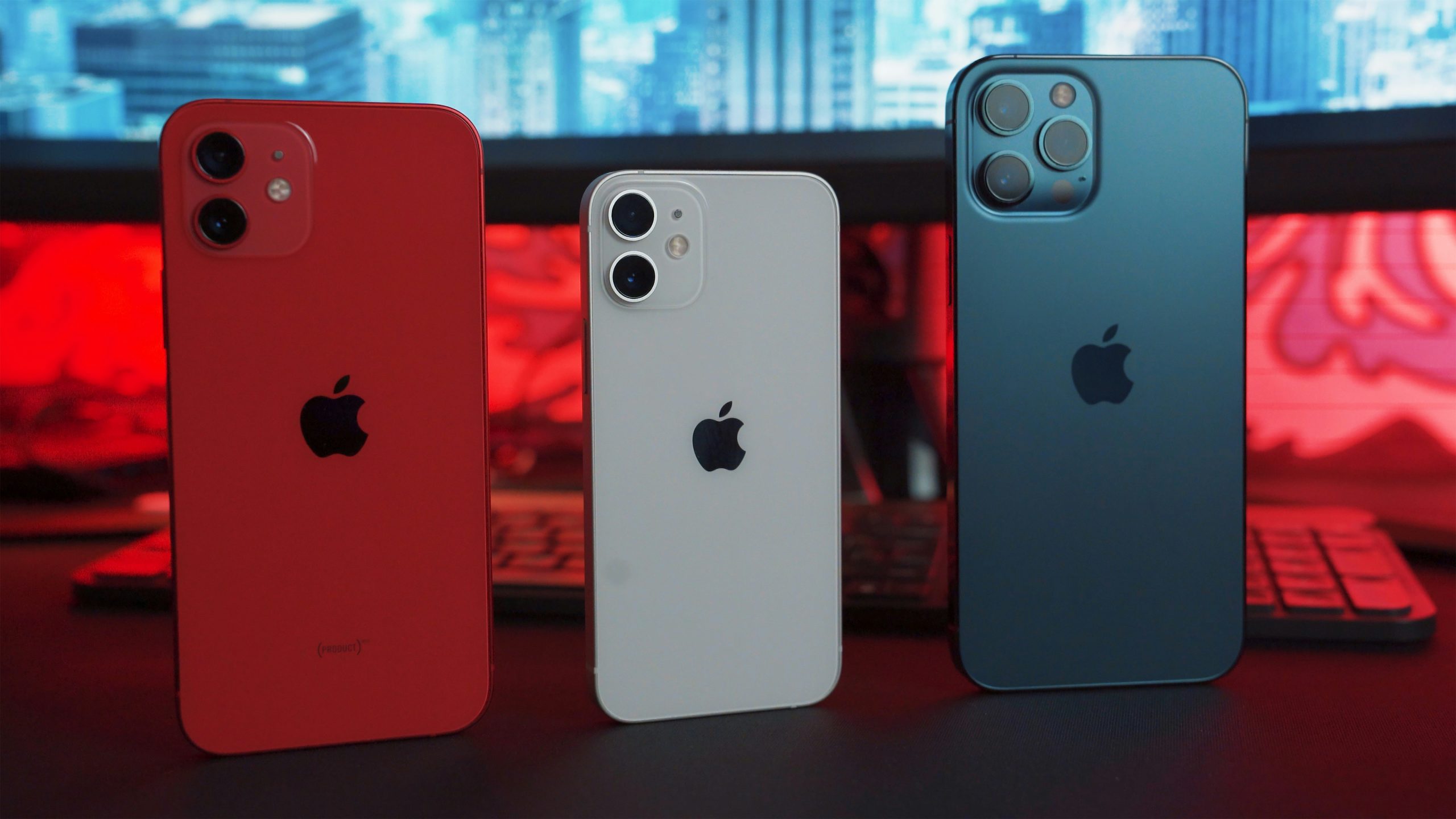
If your iPhone feels hot in your hand, dims its screen suddenly, or shows a temperature warning, it’s not something to ignore. iPhone overheating is a very common real-world problem, and it usually happens because of how we use our phones daily, not because the phone is “bad” or damaged. Understanding overheating becomes much easier when you think of your iPhone like a small computer packed tightly inside a slim metal or glass body. When that computer works too hard or can’t release heat properly, it warms up.
In real life, the most common reason iPhones overheat is heavy usage for long periods. Things like video recording, gaming, video calls, navigation apps, or even scrolling social media for hours force the processor to work nonstop. When the processor works, it generates heat. Unlike laptops, iPhones don’t have fans, so the only way heat escapes is through the phone’s body. This is why your iPhone feels warm instead of making noise like a computer fan would.
Another very real cause is the environment around you. Using your iPhone under direct sunlight, inside a hot car, or outdoors during hot weather traps heat inside the device. Even placing your phone on a bed, pillow, or couch while charging can cause overheating because those surfaces block heat from escaping. In simple terms, your phone needs air around it to stay cool, just like you do.
Charging habits also play a huge role. Using cheap or damaged chargers, charging while using heavy apps, or charging in hot conditions makes the battery heat up faster. Batteries naturally warm up while charging, but when that heat combines with heavy usage or poor airflow, the temperature rises quickly. This is why many people notice their iPhone overheating during charging more than at any other time.
Software is another big factor people often overlook. Apps running in the background can quietly push your iPhone’s processor even when you’re not actively using them. Some apps may crash repeatedly, refresh constantly, or use location services nonstop. Over time, this causes heat buildup without you realizing it. This is especially common if an app hasn’t been updated to work properly with your iOS version.
At this point, the most important thing to understand is that overheating is usually your iPhone trying to protect itself. Apple designs iPhones to slow down performance, dim the screen, or stop charging when temperatures get too high. These actions aren’t faults; they’re safety measures to prevent long-term damage to the battery and internal components.
To stop your iPhone from overheating in real life, the first thing you should do is change how and where you use it. If your phone feels hot, stop using it immediately and place it in a cool, shaded area. Remove the case, especially thick or rubber cases, because they trap heat. You’ll often notice that just removing the case and letting the phone rest cools it down within minutes.
If you’re outside or in a hot room, avoid using heavy apps. Things like gaming, video recording, or navigation should be limited in hot conditions. If you must use them, take breaks. Think of it like running; you don’t sprint nonstop without resting, and neither should your phone.
One very effective real-world fix is managing background activity. Go into your iPhone settings and check which apps are running in the background or using too much battery. Apps that constantly refresh, track location, or sync data can silently overheat your phone. Closing unused apps and disabling background refresh for apps you don’t need makes a noticeable difference.
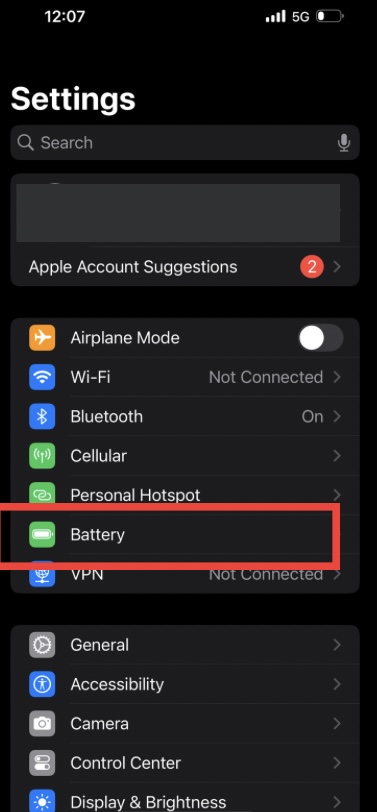
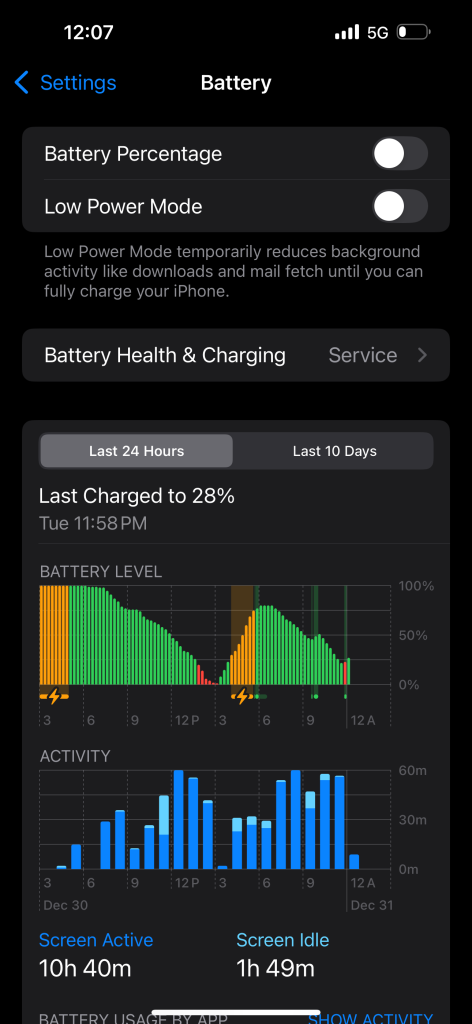
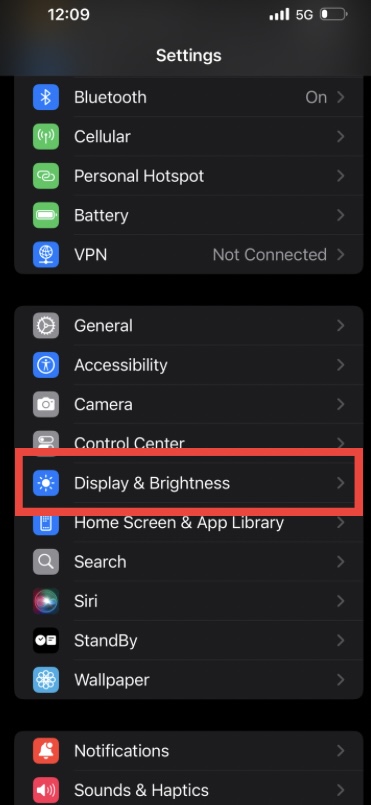
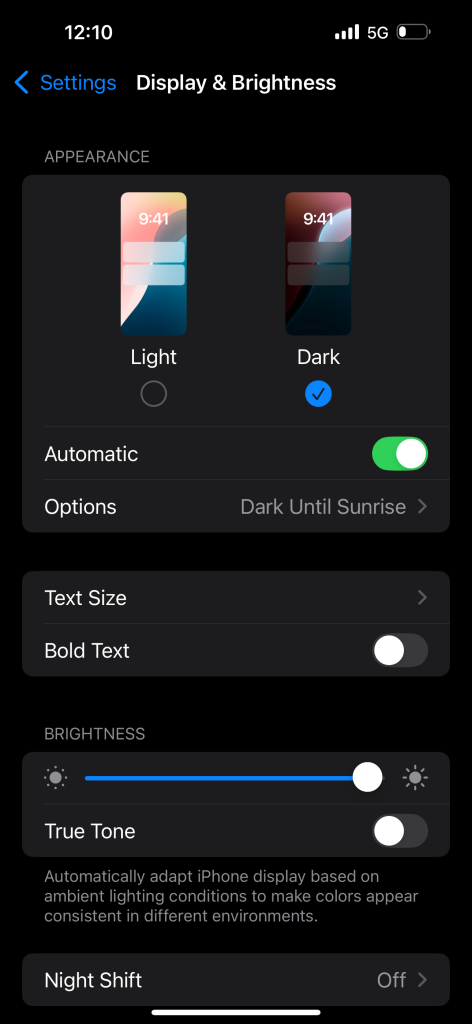
Another practical step is managing screen brightness. High brightness generates heat, especially outdoors. Automatic brightness usually helps, but manually lowering brightness when possible reduces strain on the phone. Dark Mode also helps slightly because the screen uses less power, which means less heat over time.
Charging habits deserve special attention. Always use original or certified chargers. Avoid charging your iPhone while gaming, watching videos, or using GPS. If you notice your phone heating while charging, unplug it and let it cool before continuing. Charging overnight in a cool, open space is safer than charging under pillows or on soft surfaces.
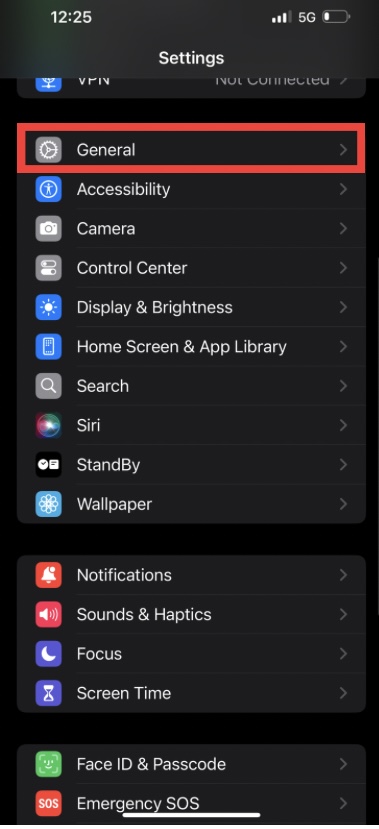
Software updates matter more than many people think. Apple often releases updates that fix bugs causing overheating or battery drain. If your iPhone suddenly started overheating after installing an app or update, it’s worth checking for newer updates or removing recently installed apps to see if the problem stops.
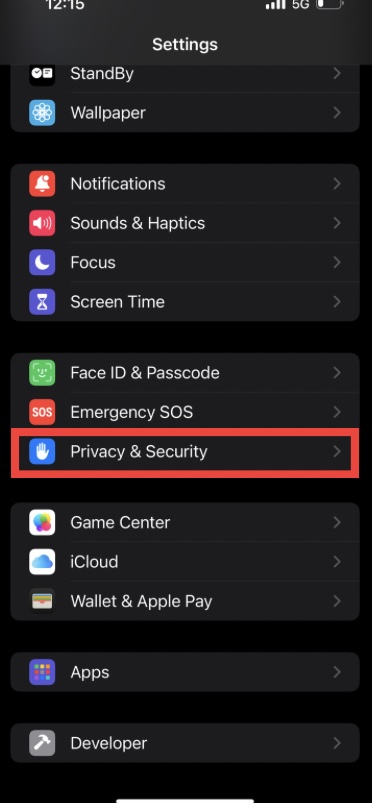
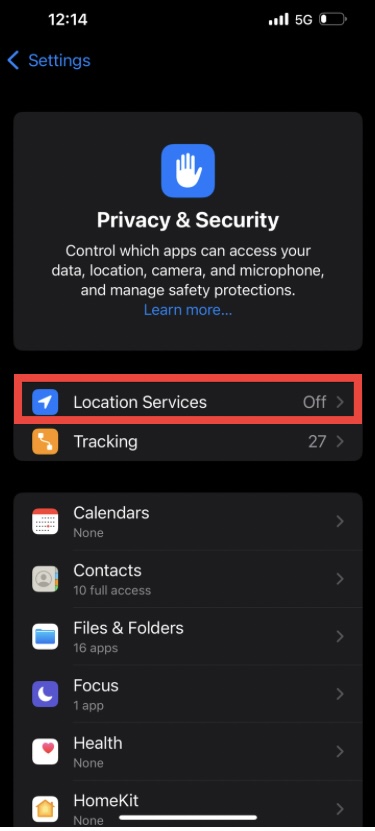
Location services are another hidden heat source. Apps that constantly track your location use GPS, which consumes power and generates heat. Limiting location access to “While Using the App” instead of “Always” helps reduce overheating significantly.

Notifications and syncing also play a role. Email apps, cloud backups, and social media apps refreshing every minute can stress your phone. Reducing fetch frequency or turning off unnecessary notifications can surprisingly lower temperature over time.
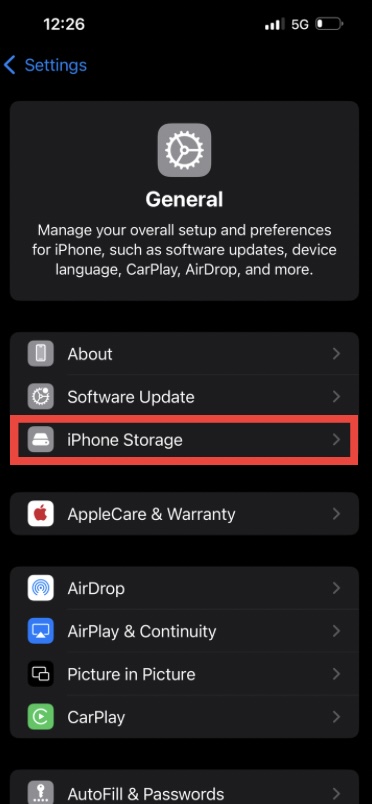
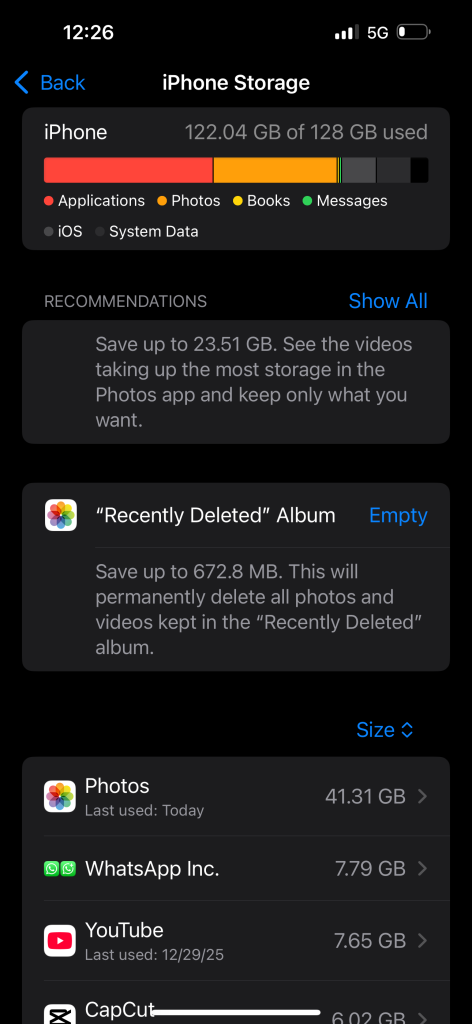
If your iPhone overheats frequently even during light use, storage could be a factor. When storage is almost full, the system works harder to manage files, which can increase heat. Keeping at least 5–10 GB of free space helps the phone run smoother and cooler.
It’s also important to understand what not to do. Never put your iPhone in a refrigerator or freezer to cool it down. Sudden temperature changes can cause condensation inside the phone, leading to serious internal damage. Cooling should always be gradual and natural.
In real-world daily use, overheating is usually a combination of small habits rather than one big problem. Using heavy apps in hot environments, charging improperly, ignoring background activity, and outdated software all add up. Fixing just one or two of these habits often solves the issue completely.
If your iPhone displays a temperature warning and shuts down features, let it rest. Don’t force it to work. Once it cools down, it will return to normal automatically. This is the phone protecting itself, not failing.
Long-term overheating can reduce battery health, so preventing it isn’t just about comfort it’s about extending your iPhone’s lifespan. A cooler phone keeps its battery healthier, performs better, and lasts longer overall.
In everyday terms, think of your iPhone like a person doing work in hot weather. Give it shade, water (power management), rest (background control), and proper clothing (cases), and it performs well. Ignore those needs, and it overheats.
By adjusting how you use your phone, where you charge it, and which apps you allow to run freely, you can stop iPhone overheating naturally without any third-party apps or risky tricks. These are safe, Apple-approved habits that work on all iPhone models and iOS versions.