
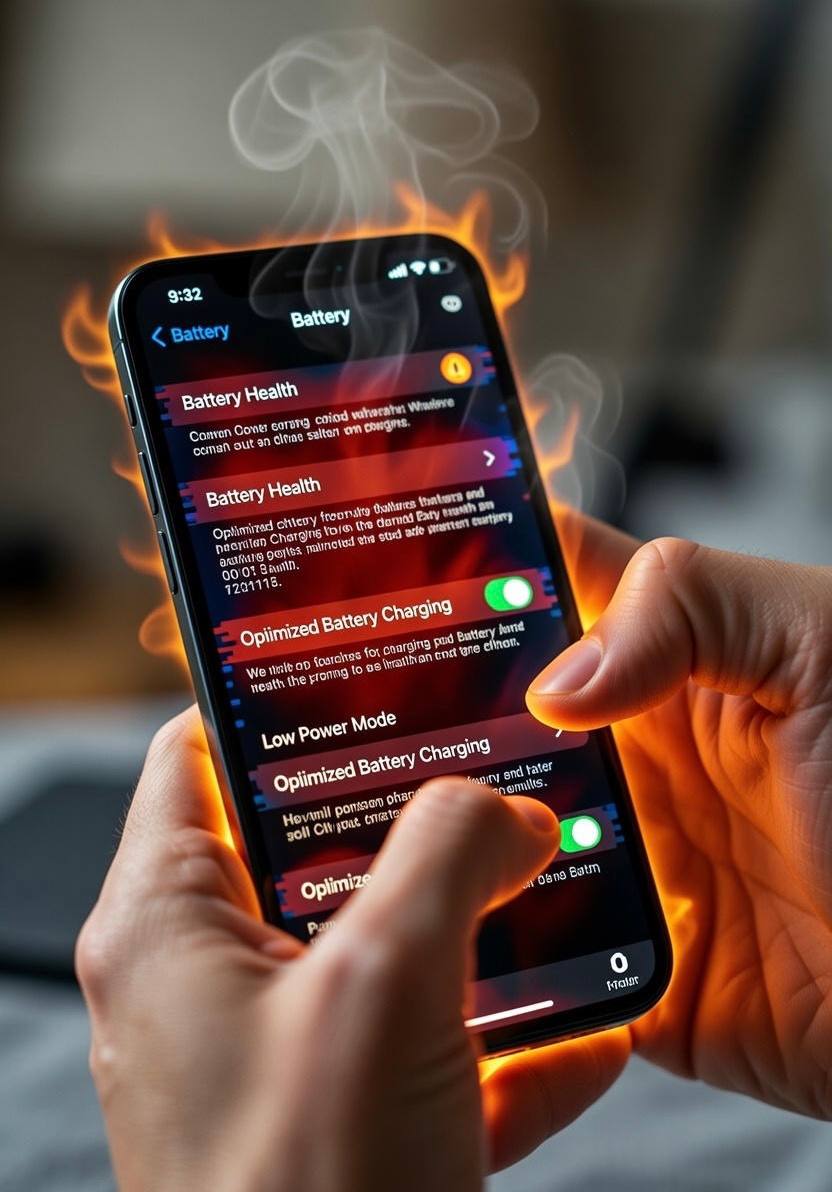
If you’ve ever picked up your iPhone while it was charging and noticed it felt unusually hot, you’re not alone. iPhone overheating during charging is one of the most common issues users experience, and in many cases, it has nothing to do with a faulty device. Most of the time, overheating is caused by daily charging habits people don’t even realize are harmful.
Heat is one of the biggest enemies of smartphone batteries. When an iPhone overheats repeatedly, it doesn’t just feel uncomfortable in your hand it slowly damages the battery, reduces performance, and shortens the overall lifespan of the device. The good news is that overheating during charging is largely preventable once you understand what causes it and how to adjust the way you charge your phone.
This article explains, in real-world terms, how iPhone charging works, why overheating happens, and the best charging habits you can adopt to keep your iPhone cool, safe, and healthy over the long term.
Why iPhones Heat Up While Charging
Every time you charge your iPhone, electrical energy flows into the battery and is converted into stored chemical energy. This process naturally produces heat. Apple designs iPhones to handle normal heat levels safely, but problems arise when additional factors push the temperature beyond what the device can comfortably manage.
Overheating usually happens when charging is combined with other stressors such as fast charging, poor airflow, background activity, or environmental heat. Your iPhone tries to protect itself by slowing charging or displaying a temperature warning, but repeated exposure to high heat still causes gradual damage.
Understanding these triggers is the first step toward preventing overheating.
Use Certified and High-Quality Chargers Only
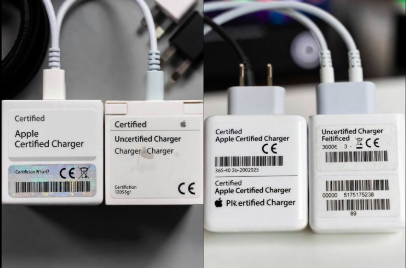
One of the most important habits to develop is using the right charger. Cheap or uncertified charging accessories are a major cause of overheating.
Low-quality chargers often fail to regulate voltage properly. Instead of delivering a steady flow of power, they may send irregular electrical currents into your iPhone. This forces the phone to work harder to manage the incoming power, generating excess heat in the process.
Apple-certified chargers and cables are designed to communicate with the iPhone and adjust power delivery safely. They slow down charging when the battery gets warm and prevent sudden power spikes that can cause overheating.
Best practice:
Always use original Apple chargers or certified third-party accessories marked as compatible with iPhone.
Avoid Charging Your iPhone in Hot Environments
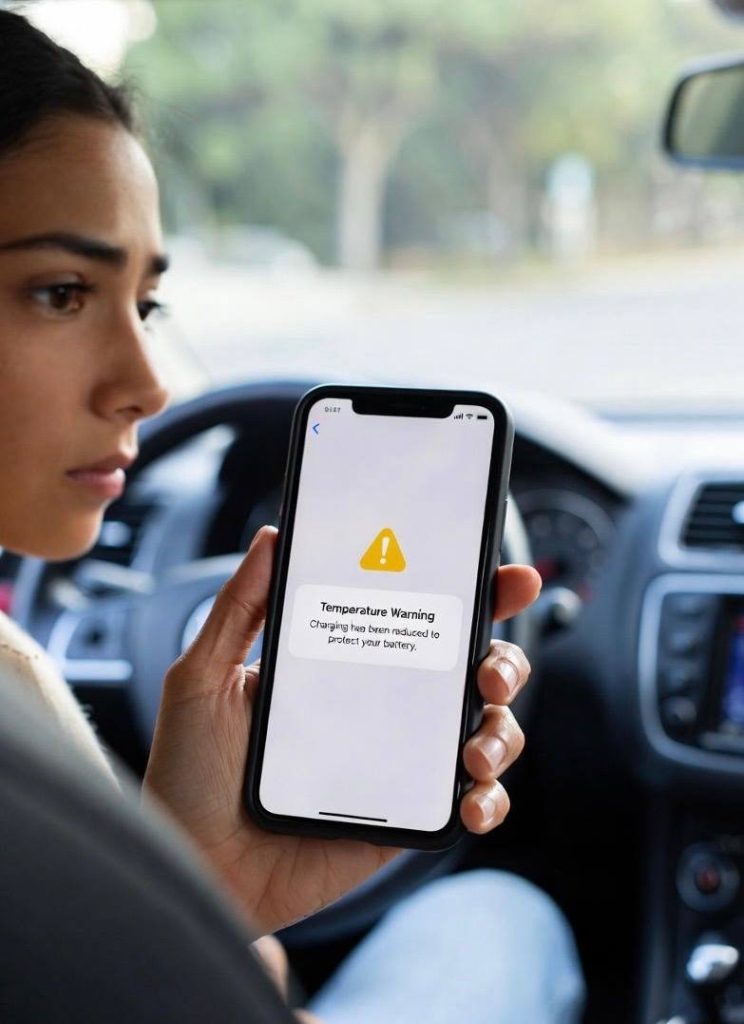
Ambient temperature plays a huge role in how your iPhone behaves while charging. Charging your phone in a hot room, inside a car, or under direct sunlight dramatically increases the risk of overheating.
When the surrounding temperature is high, your iPhone struggles to release the heat it generates during charging. Instead of cooling down naturally, the heat builds up internally, triggering temperature warnings or slowing down charging.
This is why iPhones often overheat during charging in cars, especially when placed on dashboards or seats exposed to sunlight.
Best practice:
Charge your iPhone in a cool, shaded, and well-ventilated area. Room temperature is ideal.
Remove Phone Cases While Charging
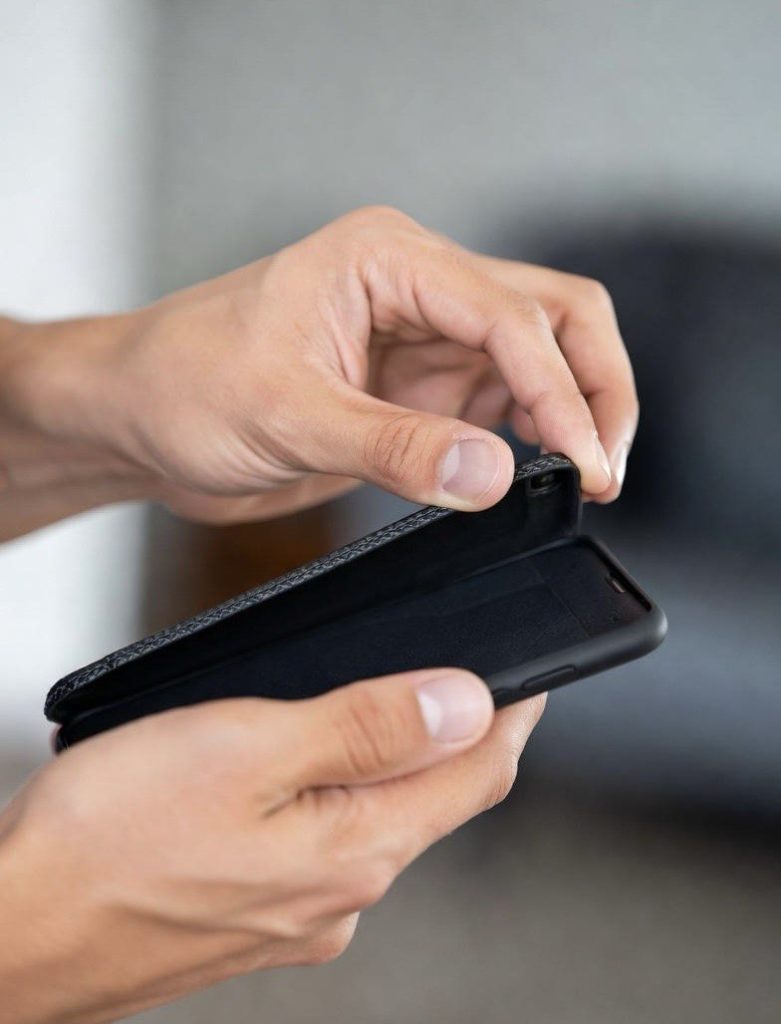
Many phone cases, especially thick or rugged ones, trap heat. While cases are great for protecting your iPhone from drops, they can prevent heat from escaping during charging.
When your iPhone is charging, the battery warms up slightly. If heat cannot dissipate properly due to a tight case, it accumulates inside the device. Over time, this repeated heat buildup can degrade battery health.
This doesn’t mean phone cases are bad, but removing them during charging especially when fast charging helps your iPhone stay cooler.
Best practice:
If your iPhone feels warm while charging, remove the case temporarily.
Avoid Using Your iPhone While It’s Charging
Using your iPhone while charging is one of the most common habits that leads to overheating. Activities like gaming, video streaming, video calls, and navigation apps require heavy processing power, which generates heat.
When you combine this internal heat with the heat produced during charging, the temperature rises quickly. Fast charging makes this even worse because it pushes more power into the battery in a shorter time.
This is why your iPhone often feels hottest when you’re using it intensely while it’s plugged in.
Best practice:
Let your iPhone rest while charging, especially during fast charging sessions.
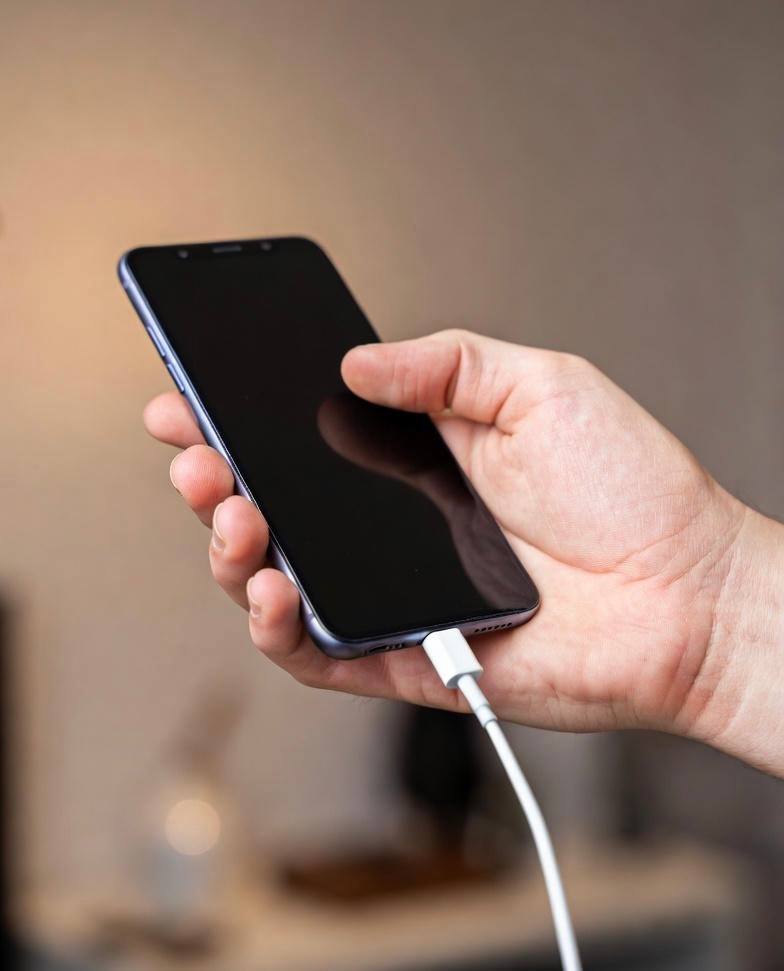
Be Careful with Fast Charging
Fast charging is convenient, but it generates more heat than standard charging. When your iPhone fast charges, it draws higher power levels, which naturally increases battery temperature.
Apple manages this process intelligently, slowing charging when the battery gets warm. However, frequent fast charging especially in warm environments can still lead to long-term battery wear.
Fast charging is best used when you truly need it, not as your default charging method.
Best practice:
Use fast charging occasionally, and use standard charging overnight or during long charging periods.
Keep Software Updated
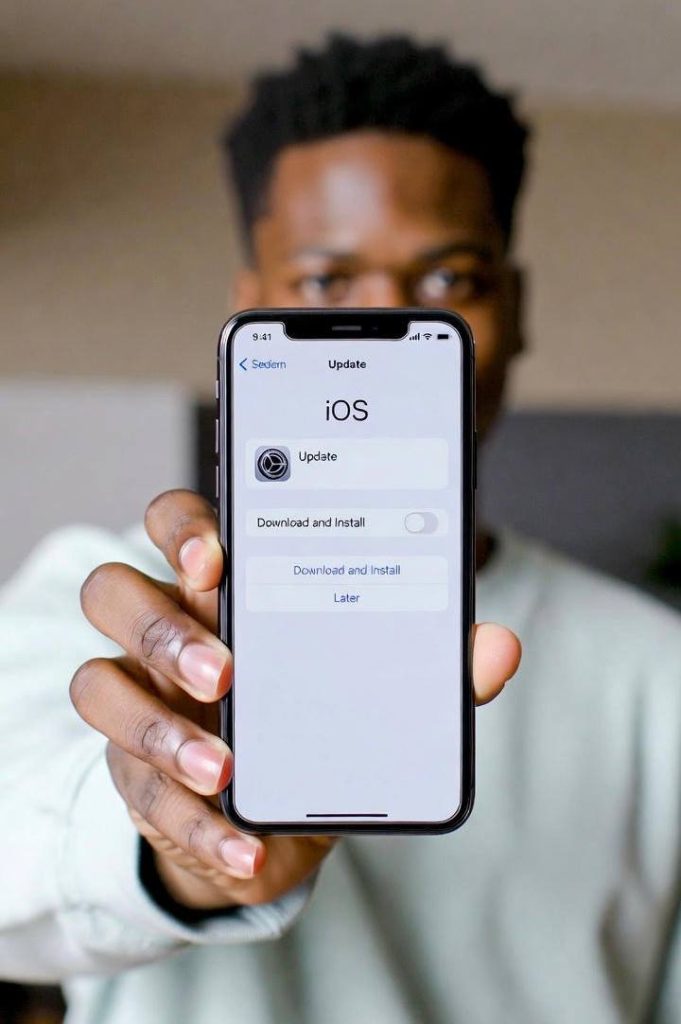
Many people don’t realize that software updates play a role in temperature management. Apple regularly releases iOS updates that improve battery efficiency, power management, and thermal control.
Outdated software can cause background processes to run inefficiently, increasing heat during charging without you noticing. Some updates specifically fix bugs that cause abnormal battery drain or overheating.
Best practice:
Always keep your iPhone updated to the latest stable version of iOS.
Avoid Charging on Soft Surfaces
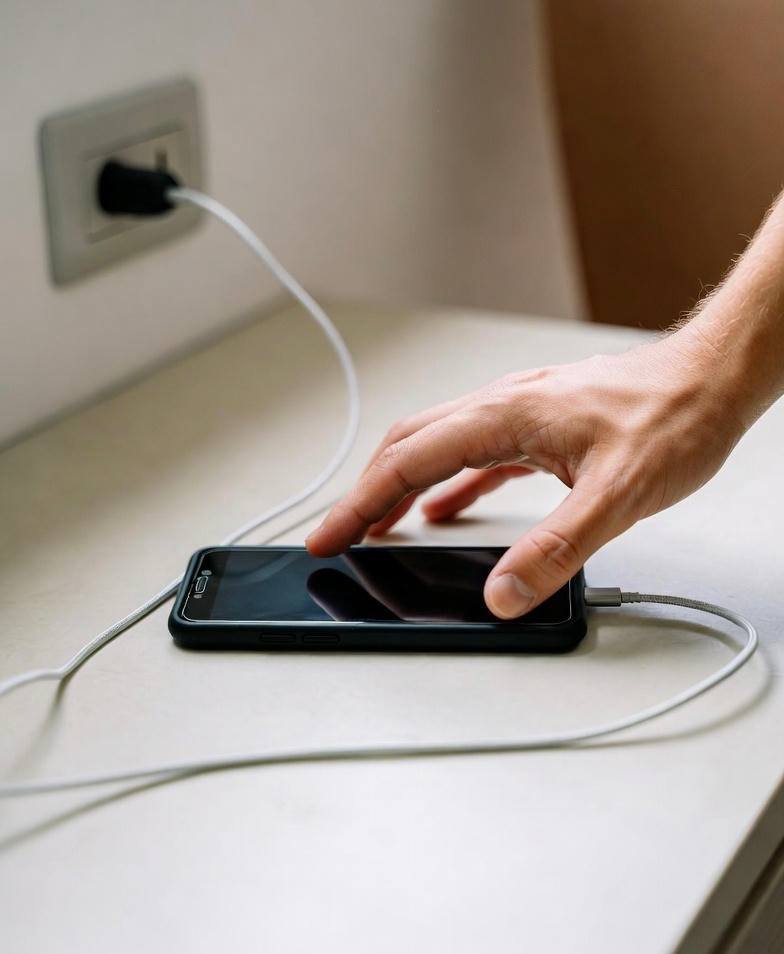
Charging your iPhone on soft surfaces like beds, couches, or pillows restricts airflow. These surfaces trap heat around the device, preventing it from cooling properly.
Hard, flat surfaces allow heat to dissipate naturally. This small habit change can make a noticeable difference in how warm your iPhone gets during charging.
Best practice:
Charge your iPhone on a hard, flat surface like a desk or table.
Enable Optimized Battery Charging
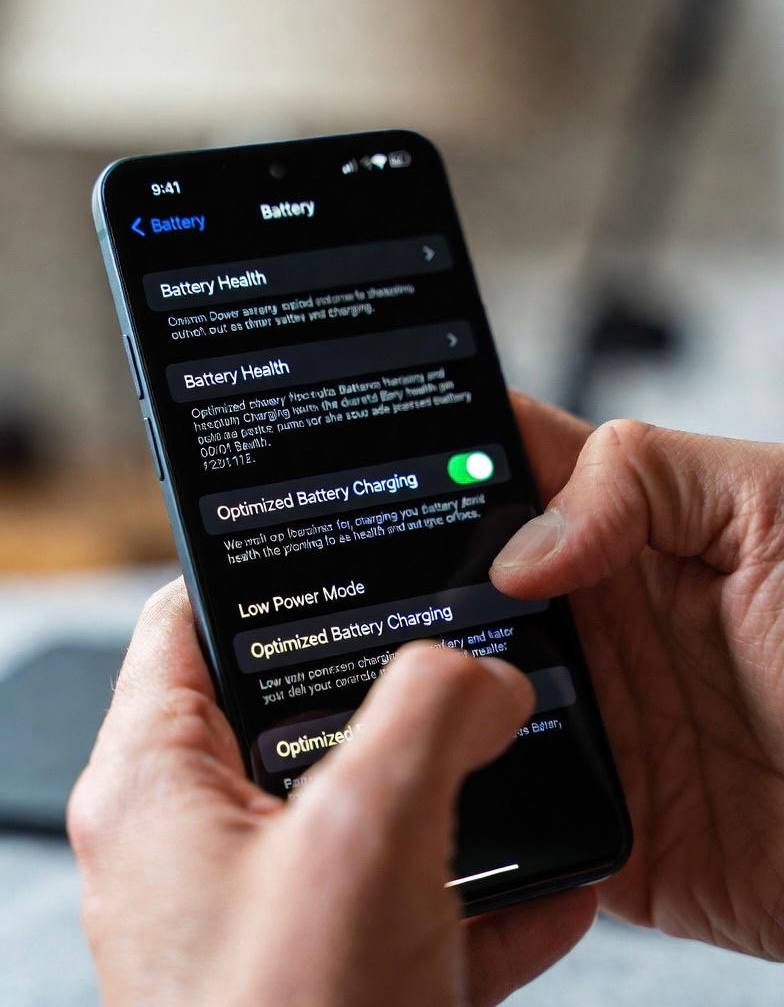
Apple includes a feature called Optimized Battery Charging, designed to reduce battery aging and heat. When enabled, your iPhone learns your charging routine and slows charging past 80% until you actually need the phone.
This reduces the time your battery spends fully charged and warm, which helps prevent overheating and long-term damage.
Best practice:
Keep Optimized Battery Charging turned on in your battery settings.
Don’t Let Your Battery Drop to Zero Regularly
Allowing your battery to drain completely before charging puts extra stress on it. Deep discharge cycles generate more heat when the battery recharges and accelerate battery wear.
Lithium-ion batteries perform best when kept between moderate charge levels rather than extreme lows and highs.
Best practice:
Recharge your iPhone when it drops to around 20–30%, not 0%.
Recognize Warning Signs Early
Your iPhone will warn you if it becomes too hot. Ignoring these warnings repeatedly can lead to permanent damage.
Common warning signs include:
• Charging pauses unexpectedly
• Screen dims automatically
• Temperature warning messages
• Phone feels hot to the touch
When you notice these signs, unplug the device and allow it to cool before continuing.
Small Habits Make a Big Difference
Preventing iPhone overheating during charging isn’t about one big fix it’s about many small habits working together. Using quality chargers, charging in cool environments, avoiding heavy use while charging, and letting your phone breathe all contribute to better battery health.
When you treat your iPhone’s battery with care, it rewards you with longer lifespan, consistent performance, and fewer overheating issues. These habits don’t cost money, don’t require technical skills, and can be applied immediately.
If you want your iPhone to last for years without battery problems, the way you charge it matters more than you think.