
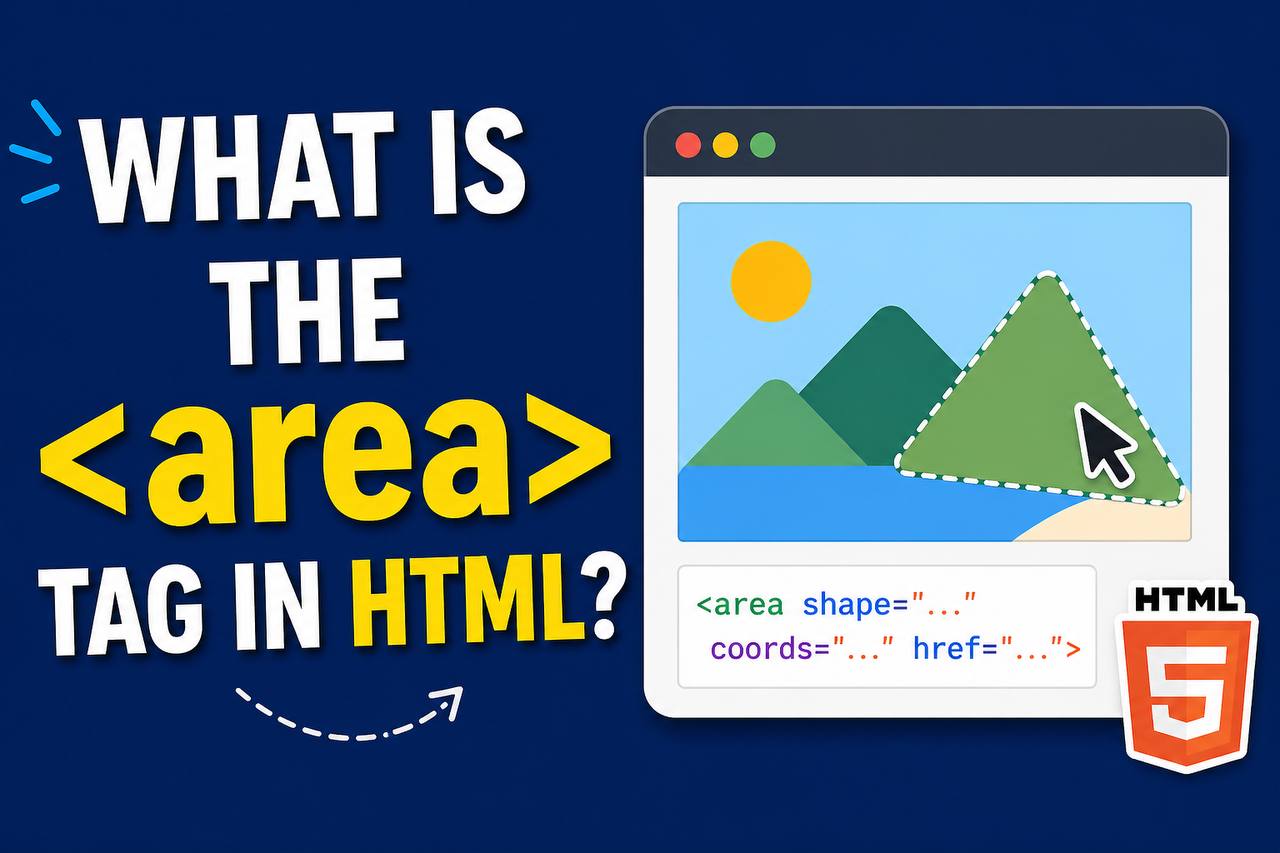
When building websites, most links are simple text or buttons. But sometimes, you may want to make different parts of a single image clickable. That’s where the <area> tag comes in.
The <area> tag works with image maps to define clickable regions inside an image. It allows you to turn one image into multiple links.
In this guide, you’ll learn what the <area> tag is, how it works, and how to use it in a simple and clear way.
What is the <area> Tag?
The <area> tag is used to define a clickable area inside an image.
It does not work alone. It is always used inside a <map> element, which is then connected to an image using the usemap attribute.
Simple meaning:
The <area> tag = clickable part of an image
Where is the <area> Tag Used?
The <area> tag is used inside:
<map>→ defines the image map<img>→ displays the image
So the structure looks like this:
<img src=”image.jpg” usemap=”#example-map”>
<map name=”example-map”>
<area shape=”rect” coords=”0,0,100,100″ href=”link.html”>
</map>
How the <area> Tag Works
Here’s how everything connects:
- The
<img>displays the image - The
usemapattribute links to the<map> - The
<map>contains<area>tags - Each
<area>defines a clickable region
When a user clicks on a specific part of the image, they are taken to a different link.

Basic Syntax
<area shape="rect" coords="x1,y1,x2,y2" href="link.html" alt="Description">
Important Attributes of <area>
1. shape
Defines the shape of the clickable area.
Common values:
rect→ rectanglecircle→ circlepoly→ polygondefault→ entire image
<area shape="rect">
2. coords
Defines the coordinates of the shape.
<area shape="rect" coords="0,0,200,200">
How it works:
rect→ top-left and bottom-right pointscircle→ center + radiuspoly→ multiple points
3. href
Defines the link destination.
<area href="page.html">
4. alt
Provides alternative text for accessibility.
<area alt="Go to homepage">
5. target
Controls how the link opens.
<area href="page.html" target="_blank">
Full Example
<!DOCTYPE html>
<html>
<body>

<img src="map.jpg" usemap="#imagemap" alt="Example Map">

<map name="imagemap">
  <area shape="rect" coords="0,0,150,150" href="home.html" alt="Home">
  <area shape="circle" coords="300,150,75" href="about.html" alt="About">
  <area shape="poly" coords="400,50,450,150,350,150" href="contact.html" alt="Contact">
</map>

</body>
</html>
Understanding Shapes with Examples
Rectangle (rect)
<area shape="rect" coords="10,10,200,200" href="#">
Defines a box area.
Circle (circle)
<area shape="circle" coords="150,150,50" href="#">
Defines a circular area.
Polygon (poly)
<area shape="poly" coords="100,10,200,50,150,100" href="#">
Defines a custom shape.
Real-Life Use Cases
1. Interactive Maps
You can create a map where each region is clickable.
2. Product Images
Different parts of a product image can link to details.
2. Product Images
Different parts of a product image can link to details.
4. Navigation Images
Use images as menus with multiple links.
4. Navigation Images
Use images as menus with multiple links.
Common Mistakes to Avoid
1. Forgetting <map>
❌ Wrong:
<area href="#">
✔ Correct:
<map>
  <area href="#">
</map>
2. Wrong Coordinates
If coordinates are wrong, the clickable area won’t match the image.
3. Missing usemap
Your <img> must connect to <map>.
4. No alt Attribute
This affects accessibility and SEO.
<area> vs <a>
| Feature | <area> | <a> |
|---|---|---|
| Used for | Image maps | Text/images |
| Multiple links in one image | ✔ | ✘ |
| Works alone | ✘ | ✔ |
When Should You Use <area>?
Use it when:
✔ You want multiple clickable areas in one image
✔ You are building interactive graphics
✔ You need image-based navigation
Avoid it when:
✘ A simple link is enough
✘ You don’t need image interaction
Styling Image Maps
The <area> tag itself cannot be styled with CSS easily.
To improve UI:
- Use clear images
- Highlight areas visually
- Add hover effects with JavaScript if needed
Styling Image Maps
The <area> tag itself cannot be styled with CSS easily.
To improve UI:
- Use clear images
- Highlight areas visually
- Add hover effects with JavaScript if needed
Best Practices
- Keep coordinates accurate
- Use meaningful
alttext - Test on different screen sizes
- Avoid overcomplicating shapes
- Use image maps only when necessary
Limitations of <area>
- Not very flexible for responsive design
- Hard to maintain for complex layouts
- Not commonly used in modern UI
Today, many developers use CSS and JavaScript instead.
Why the <area> Tag Still Matters
Even though it’s not used as often today, the <area> tag is still useful for:
Special use cases like maps and diagrams
Simple interactive images
Learning HTML fundamentals
Modern Alternatives
Instead of <area>, developers sometimes use:
- CSS positioning
- SVG (Scalable Vector Graphics)
- JavaScript interactions
But <area> remains a simple built-in solution.
Advanced Example
<!DOCTYPE html>
<html>
<body>

<h2>Interactive Image</h2>

<img src="diagram.jpg" usemap="#diagrammap" alt="Diagram">

<map name="diagrammap">
  <area shape="rect" coords="0,0,100,100" href="section1.html" alt="Section 1">
  <area shape="circle" coords="200,150,50" href="section2.html" alt="Section 2">
</map>

</body>
</html>
The <area> tag is a simple but powerful way to create clickable regions inside an image. It works with <map> and <img> to turn one image into multiple links.
While it’s not as commonly used in modern web design, it still has value in specific cases like interactive maps and diagrams.
Understanding the <area> tag helps you build more flexible and interactive web pages. As you continue learning HTML, it adds another useful tool to your skill set.
Read More