
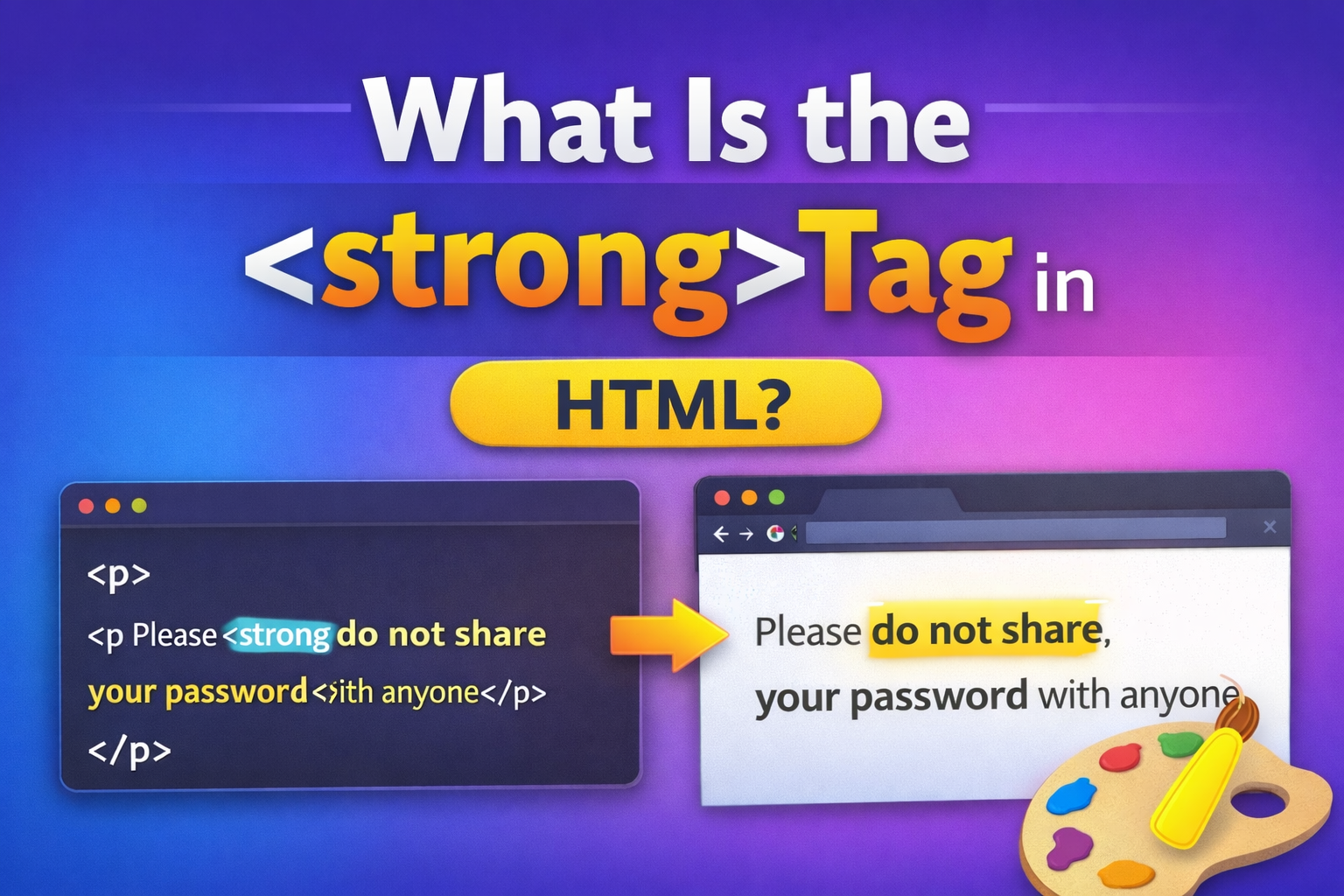
When learning HTML, you will often see text that appears bold on a webpage. Many beginners think this is only about design. But in HTML, some tags do more than change appearance. One important example is the <strong> tag.
The <strong> tag is used to mark text that has strong importance. It usually appears bold in browsers, but its real purpose is to show meaning, not just style.
In this guide, you will learn:
- What the
<strong>tag is - What it does
- How it works
- How it is different from
<b> - When to use it
- Common mistakes
Everything is explained in simple and clear language.
What the <strong> Tag Means
The <strong> tag is used to indicate that a piece of text is important, serious, or urgent.
It tells the browser and assistive technologies:
👉 “This text has strong importance.”
By default, browsers display <strong> text in bold. But bold appearance is not the main purpose. The main purpose is meaning.
Basic Example of the <strong> Tag
Here is a simple example:

On the webpage, the sentence appears like this:
Please do not share your password with anyone.
The bold text shows importance.

Why the <strong> Tag Is Important
Webpages are not only read visually. They are also read by:
- Screen readers
- Search engines
- Assistive technologies
When you use <strong>, you are giving meaning to the content.
Screen readers may:
- Change tone
- Add emphasis
- Pause slightly
This helps visually impaired users understand importance.
Search engines may also recognize strongly emphasized content.
<strong> Is a Semantic Tag
In HTML, some tags are semantic. That means they describe the meaning of content.
The <strong> tag is semantic because it shows importance.
It is not just for styling.
Difference Between <strong> and <b>
Many beginners confuse these two tags.
They both make text bold by default, but they are not the same.
<strong>
- Shows importance
- Semantic meaning
- Bold by default
<b>
- Only makes text bold
- No special meaning
- Purely visual
Example Comparison

Visually, both look bold.
But <strong> tells the browser the text is important.<b> only changes appearance.

When You Should Use <strong>
Use <strong> when text has serious or important meaning.
Good examples:
✔ Warnings
✔ Important instructions
✔ Critical information
✔ Safety notices
✔ Key points
Example:

This clearly shows urgency.

When You Should NOT Use <strong>
Do not use <strong> just to make text bold for design reasons.
Bad example:

If it is not important, use CSS for styling instead.
Using <strong> Inside Paragraphs
Most commonly, <strong> is used inside <p> tags.
Example:

This highlights important instruction within normal text.

Using <strong> Inside Headings
You can use <strong> inside headings if part of the heading needs emphasis.
Example:

However, headings are already strong elements. So use carefully.
Nesting <strong> Tags
You can nest <strong> inside other inline elements.
Example:

This combines styling with semantic importance.
Default Browser Style
Browsers automatically make <strong> text bold.
But you can change the appearance using CSS.
Example:

Now important text appears red instead of bold.
You can even remove bold if needed:

But remember, the semantic meaning still exists.

<strong> and Accessibility
Accessibility is one of the biggest reasons to use <strong> properly.
Screen readers treat <strong> differently from regular text.
They may:
- Add vocal emphasis
- Change tone
- Pause for clarity
This improves understanding for users who rely on audio reading.
Using <b> instead does not provide this benefit.
<strong> and SEO
Search engines analyze content meaning.
While <strong> alone does not guarantee ranking, it helps:
- Highlight important keywords
- Show emphasis
- Clarify content meaning
However, do not overuse it. Too many strong tags reduce effectiveness.
Multiple <strong> in One Paragraph
You can use more than one strong element.
Example:

This works well for labels.

Combining <strong> with Other Inline Tags
Example:

Here:
<em>adds emphasis<strong>adds importance
They can work together when needed.
<strong> vs <em>
Another common confusion.
<strong>
- Indicates importance
<em>
- Indicates emphasis
Example:

<em> changes meaning through stress.<strong> shows serious importance.
Real Website Example

This clearly highlights important security instructions.

Common Beginner Mistakes
1. Using <strong> for Design Only
Wrong:

Better:

Use CSS for styling.
2. Overusing <strong>
If everything is important, nothing stands out.
Use it only where needed.
3. Replacing Headings with <strong>
Wrong:

Correct:

Headings are for structure.<strong> is for emphasis.
Can <strong> Be Nested?
Yes.
Example:

But this is rarely necessary. Keep it simple.
HTML5 Support
The <strong> tag is fully supported in all modern browsers:
- Chrome
- Firefox
- Safari
- Edge
No compatibility issues.
Practical Use Cases
Here are practical situations where <strong> works well:
- Exam instructions
- Legal warnings
- Emergency notices
- Payment alerts
- Security messages
- Important deadlines
Quick Summary Table
| Feature | <strong> Tag |
|---|---|
| Type | Inline element |
| Purpose | Show importance |
| Default style | Bold |
| Semantic meaning | Yes |
| Accessibility benefit | Yes |
| Used for design only | No |
Best Practices for Using <strong>
Follow these simple rules:
✔ Use only for important content
✔ Do not overuse
✔ Do not replace headings
✔ Combine with CSS if needed
✔ Keep HTML meaningful
Why the <strong> Tag Matters
The <strong> tag helps create clear communication.
It:
- Improves readability
- Signals importance
- Supports accessibility
- Adds semantic meaning
- Helps content structure
Even though it looks simple, it plays an important role in professional web development.
The <strong> tag in HTML is used to show strong importance. It usually appears bold, but its real purpose is meaning — not design.
Remember the key idea:
👉 <strong> means the content is important.
Use it for warnings, key instructions, and serious information. Avoid using it just for visual styling.
When used correctly, it improves accessibility, clarity, and structure of your webpage.
That is everything you need to understand and use the <strong> tag properly.