
If you’re new to design, you’ve probably seen the terms UI and UX used interchangeably. Many beginners think they mean the same thing, but they actually describe two different roles that work together.
Understanding the difference between UI and UX design is essential if you want to:
- Learn design properly
- Choose the right learning path
- Build better websites and apps
This guide explains UI vs UX in simple language, with real examples anyone can understand.
What Is UI Design? (Quick Recap)
UI design stands for User Interface design. It focuses on how a digital product looks and visually behaves.
UI design includes:
- Buttons
- Typography
- Colors
- Icons
- Layouts
UI designers make sure interfaces are:
- Visually appealing
- Clear and readable
- Consistent
What Is UI Design? A Beginner-Friendly Explanation
What Is UX Design? (Quick Recap)
UX design stands for User Experience design. It focuses on how a user experiences and interacts with a product.
UX design includes:
- User flows
- Structure
- Navigation
- Usability
- Problem-solving
UX designers make sure products are:
- Easy to use
- Logical
- Efficient
What Is UX Design? A Beginner-Friendly Step-by-Step Explanation
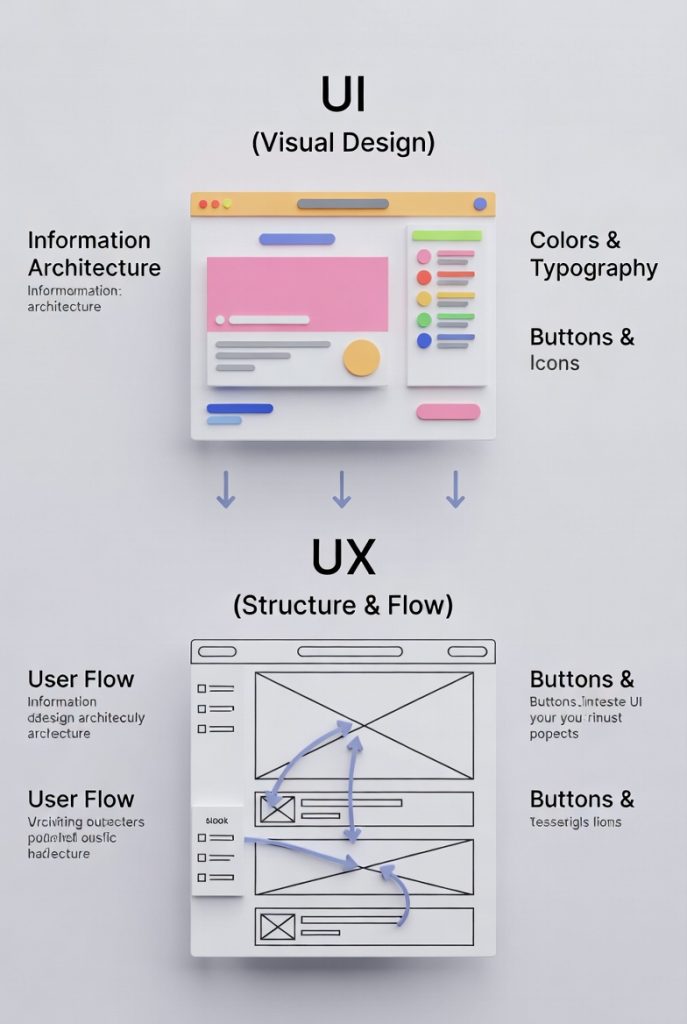
UI vs UX: Side-by-Side Comparison
Here is the simplest way to understand the difference.
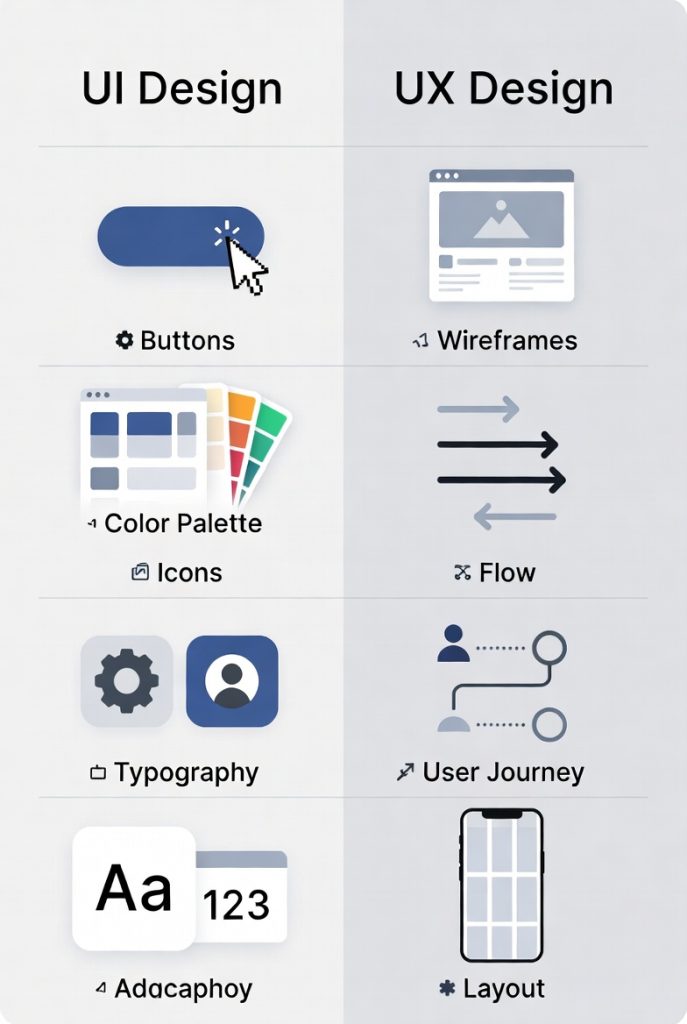
| UI Design | UX Design |
|---|---|
| Focuses on visuals | Focuses on experience |
| Colors, fonts, layout | Flow, structure, usability |
| What users see | How users feel |
| Interface details | User journey |
| Aesthetic decisions | Problem-solving decisions |
In short:
UX defines the structure, UI defines the appearance.
How UI and UX Work Together
UI and UX are not separate silos — they depend on each other.
Example:
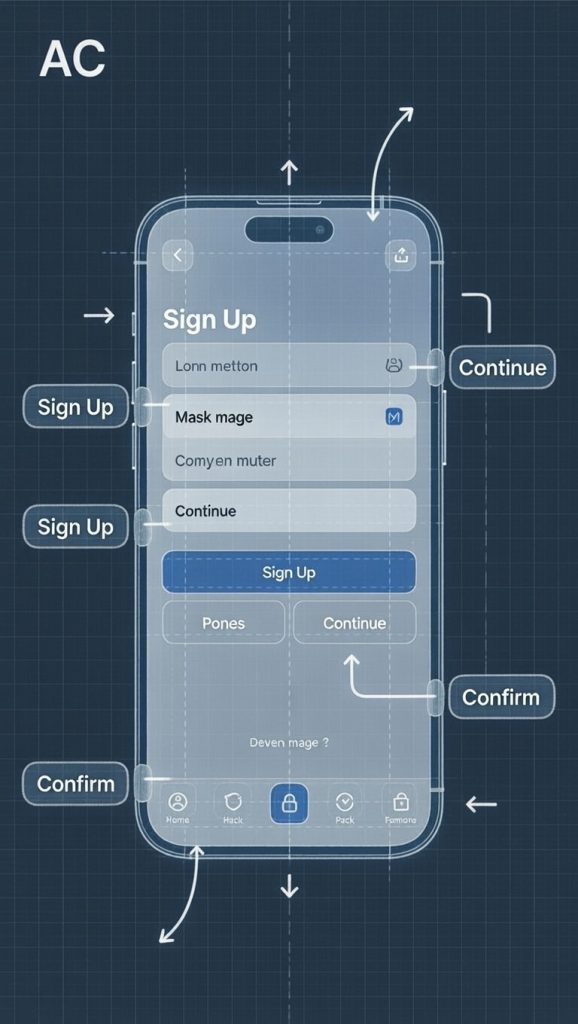
- UX decides where the signup button should go
- UI decides how that button looks
Without UX:
- A beautiful design may be confusing
Without UI:
- A functional product may feel boring or unclear
The best products combine strong UX with clean UI.
Real-World Example: Mobile App Design
Imagine designing a food delivery app.
UX Role:
- Decide steps from opening app → ordering food
- Reduce number of screens
- Make checkout simple
UI Role:
- Design buttons and icons
- Choose colors and fonts
- Make screens visually appealing
Both roles are necessary for success.
UI vs UX: Skills Comparison
UI Designer Skills:
- Visual design
- Color theory
- Typography
- Layout and spacing
- Design tools (Figma, Adobe XD)
UX Designer Skills:
- User research
- Problem-solving
- Information architecture
- Wireframing
- Usability testing
Some designers specialize in one, others do both.
Which One Should Beginners Learn First?
For beginners, learning both together is ideal.
Recommended path:
- Learn basic UX concepts (flows, structure)
- Learn UI design fundamentals (colors, typography)
- Practice designing real screens
Many beginners start with UI because it feels more visual, then gradually move into UX.
Can One Person Do Both UI and UX?
Yes.
Many job roles today are labeled UI/UX Designer, meaning:
- You handle both interface and experience
- You design visually and structurally
For beginners, this is a huge advantage, especially for freelance or junior roles.
Common UI vs UX Myths (Beginners Should Ignore)
UX designers don’t design screens.
UI is more important than UX.
UX is only about research.
Truth:
- UI and UX are equally important
- They work best together
- Both affect user satisfaction
Summary: UI vs UX in Simple Terms
Here’s the easiest way to remember it:
- UX = structure + flow + usability
- UI = visuals + layout + style
UX makes sure the product works well.
UI makes sure the product looks good.
Together, they create successful digital experiences.