
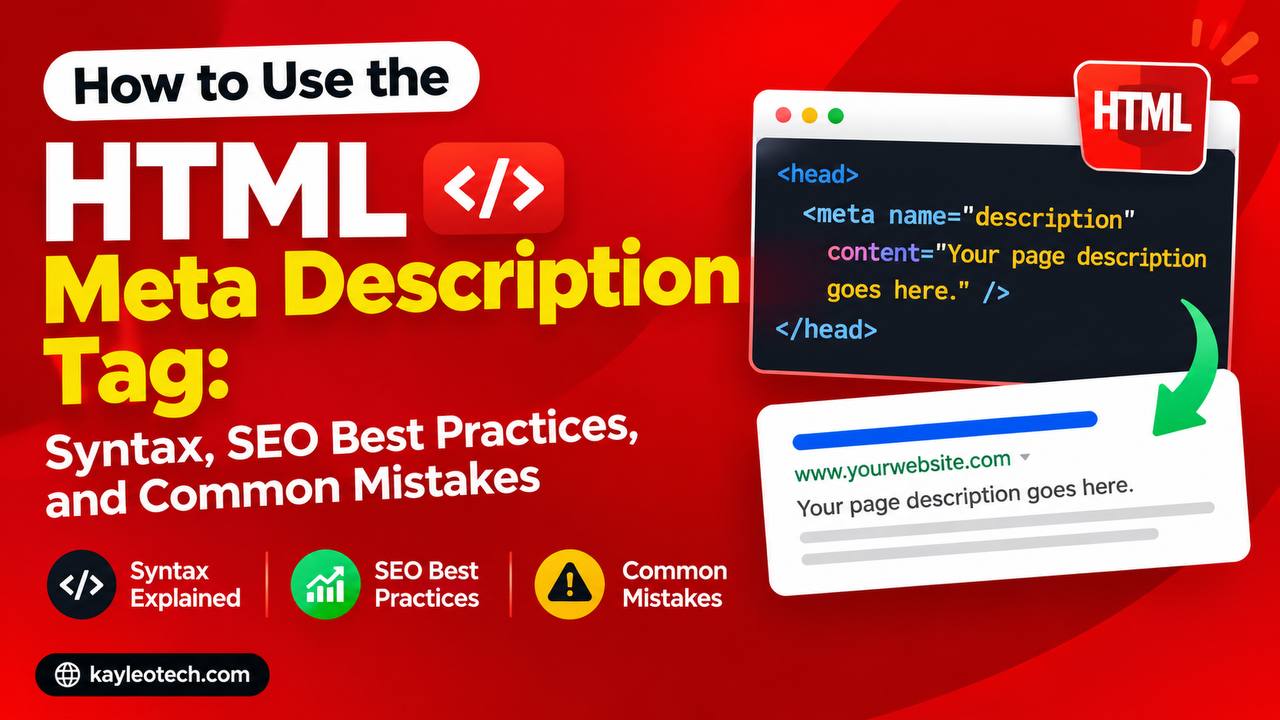
If you’ve ever searched for something on Google, you’ve probably noticed that each search result usually includes a title and a short summary underneath it. That short summary often comes from the HTML description meta tag.
Although visitors cannot usually see the description meta tag while browsing a webpage, it plays an important role behind the scenes. It helps search engines understand what a page is about and can influence whether people decide to click on your website in search results.
For beginners learning HTML, the description meta tag is one of the first SEO-related elements worth understanding. It is easy to add, simple to maintain, and can improve how your pages are presented on search engines.
In this beginner-friendly guide, you’ll learn what the HTML description meta tag is, why it’s important, how it works, best practices for writing one, common mistakes to avoid, and practical tips you can use in your own projects.
This article explains the concept in simple language with only a small amount of code so you can focus on understanding the purpose of the tag.
What Is the HTML Description Meta Tag?
The HTML description meta tag is a piece of information placed inside the <head> section of an HTML document.
Its purpose is to provide a short summary of what the webpage contains.
Unlike headings or paragraphs, this description is generally not displayed as part of the webpage itself. Instead, it is mainly intended for search engines and other services that preview webpages.
Think of it as a short introduction that tells search engines and users what they can expect before they visit your page.
Basic Syntax
Here is the basic structure of a description meta tag:
<meta name="description" content="Learn HTML with beginner-friendly tutorials, practical examples, and step-by-step guides.">
The important part is the content attribute because that is where you write your webpage description.
Why the Description Meta Tag Is Important
Although the description meta tag does not directly create the visible content of your webpage, it serves several important purposes.
Some of the main benefits include:
- Helping search engines understand your page
- Providing a summary for potential visitors
- Encouraging more users to click your search result
- Making search listings more informative
- Supporting an overall SEO strategy
Even though search engines sometimes generate their own descriptions, providing a well-written meta description gives you greater control over how your page may appear.
How the Description Meta Tag Works
When a search engine crawls your website, it reads many different parts of your HTML document.
One of those parts is the description meta tag.
The search engine may then use your description as the short snippet displayed beneath your page title in search results.
For example, imagine you publish a tutorial about HTML forms.
A search engine might display:
HTML Forms for Beginners
Learn how HTML forms work with simple examples, beginner-friendly explanations, and practical tips.
This short summary often comes from the description meta tag.
Where Is the Description Meta Tag Placed?
The description meta tag belongs inside the <head> section of an HTML document.
The <head> contains information about the webpage that visitors usually do not see directly.
Other elements commonly found inside the head include:
- Page title
- Character encoding
- Viewport settings
- Stylesheets
- Meta tags
Keeping the description inside the head ensures browsers and search engines can locate it correctly.
Difference Between the Page Title and the Description
Many beginners confuse the title tag with the description meta tag.
They serve different purposes.
| Page Title | Description Meta Tag |
|---|---|
| Displays as the page title in browser tabs | Provides a summary of the page |
| Usually appears as the clickable heading in search results | Often appears below the title in search results |
| Should be concise | Can provide a slightly longer explanation |
Both elements work together to improve how your webpage is presented.
What Makes a Good Meta Description?
A good description should accurately explain the content of the page.
Some useful qualities include:
- Clear
- Relevant
- Natural
- Easy to read
- Informative
Instead of trying to fill the description with unnecessary keywords, focus on writing something helpful for readers.
Keep It Relevant
The description should match the actual content of your page.
For example, if your article teaches HTML tables, the description should mention HTML tables rather than unrelated topics.
Accurate descriptions build trust with visitors.
Write for Humans First
Although search engines read the description, your primary audience is still people.
Imagine someone deciding whether to click your search result.
A helpful and interesting summary is far more valuable than a list of repeated keywords.
Avoid Keyword Stuffing
Years ago, some websites tried to rank higher by repeating keywords over and over.
For example:
“HTML tutorial HTML tutorial HTML tutorial HTML tutorial.”
Modern search engines recognize this as poor practice.
Instead, write naturally.
Keep the Description Concise
Meta descriptions should provide enough information without becoming too long.
If a description is excessively lengthy, search engines may shorten it in search results.
Keeping your summary focused makes it easier to read.
Every Page Should Have Its Own Description
Each webpage on your site should have a unique description.
For example:
- Homepage
- About page
- Contact page
- Tutorial page
- Blog article
Each serves a different purpose and deserves its own summary.
Using the same description across many pages can reduce clarity.
Examples of Pages That Need Descriptions
Almost every webpage can benefit from its own description, including:
- Blog posts
- Product pages
- Service pages
- Portfolio pages
- Landing pages
- Documentation
- Tutorials
- FAQs
Each page has unique content that deserves its own summary.
Description Meta Tag and SEO
The description meta tag is closely associated with Search Engine Optimization (SEO).
While it is generally not considered a direct ranking factor on its own, it can influence how attractive your search result appears.
A well-written description may encourage more users to click your page instead of another result.
Higher user engagement can contribute to a better overall search experience.
Description Meta Tag and User Experience
The description acts like a preview.
Visitors can quickly decide whether your content matches what they are looking for.
A good description helps users:
- Know what to expect
- Save time
- Choose relevant results
- Feel more confident about clicking
Clear communication benefits both users and website owners.
Social Media Sharing
Although many social media platforms use additional metadata such as Open Graph tags, the description meta tag may still influence previews in certain situations.
Providing a useful description improves the likelihood that shared links present meaningful information.
Common Beginner Mistakes
Let’s look at some mistakes beginners often make.
1. Leaving the Description Blank
Some webpages have no description at all.
When this happens, search engines may generate their own snippet from the page.
While this isn’t always a problem, writing your own description gives you more control.
2. Using the Same Description Everywhere
Every webpage should describe its own content.
Avoid copying one description onto every page of your website.
3. Writing Descriptions That Don’t Match the Page
Misleading descriptions can disappoint visitors.
If someone clicks expecting one topic but finds another, they may leave quickly.
Always describe the actual content.
4. Making the Description Too Vague
Descriptions like:
“Welcome to my website.”
do not tell users very much.
Instead, explain what visitors will actually learn or find.
Practical Example
Imagine you publish an article titled:
How to Use HTML Lists
A helpful description might explain that the article teaches beginners how to create ordered, unordered, and description lists with simple examples.
This immediately tells readers what they can expect.
Description Meta Tags for Blogs
Blogs often publish many articles.
Giving every article its own unique description helps readers distinguish between similar topics.
For example:
Each article deserves its own summary.
Description Meta Tags for Business Websites
Business websites also benefit from good descriptions.
Examples include:
- Home page
- Services
- About us
- Contact page
- Product categories
Clear summaries help visitors understand the purpose of each page.
Description Meta Tags for Online Stores
E-commerce websites often include descriptions for:
- Individual products
- Product categories
- Brand pages
- Special offers
These descriptions help shoppers understand what each page contains before visiting.
Browser Support
The description meta tag has excellent browser support because it has been part of HTML for many years.
Modern browsers recognize it without any special configuration.
Best Practices
Here are several helpful guidelines.
Describe the page accurately.
Keep the wording natural.
Avoid unnecessary repetition.
Make every page unique.
Focus on helping users understand your content.
Review descriptions whenever you update a page.
Keep your descriptions relevant over time.
These simple habits can improve the overall quality of your website.
Why Beginners Should Learn Meta Descriptions
Learning the description meta tag introduces beginners to an important part of technical SEO.
It teaches you that HTML is not only about creating visible content.
Some HTML elements work behind the scenes to improve how webpages are understood by search engines and other services.
Understanding this early helps build better web development habits.
Real-World Uses
You’ll find description meta tags on many different types of websites, including:
- Personal blogs
- Educational websites
- News websites
- Government websites
- Business websites
- Online stores
- Documentation sites
- Portfolio websites
Regardless of the website’s purpose, a clear description helps communicate what each page offers.
The HTML description meta tag may be small, but it serves an important role in modern web development. It provides a concise summary of a webpage that can help search engines understand the content and help users decide whether to visit the page.
While it doesn’t appear directly on the webpage itself, it contributes to better organization, clearer communication, and a stronger overall SEO strategy. By writing unique, relevant, and user-friendly descriptions for each page, you make your website more helpful to both search engines and visitors.
As you continue learning HTML, remember that good web development isn’t only about what people see on the screen. Behind-the-scenes elements like the description meta tag also play an important role in creating professional, well-structured, and easy-to-discover websites.