

Your smartphone is more than just a device for calls and messages. It stores your personal photos, private conversations, banking apps, passwords, emails, documents, and even your identity. Because of this, smartphones have become a major target for hackers, scammers, and data thieves.
Many people assume their phones are automatically safe, but the truth is that poor security habits can expose your personal data without you even realizing it. In this guide, you will learn why smartphone protection is important, common risks people ignore, and practical steps you can take to secure your phone properly.
Why You Must Protect Your Smartphone
Smartphone protection is no longer optional. Here’s why it matters:
1. Your Phone Stores Sensitive Information
Your smartphone contains:
- Personal photos and videos
- Email accounts
- Social media accounts
- Banking and payment apps
- Saved passwords and login details
If your phone is compromised, attackers can access all of these.
2. Identity Theft Is Increasing
Cybercriminals can use stolen data to:
- Impersonate you online
- Access your financial accounts
- Scam your contacts
- Steal your digital identity
3. Phones Are Always Connected to the Internet
Public Wi-Fi networks, unsecured apps, and malicious links can expose your device to threats.
4. Losing a Phone Can Be Risky
If your phone is stolen and not properly secured, anyone can access your data.
Common Smartphone Security Risks People Ignore
Many users unknowingly expose themselves to danger. Below are common mistakes:
- Using weak or no screen lock
- Reusing the same password everywhere
- Installing apps from unknown sources
- Clicking suspicious links in messages or emails
- Ignoring software updates
- Connecting to unsecured public Wi-Fi
Understanding these risks is the first step toward protection.
Step-by-Step: How to Secure Your Smartphone Properly
The steps below apply mainly to Apple iPhone, but the principles work for all smartphones.
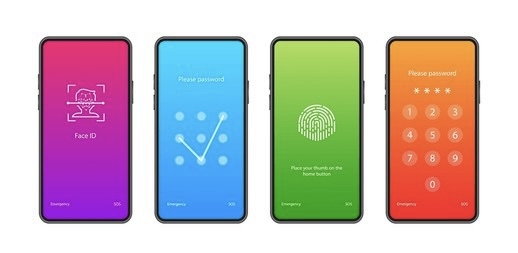
1. Use a Strong Screen Lock (Face ID, Touch ID, or Passcode)
Your screen lock is your first line of defense.
Recommended options:
Open Settings
- Face ID
- Touch ID
- Strong passcode (not 1234 or 0000 and ABCD)
How to enable on iPhone:
Enable Face ID or Touch ID
Tap Face ID & Passcode
Set a secure passcode
2. Keep Your Phone Software Updated
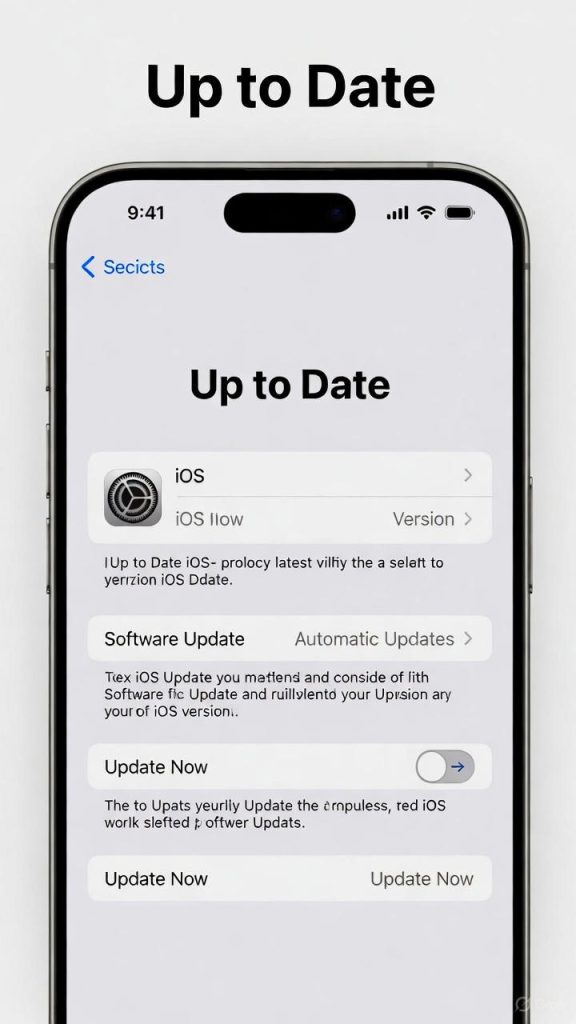
Software updates do more than add new features — they fix security vulnerabilities.
Why updates matter:
- Patch security loopholes
- Protect against newly discovered threats
- Improve system stability
How to check updates on iPhone:
- Go to Settings
- Tap General
- Tap Software Update
3. Lock Apps That Contain Sensitive Information
Some apps contain private data and should be protected.
Examples:
- Banking apps
- Messaging apps
- Cloud storage apps
On iPhone, many apps support Face ID or passcode protection.

4. Be Careful with App Permissions
Some apps request unnecessary access to:
- Camera
- Microphone
- Location
- Contacts
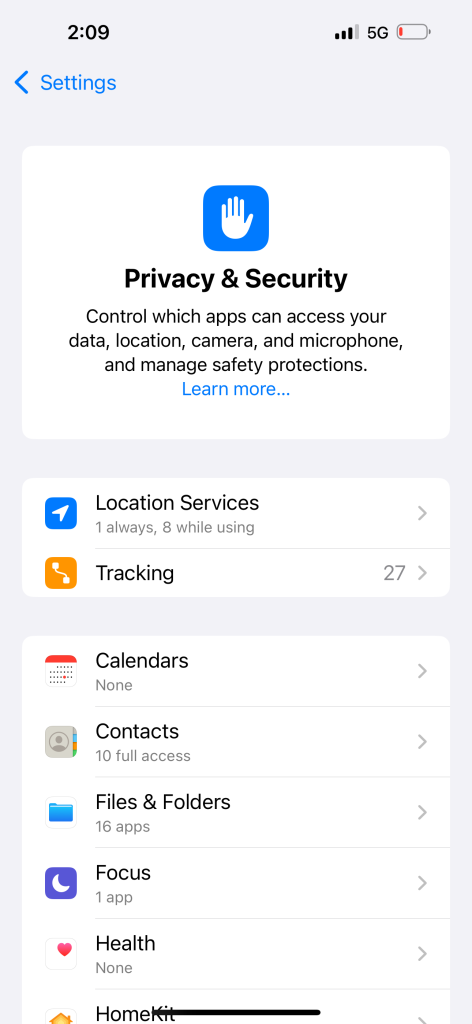
How to review permissions:
- Open Settings
- Tap Privacy & Security
- Review Camera, Microphone, Location access
5. Avoid Public Wi-Fi for Sensitive Activities
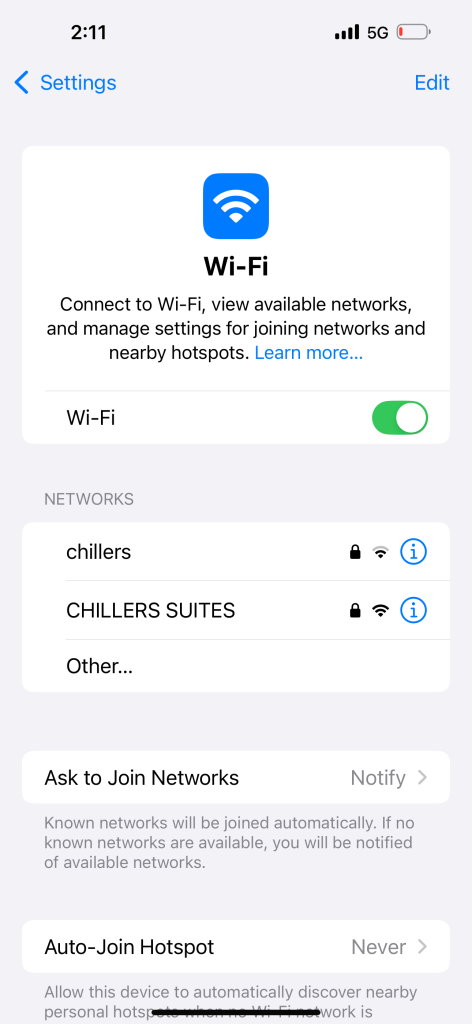
Public Wi-Fi networks are often unsecured.
Avoid doing this on public Wi-Fi:
- Online banking
- Logging into private accounts
- Entering passwords
If necessary, use mobile data or trusted networks.
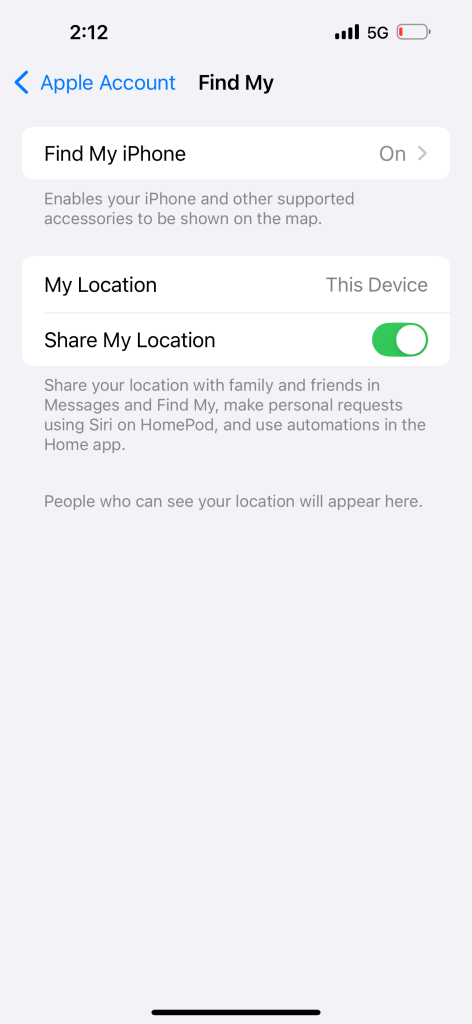
6. Enable “Find My iPhone”
This feature helps you locate, lock, or erase your phone if it’s lost or stolen.
How to enable:
- Open Settings
- Tap your Apple ID name
- Tap Find My
- Enable Find My iPhone
7. Back Up Your Data Regularly
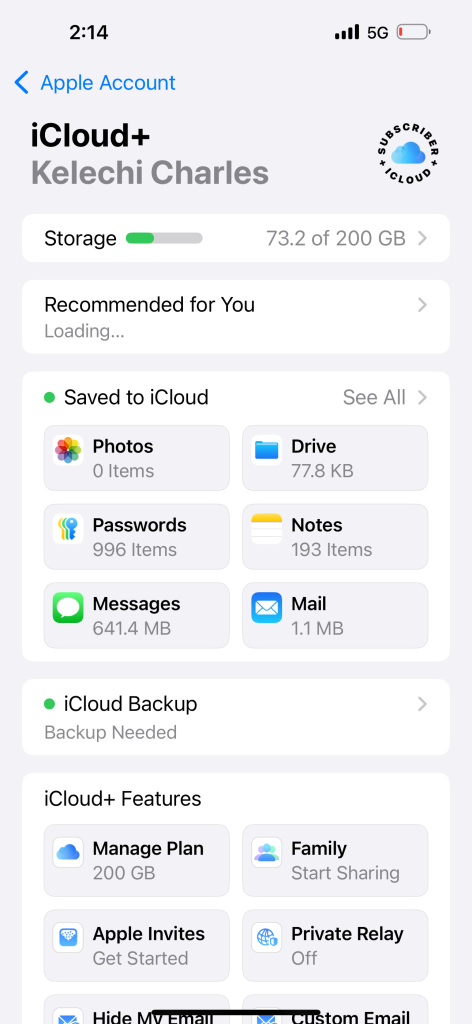
Backups protect you from data loss.
iPhone backup options:
- iCloud backup
- Computer backup (Mac or Windows)
Why backups matter:
- Recover data after loss
- Restore after phone reset
- Protection against accidental deletion
8. Avoid Suspicious Links and Messages
Scammers often send fake messages pretending to be:
- Banks
- Delivery services
- Apple support
Never click unknown links or download attachments from strangers.