
Learning UI/UX design from scratch in 2026 can seem overwhelming at first, but it’s one of the most valuable skills to master if you want to design websites, apps, or digital products that users actually enjoy. Whether you’re starting as a beginner with no experience or coming from a different field, this guide will break down step-by-step how to learn UI/UX design, including practical tools, resources, and strategies that work today.

1. Understand What UI/UX Really Is
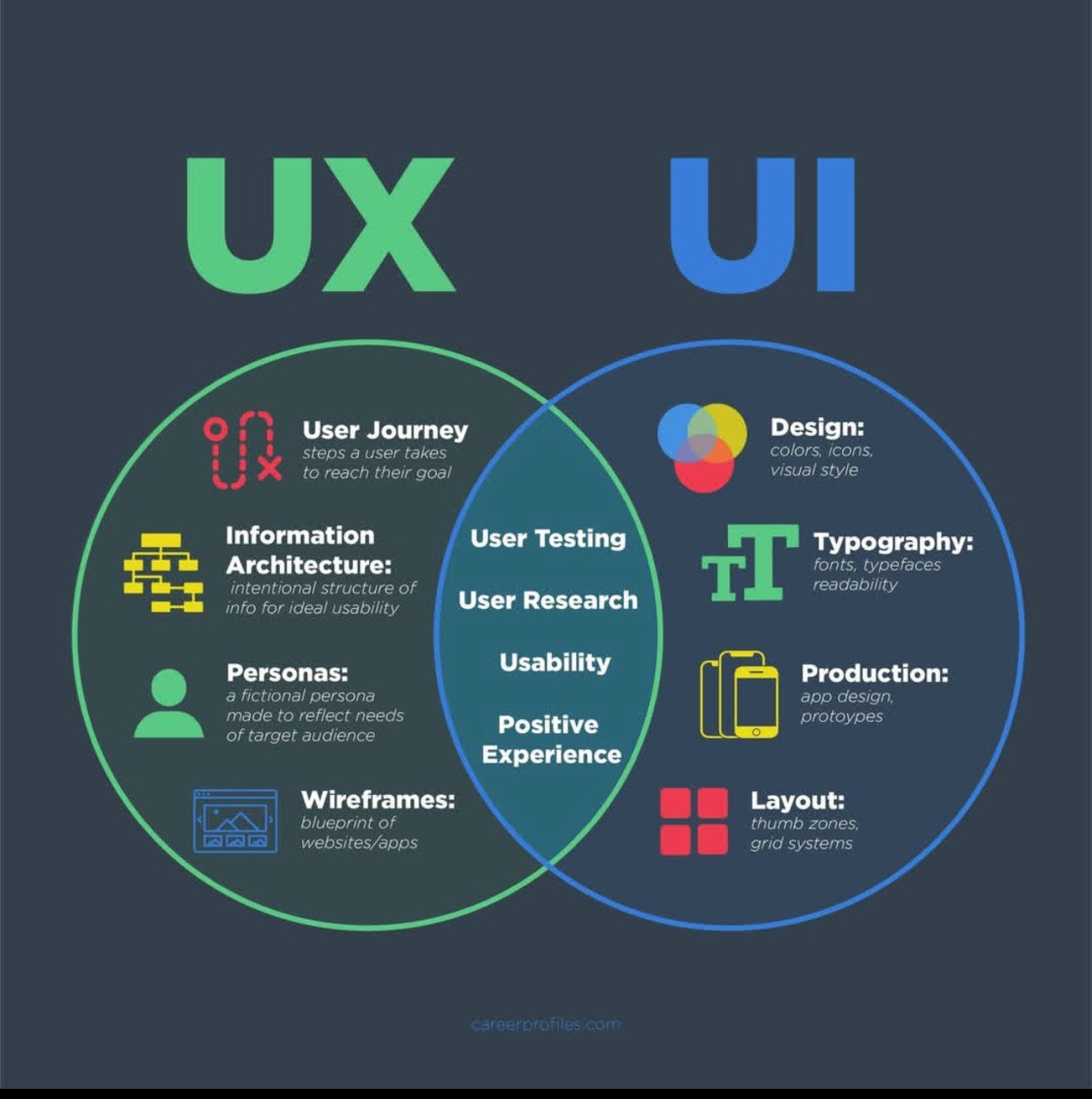
Before jumping into tools or tutorials, it’s important to understand the difference between UI (User Interface) and UX (User Experience).
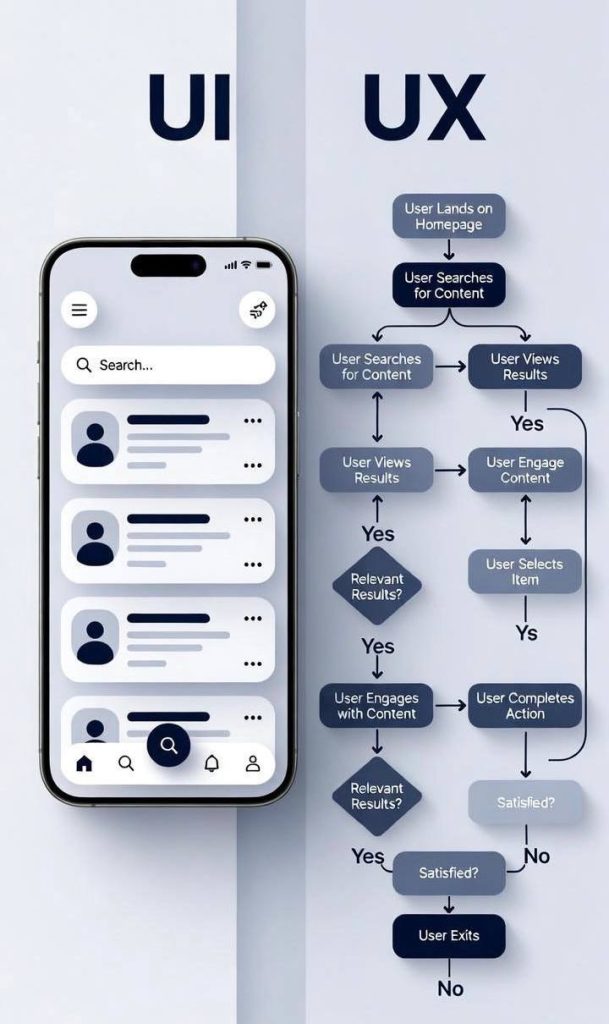
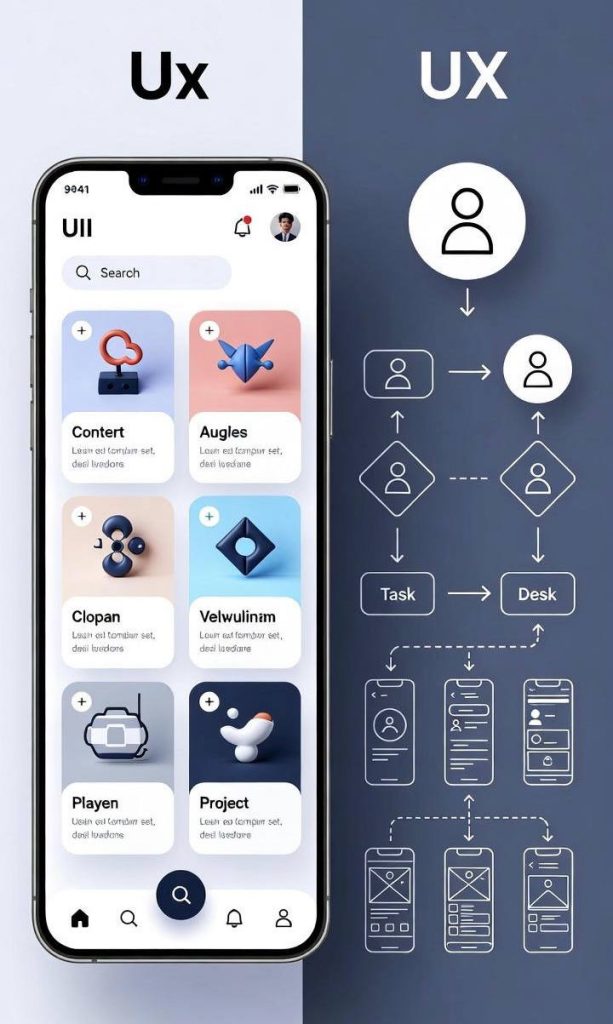
• UI Design focuses on the visual elements: buttons, colors, fonts, icons, layout, and overall aesthetics.
• UX Design focuses on how users interact with a product: ease of use, accessibility, efficiency, and satisfaction.
In simple terms: UX is how something works, UI is how it looks. Both are essential for creating a product people love.
2. Start With the Fundamentals of Design
Before jumping straight into software, learn the core principles of design. These are timeless and form the foundation of every successful UI/UX project.
Key principles include:
• Visual Hierarchy: Organize elements to show importance.
• Consistency: Use consistent colors, fonts, and spacing.
• Contrast and Color: Use contrasting colors to highlight key elements and ensure readability.
• Typography: Learn font pairing and readability for digital screens.
• Whitespace: Avoid clutter; white space improves focus and UX.
Spend a few weeks practicing these by designing simple interfaces or mockups on paper.
3. Learn the Essential UI/UX Tools
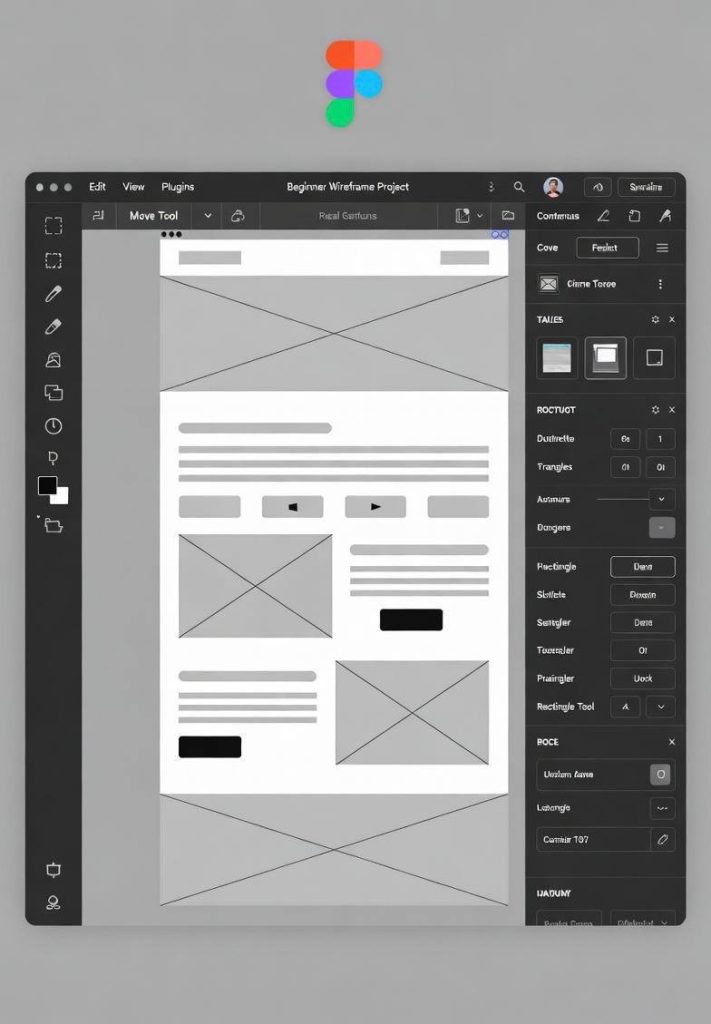
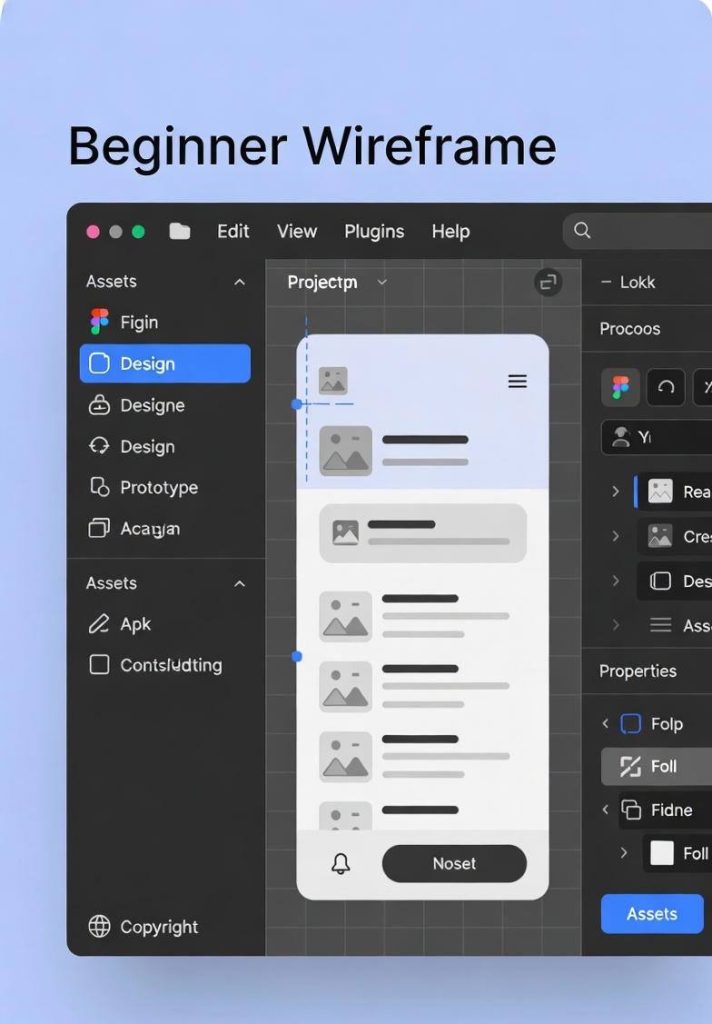
In 2026, most designers rely on Figma, Adobe XD, and Sketch. Figma is the most beginner-friendly and widely used for collaborative design.
Step-by-step approach:
1. Figma: Start with free tutorials to create wireframes and prototypes.
2. Canva: Good for quick mockups and UI elements.
3. Adobe XD: Optional for interactive prototypes.
4. Notion or Miro: For UX planning, flowcharts, and organizing your ideas.
Start small: create one simple app or website layout as practice.
4. Master Wireframing and Prototyping
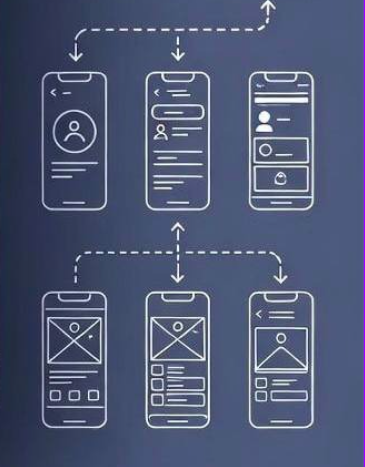
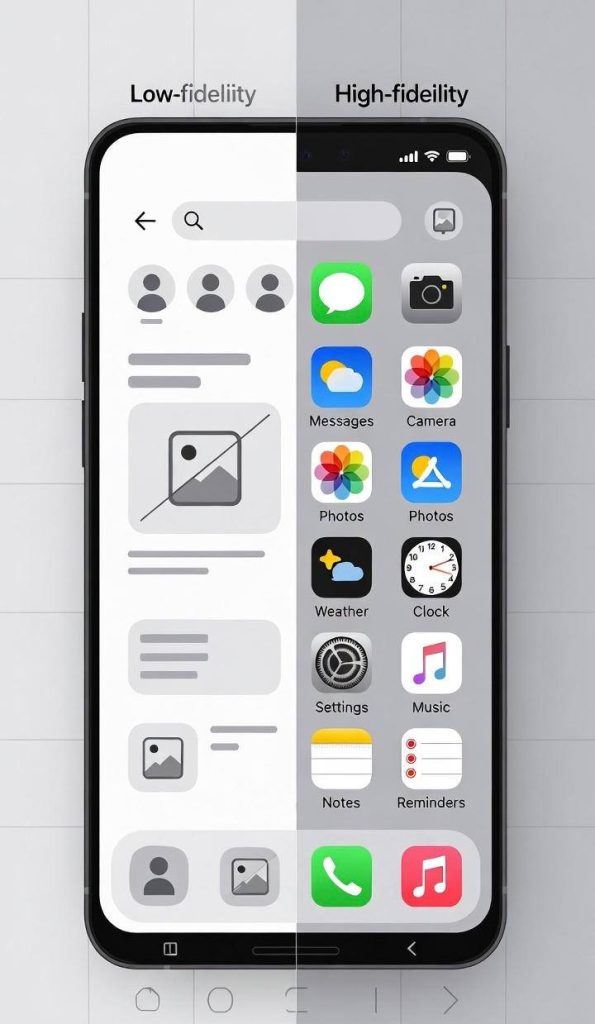
Wireframes are blueprints of your UI/UX design. They are simple sketches that show layout and functionality without focusing on colors or graphics.
• Start with low-fidelity wireframes using paper or Figma. Focus on structure.
• Then create high-fidelity prototypes with clickable interactions in Figma or Adobe XD.
• Practice user flow: how users navigate your app or website from start to finish.
Prototyping is important because it lets you test your design before development, saving time and money.
5. Learn About UX Research
UX design is not just about making things look good it’s about solving real user problems. Learn how to:
• Conduct user research: Interview potential users, create surveys, or observe behavior.
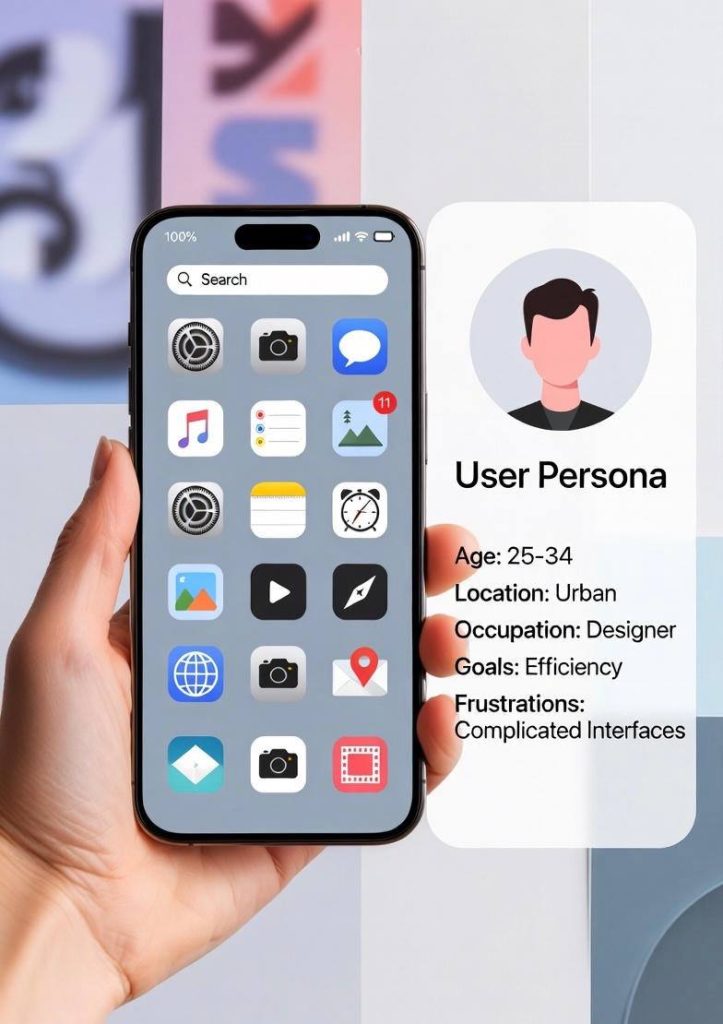
• Create user personas: Represent your target audience and their goals.
• Identify pain points: Understand what frustrates users and how to fix it.
• Perform usability testing: Test your design on real users to find issues.
Even a beginner can start with small projects, like designing a personal website or a simple app and asking friends to test it.
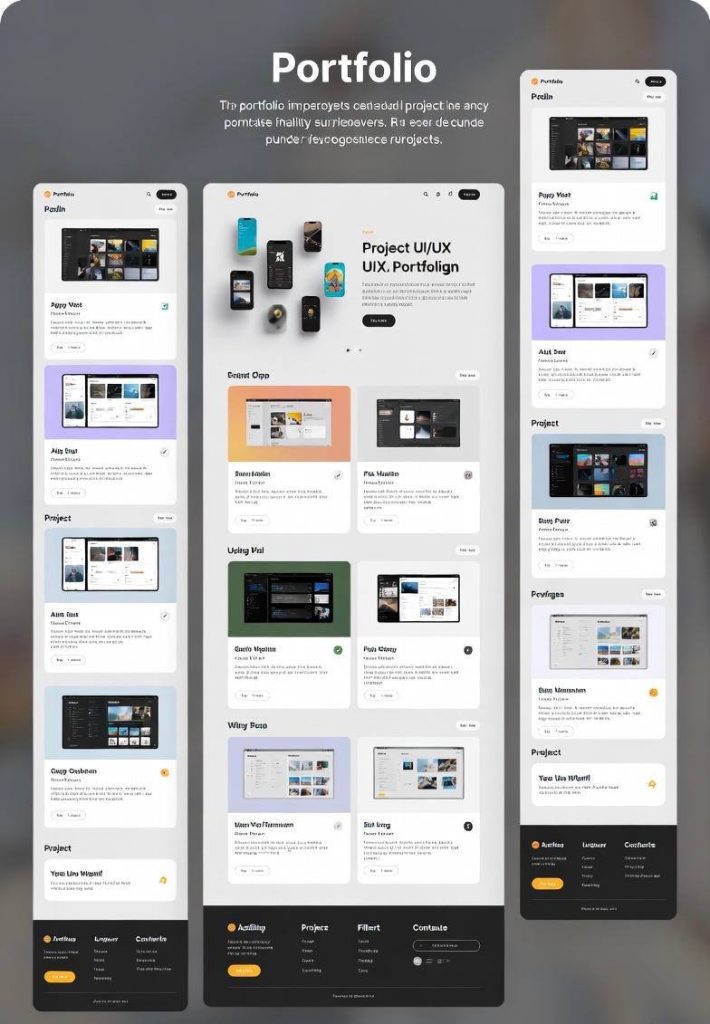
6. Build a Portfolio While Learning
Employers or clients rarely hire someone without proof of skills. Build a portfolio from day one.
• Start with personal projects: redesign a website you like, create a new app idea, or make redesigns of popular apps.
• Document your process: show your research, wireframes, prototypes, and final design.
• Make a case study for each project, explaining your design decisions and problem-solving.
Your portfolio is often more important than certificates, so focus on quality and clarity.
7. Learn From Free and Paid Resources
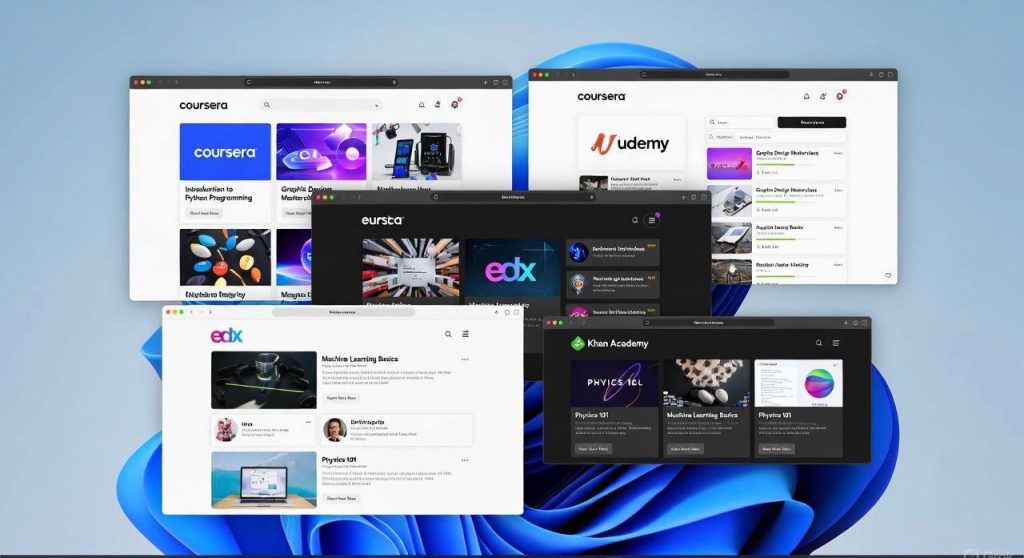
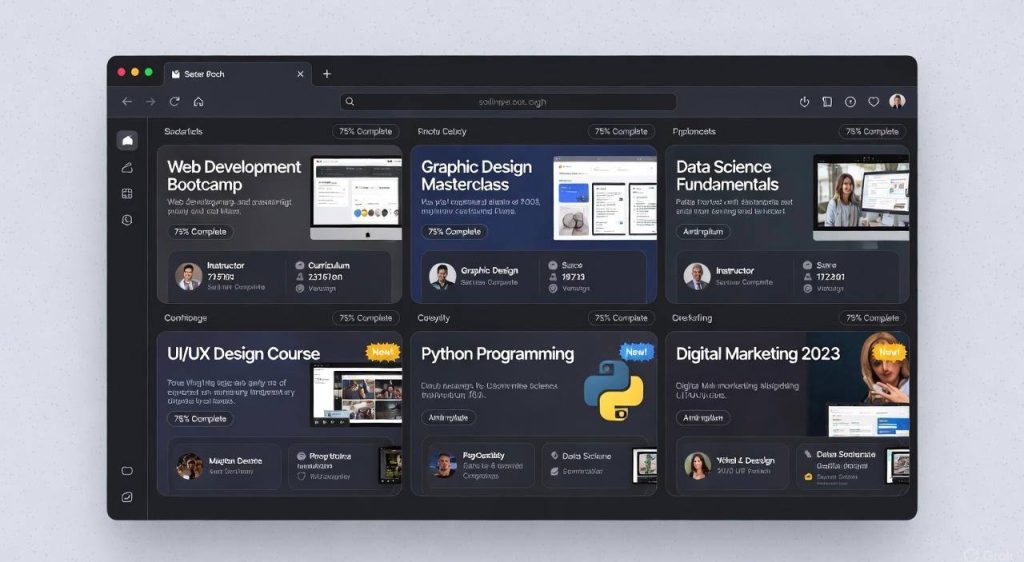
You don’t need expensive courses to start. Here are some recommendations:
Free Resources:
• Figma tutorials on YouTube
• UX Collective Blog (uxdesign.cc)
• Google’s UX Design Course (free online)
• Medium articles on UI/UX trends
Paid Resources (Optional for deeper learning):
• Coursera or Udemy UI/UX courses
• Interaction Design Foundation membership
• Design bootcamps (like Springboard or CareerFoundry)
Consistency matters more than resources—practice daily and apply what you learn.
8. Keep Up With Trends But Focus on Fundamentals
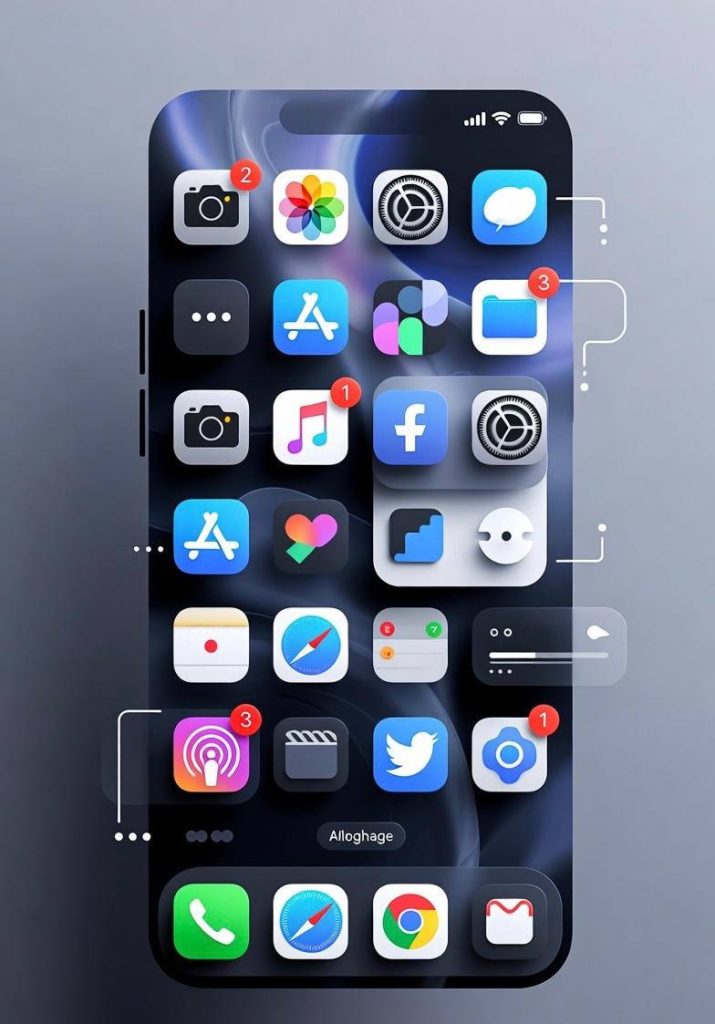
UI/UX trends change every year. For example, in 2026:
• Dark mode designs are popular
• Micro-interactions and animations are standard
• AI-assisted design tools are emerging
• Personalized experiences for users are growing
While trends are important, never ignore fundamentals. Typography, color, hierarchy, usability, and accessibility remain timeless.
9. Practice, Practice, Practice
Design is a skill, not just knowledge. The more you practice:
• The better you get at spotting usability issues
• The faster you learn tools and workflows
• The more creative and confident your designs become
Start small: redesign an app screen, create a landing page, or make a simple e-commerce homepage. Then gradually take on more complex projects.

10. Connect With the Design Community
Being part of the UI/UX community can accelerate your learning:
• Join Reddit communities like r/UI_Design
• Participate in Figma or Dribbble challenges
• Follow top designers on LinkedIn, YouTube, and Twitter
• Ask for feedback on your work it’s invaluable
Learning from real designers exposes you to industry standards and shortcuts that tutorials don’t teach.
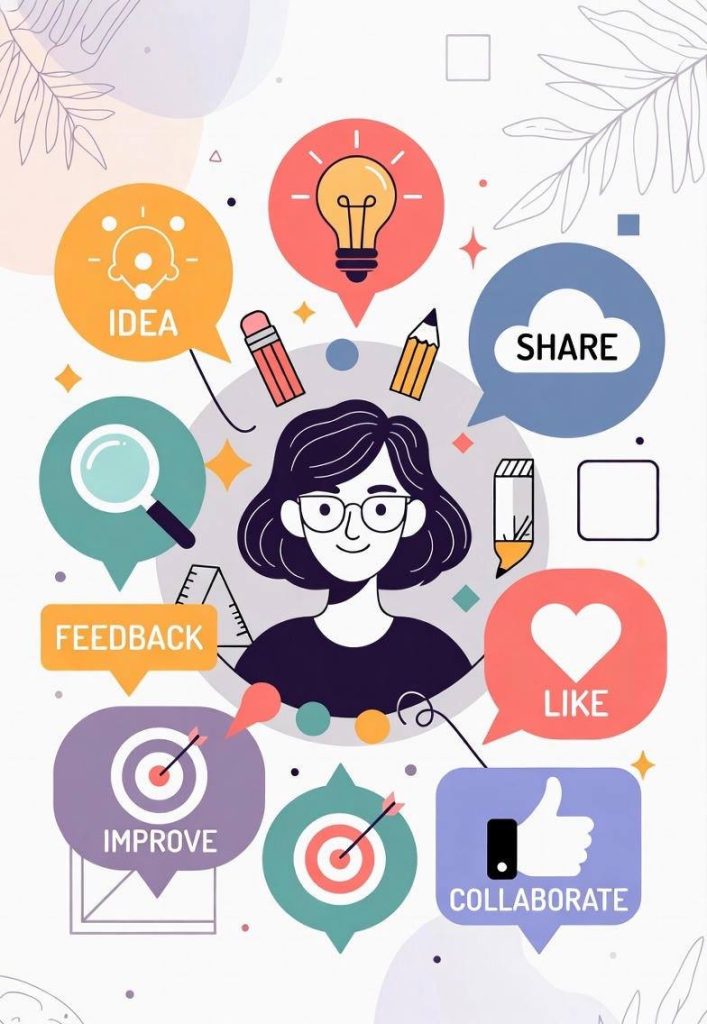
Learning UI/UX design in 2026 doesn’t have to be overwhelming. Start with the fundamentals, practice consistently, use the right tools, and build a portfolio from the beginning. Focus on solving real user problems, testing your designs, and documenting your process.
By following this approach, even beginners can become confident UI/UX designers capable of building websites, apps, and digital experiences that people love. Start today, keep practicing, and don’t be afraid to experiment.
Remember, UI/UX design is about creating meaningful experiences and the best designers are those who never stop learning.