
When working with web content, there are times when you want to show that something has been added or inserted into a document. Instead of just writing the new text, HTML gives you a way to clearly show changes.
That is where the <ins> tag comes in.
The <ins> tag is used to represent inserted text. Browsers usually display this text with an underline, making it easy for readers to see what has been added.
In this guide, you will learn what the <ins> tag is, how it works, when to use it, and how to use it correctly in real-world websites. The explanation is simple and easy to follow.
Understanding the <ins> Tag
The <ins> tag is an HTML element used to show that text has been added to a document.
It helps readers understand what content is new or updated.
Basic Syntax
The <ins> tag has an opening and closing tag.
Example:

Anything inside the <ins> tag will appear underlined in most browsers.
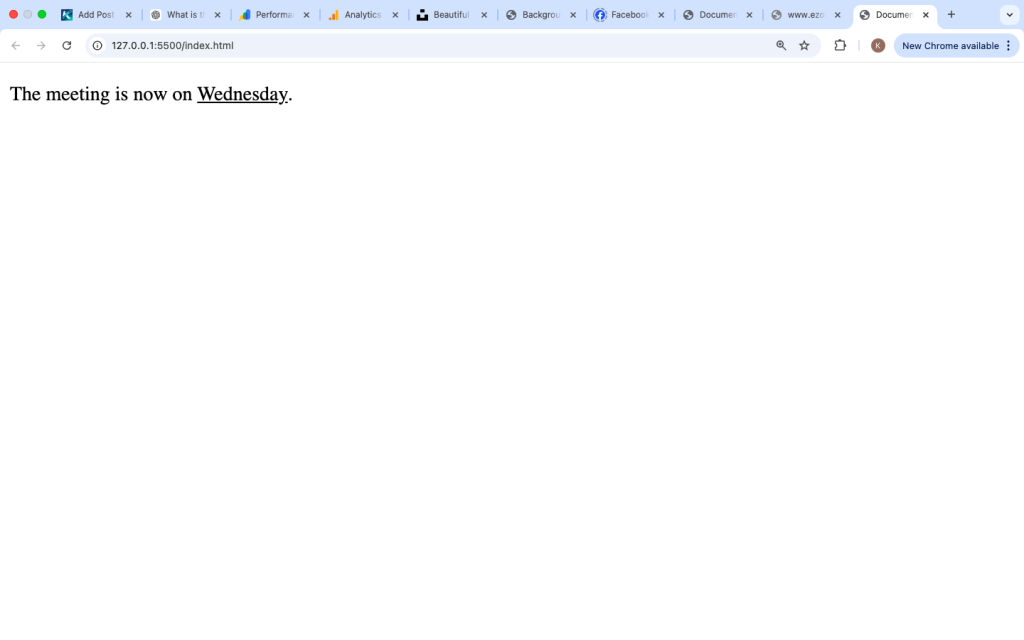
Example Inside a Paragraph

This shows that “Wednesday” is the newly added or updated information.
What the <ins> Tag Means
The <ins> tag is not just for styling.
It tells browsers and users:
👉 “This content has been added or updated.”
This makes it a semantic HTML tag, meaning it adds meaning to the content.
Why the <ins> Tag Is Important
Using the <ins> tag helps:
- Show updates clearly
- Track content changes
- Improve readability
- Provide transparency
Instead of hiding edits, it shows what has been added.
Common Use Cases of the <ins> Tag
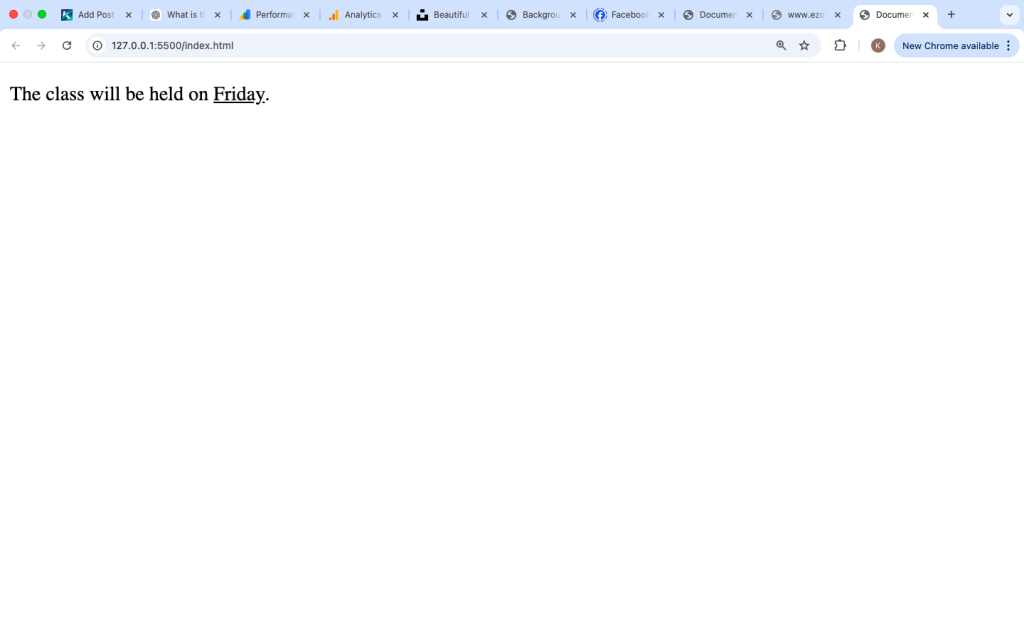
1. Showing Updated Information
Example:

This highlights the updated day.
2. Editing Content
Example:

This shows a clear change from old to new.
3. Updating Prices
Example:

This is common on shopping websites.
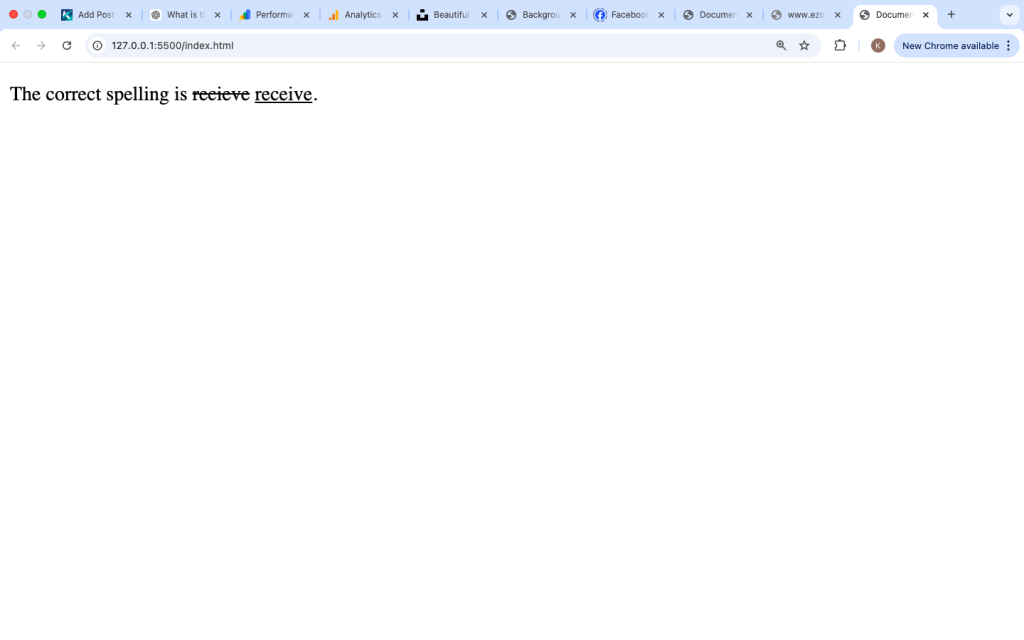
4. Correcting Mistakes
Example:

This helps learners see the correction.
How Browsers Display the <ins> Tag
Browsers apply default styling like this:
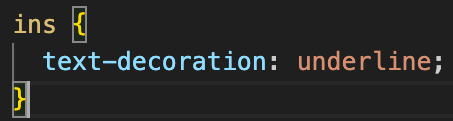
This gives inserted text an underline.
All modern browsers support this tag, including:
- Chrome
- Firefox
- Edge
- Safari
Using <ins> with Attributes
The <ins> tag supports useful attributes.
1. datetime Attribute
This shows when the content was added.
Example:

2. cite Attribute
This provides a reference for the change.
Example:

These attributes are useful for tracking changes.
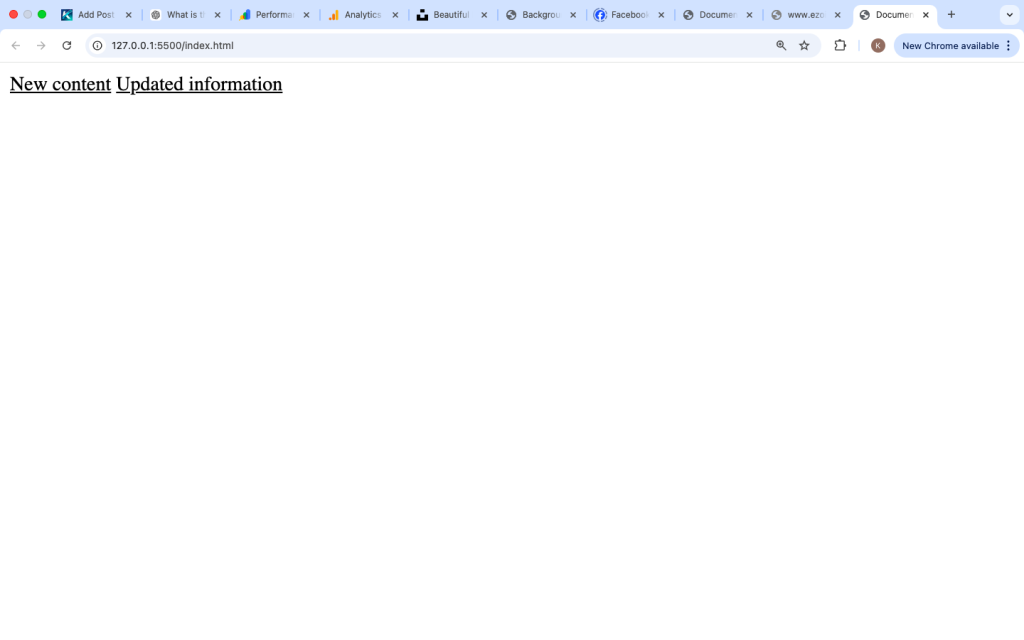
<ins> Tag vs <u> Tag
Many beginners confuse <ins> with <u> because both underline text.
<ins> Tag
- Shows inserted content
- Has meaning
- Used for updates
<u> Tag
- Just underlines text
- Mostly visual
Example:

Even though both are underlined, they mean different things.
<ins> Tag vs CSS Underline
You can also underline text using CSS.
Example:

Difference:
<ins> | CSS |
|---|---|
| Shows added content | Styling only |
| Semantic meaning | No meaning |
Use <ins> when content is actually new.
Combining <ins> with <del>
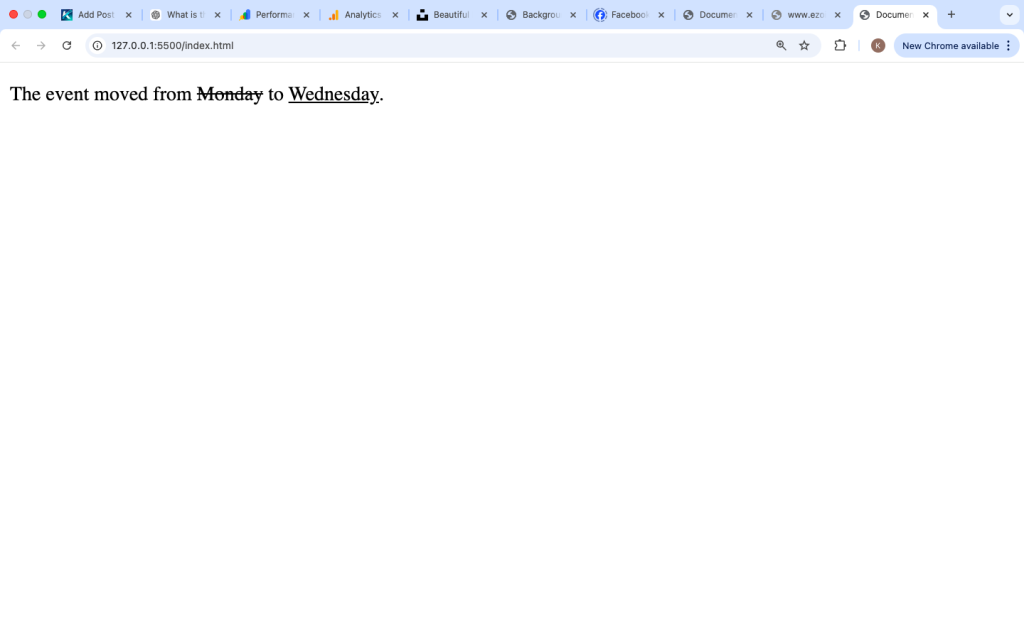
The <ins> tag is often used together with the <del> tag.
<del>shows removed content<ins>shows added content
Example:

This clearly shows the change.
Using <ins> in Real Websites
Here is a practical example:
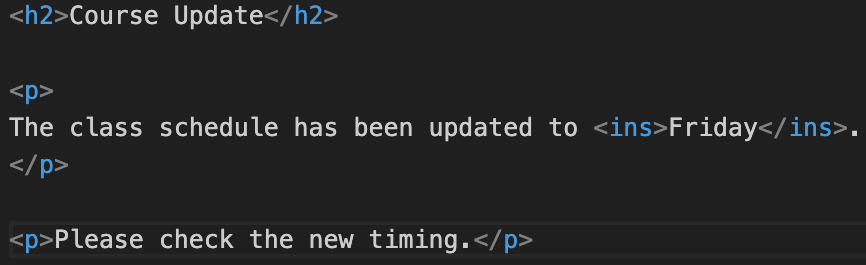
This format is useful for announcements.
Accessibility and the <ins> Tag
The <ins> tag is recognized by screen readers.
It helps users understand that content has been added.
However, it is important to explain the change clearly in the text.
Example:

This makes it easy for all users to understand.
Common Mistakes Beginners Make
1. Using <ins> Only for Styling
Some people use <ins> just to underline text.
That is not its main purpose.
Use CSS if you only need styling.
2. Not Providing Context
Always explain what was added.
Bad example:

Better:

3. Overusing the <ins> Tag
Too many underlined texts can confuse readers.
Use it only where necessary.
Best Practices for Using the <ins> Tag
Use It for Real Updates
Only use <ins> when content is actually added.
Combine with <del>
This clearly shows changes.
Keep It Clear
Explain what has changed.
Avoid Overuse
Use it only for important updates.
Real Example for Beginners
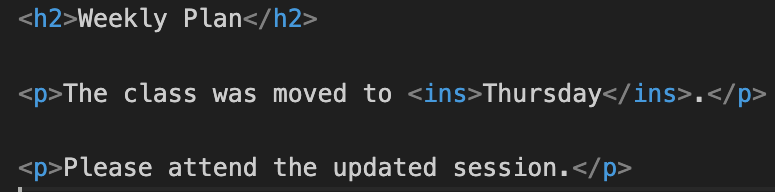
This makes the update easy to understand.
Is the <ins> Tag Still Used Today?
Yes, the <ins> tag is still relevant in modern HTML.
It is used in:
- Content editing
- Blog updates
- Pricing changes
- Documentation
Even with CSS available, <ins> is important because it provides meaning, not just style.
The <ins> tag in HTML is used to show that text has been added or updated. It usually displays text with an underline, helping readers quickly notice new content.
It is commonly used with the <del> tag to show changes clearly, such as replacing old text with new text. This makes content more transparent and easier to understand.
While CSS can also underline text, the <ins> tag is better when the goal is to show meaningful updates in a document.
By using the <ins> tag correctly, you can make your web pages clearer, more organized, and easier for users to follow.