

In today’s internet world, people visit websites using phones, tablets, laptops, smart TVs, and screens of all sizes. If a website looks good only on a desktop but breaks on mobile, visitors leave quickly. This is why website responsiveness is no longer optional—it’s essential.
Testing website responsiveness helps you understand how your site behaves across different screen sizes and devices. The good news is that you don’t always need expensive software or physical devices. There are many free and reliable online tools that let you test responsiveness instantly.
In this guide, you’ll learn what website responsiveness means, why it matters, and the best evergreen online tools you can use to test and improve your website layout.
What Is Website Responsiveness?
Website responsiveness means a website can automatically adjust its layout, images, text, and navigation to fit different screen sizes and devices.
A responsive website:
- Looks good on mobile phones
- Adjusts smoothly on tablets
- Works well on laptops and desktops
- Avoids horizontal scrolling
- Keeps text readable without zooming
Responsiveness is usually achieved using flexible layouts, relative units, and CSS media queries—but testing is how you confirm everything works as expected.
Tool 1: Browser Developer Tools
Modern browsers like Chrome, Firefox, and Edge come with built-in responsive testing tools.
You can:
- Switch between device presets
- Resize the viewport manually
- Test touch interactions
- Simulate different screen resolutions
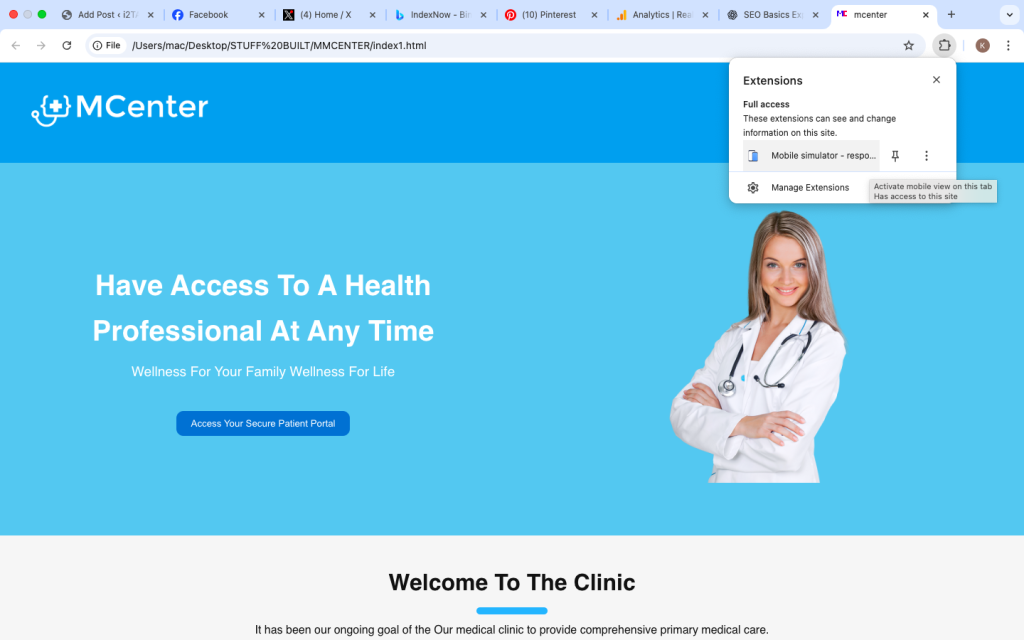
Tool 2: Google Mobile-Friendly Testing Tools
Google provides tools to check how mobile-friendly your website is from a usability perspective.
These tools focus on:
- Text readability
- Viewport configuration
- Tap target spacing
- Overall mobile usability
They are especially useful for SEO-focused websites
Tool 3: Online Responsive Viewport Testers
Responsive viewport tools allow you to instantly preview your website across many screen sizes.
Common features:
- Predefined device dimensions
- Custom screen resizing
- Live previews
- No installation required
Tool 4: Multi-Device Preview Platforms
Some online tools simulate how your website looks on:
- Smartphones
- Tablets
- Laptops
- Desktop monitors
They often display multiple screens at once, helping you compare layouts instantly.
This is useful for spotting inconsistencies between devices.
Tool 5: Responsive Design Checkers
These tools focus on layout behavior rather than branding or performance.
They help you detect:
- Overlapping elements
- Broken navigation
- Hidden content
- Image scaling problems
They are especially useful for beginners who want clear visual feedback.
Common Responsiveness Issues These Tools Help You Find
Using online tools helps uncover problems like:
- Text too small to read
- Buttons too close together
- Images overflowing the screen
- Navigation menus breaking
- Horizontal scrolling on mobile
Fixing these issues improves both usability and SEO.
How to Use Responsiveness Tools Effectively
To get the best results:
- Test multiple screen sizes
- Check both portrait and landscape modes
- Scroll through the entire page
- Click navigation links
- Test forms and buttons
Responsiveness is not just about appearance it’s about interaction.
Best Practices After Testing
Once issues are detected:
- Use flexible units like percentages
- Avoid fixed widths
- Optimize images
- Apply media queries carefully
- Keep layouts simple
Testing and fixing should go hand in hand.
Why Responsiveness Testing Is Evergreen Knowledge
The tools may change names, but the concept remains the same:
- New devices will continue to appear
- Screen sizes will keep changing
- Mobile traffic will keep growing
Understanding how to test responsiveness ensures your skills stay relevant long-term.
Who Should Use These Tools?
These tools are useful for:
- Beginner web developers
- Bloggers
- Website owners
- Designers
- WordPress users
- Freelancers
Anyone with a website benefits from responsiveness testing.
Testing website responsiveness using online tools is one of the smartest habits you can develop as a website owner or developer. It saves time, improves user experience, and helps your website perform better across devices.