
The HTML <body> tag is where the visible content of a web page lives. Everything users see in the browser text, images, links, buttons, forms, videos, and layouts goes inside the <body> tag.
If the <head> tag controls how the page behaves behind the scenes, the <body> tag controls what people actually see and interact with.
Understanding the <body> tag is one of the first and most important steps in learning HTML. Without it, a web page cannot display meaningful content.
This guide explains what the <body> tag is, why it matters, what goes inside it, and how to use it properly in real projects.
What Is the HTML <body> Tag?
The <body> tag defines the main content of an HTML document. It appears after the <head> tag and contains everything that is rendered on the screen.
Basic structure of a web page:
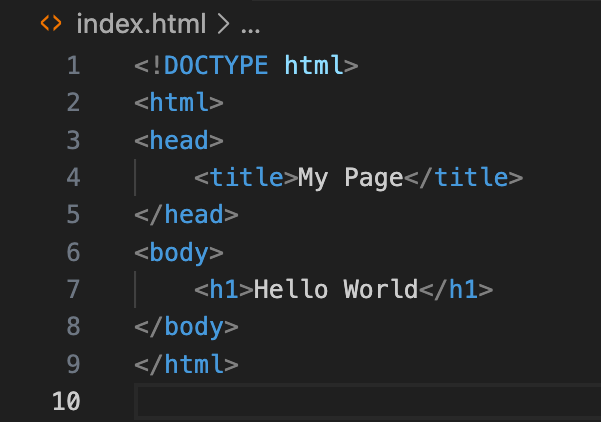
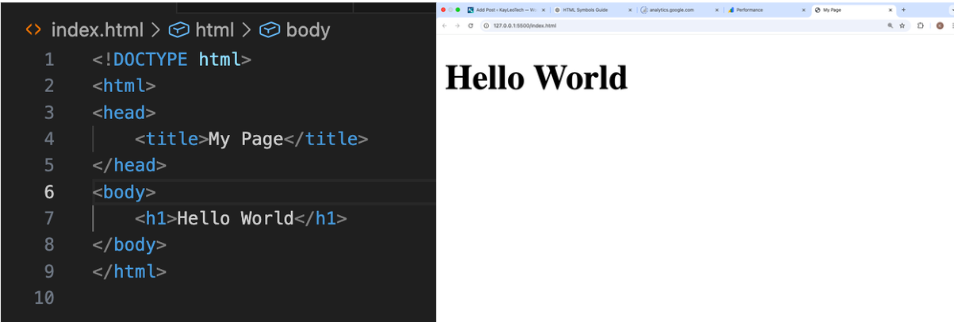
The browser reads the file and displays only what is inside <body>.
Why the <body> Tag Is Important
The <body> tag is important because it holds:
- Page text
- Images
- Navigation menus
- Forms and input fields
- Media like video or audio
- Layout structure
- Interactive elements
Without the <body> tag, users would see nothing on the page.
Even if the browser tries to fix missing tags automatically, you should always include <body> for proper structure.
Where the <body> Tag Appears in HTML
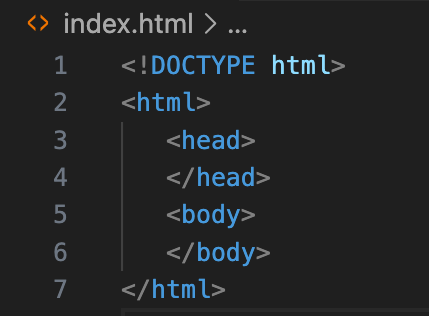
The <body> tag always comes after <head> and before the closing </html>.
Structure order:
What Goes Inside the <body> Tag?
Almost everything visible on a web page goes inside <body>.
Common elements include:
- Headings
- Paragraphs
- Links
- Images
- Lists
- Buttons
- Forms
- Tables
- Sections
- Navigation bars
Let’s look at them one by one.
Headings Inside the <body>
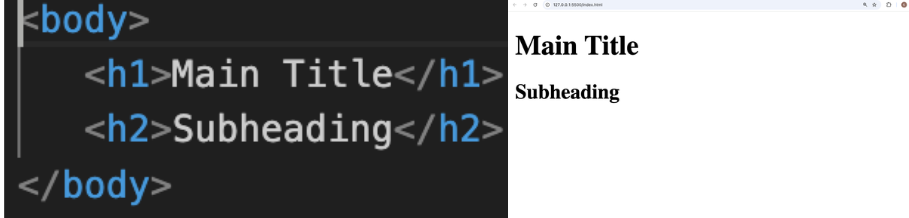
Headings define titles and sections of content.
HTML provides six heading levels:

Example:
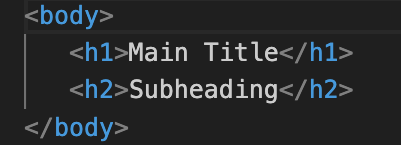
Headings help users scan content and help search engines understand page structure.
Paragraphs in the <body>
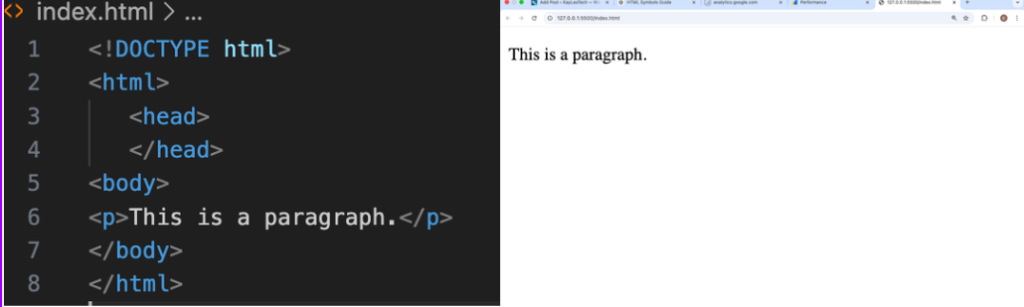
Paragraphs display blocks of text.
Example:

Browsers automatically add spacing between paragraphs.
Images Inside the <body>
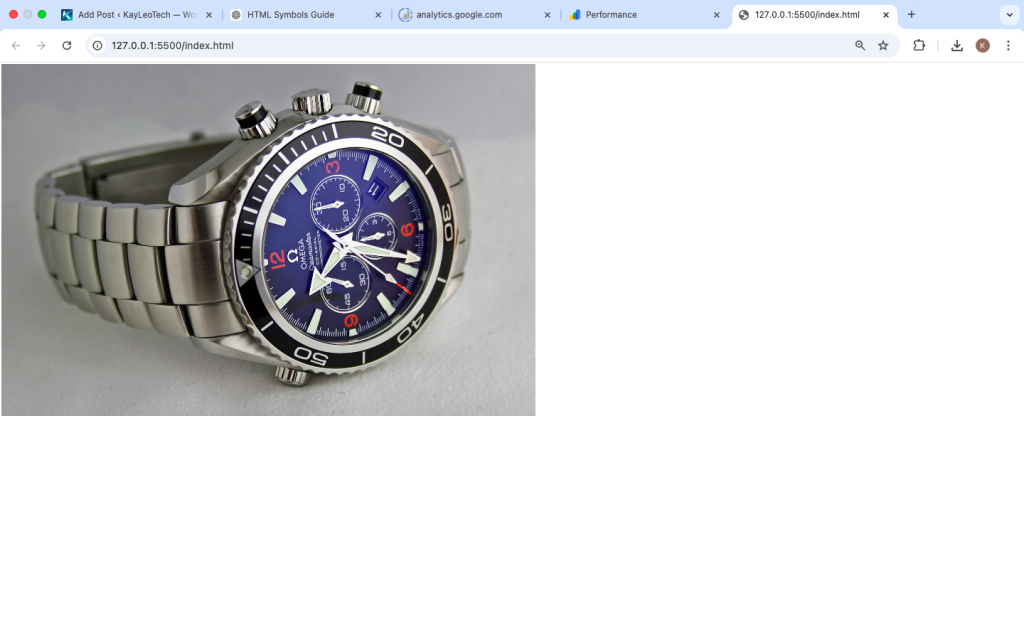
Images are added using the <img> tag.
Example:

The src tells the browser where the image is.
The alt describes the image.
Links Inside the <body>
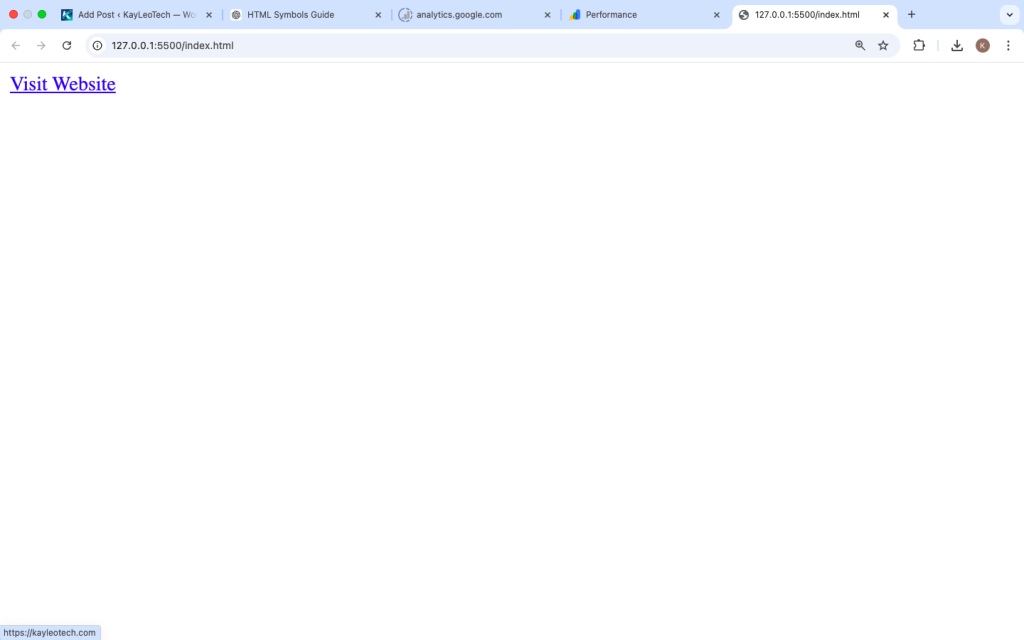
Links allow users to move between pages.
Example:

Users click links to navigate.
Lists in the <body>
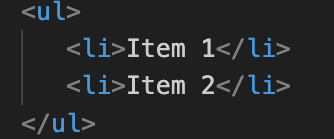
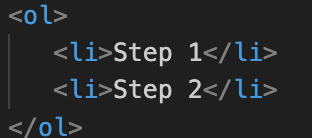
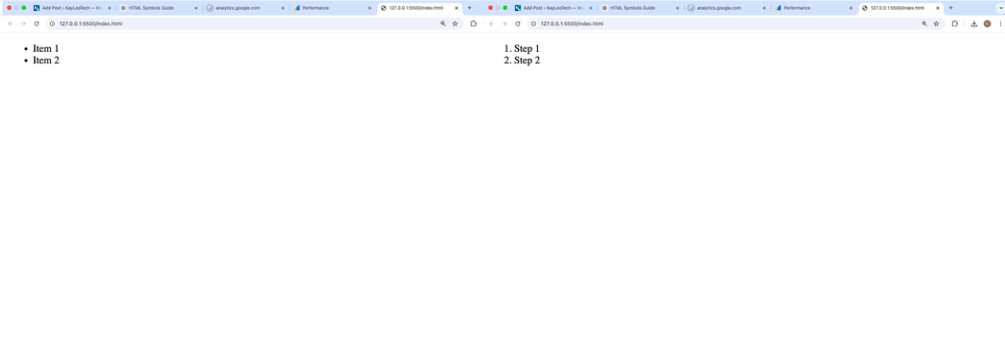
Lists organize items clearly.
Unordered list:
Ordered list:
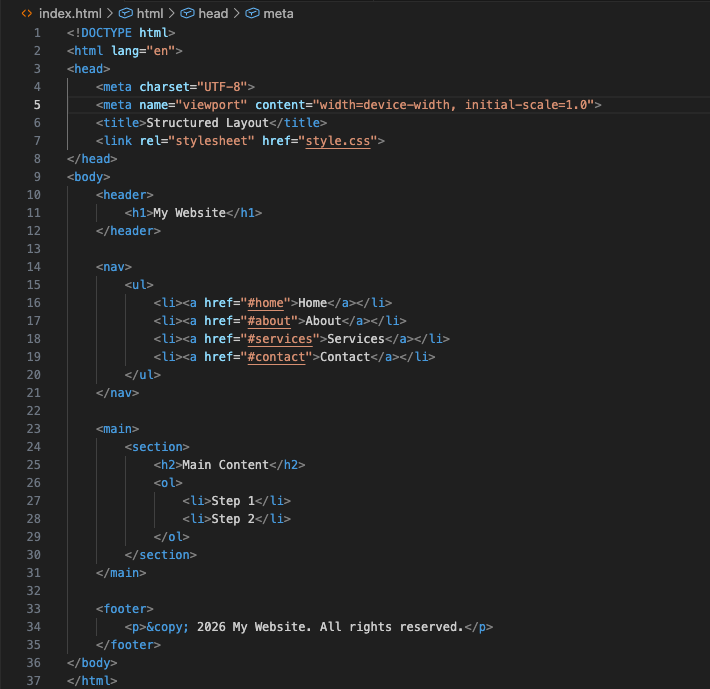
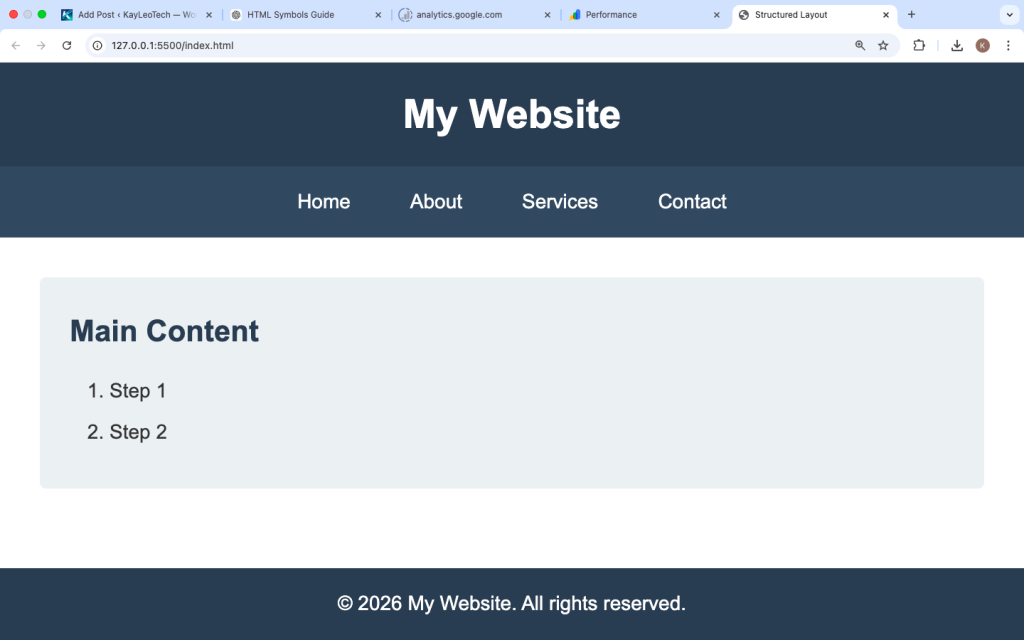
Layout Sections Inside the <body>
Modern HTML uses structural elements to organize content.
Common layout tags:
<header><nav><main><section><article><footer>
Example:
Forms Inside the <body>
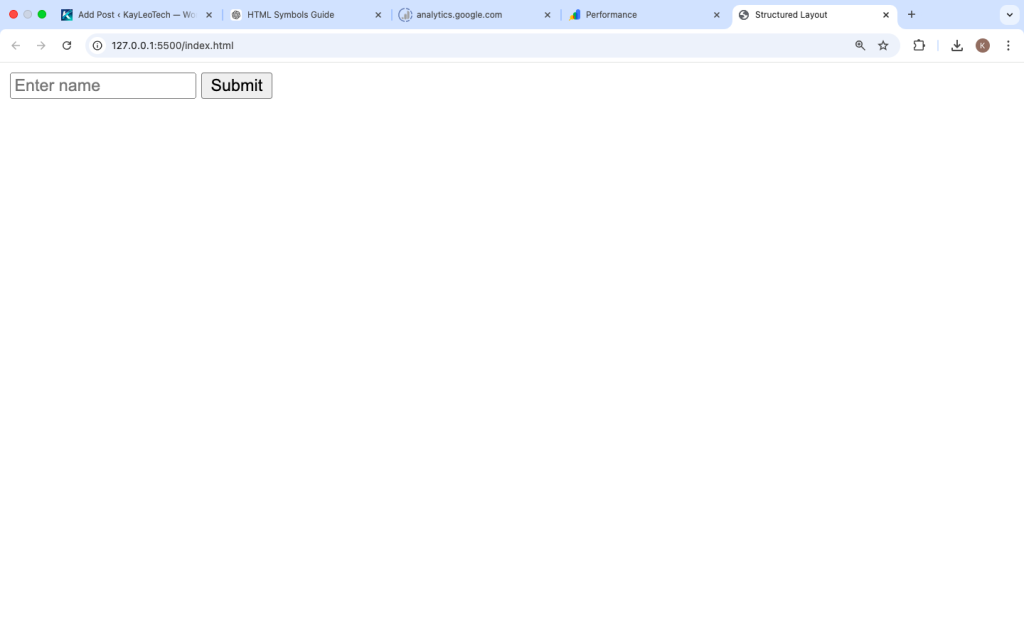
Forms collect user input.
Example:

Forms are used for:
- Login
- Registration
- Contact pages
- Search bars
Tables Inside the <body>
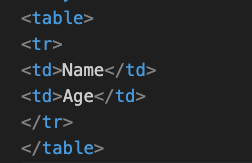
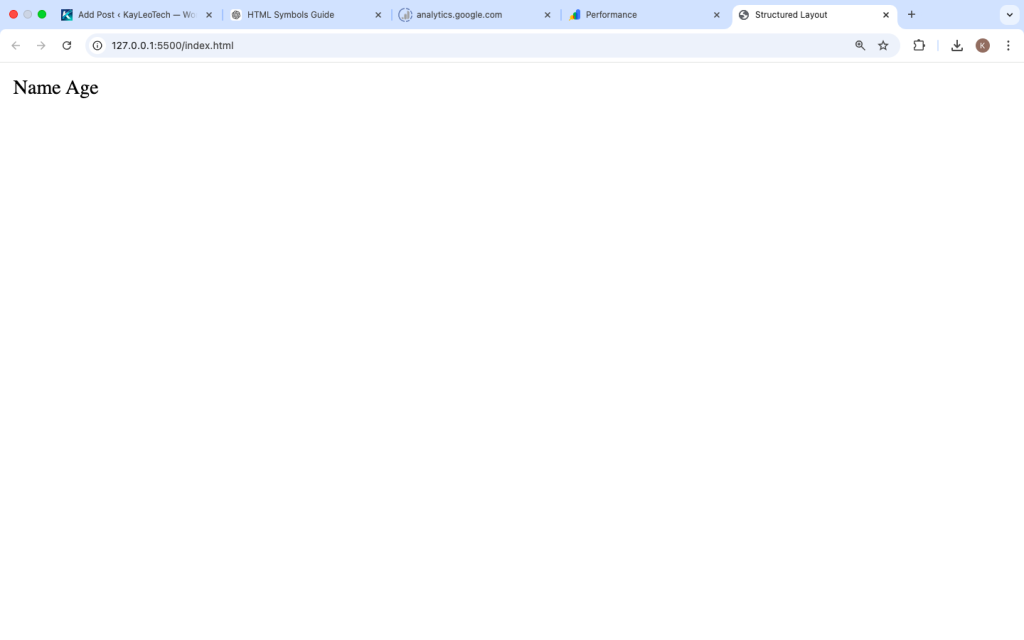
Tables display structured data.
Example:
JavaScript and the <body> Tag
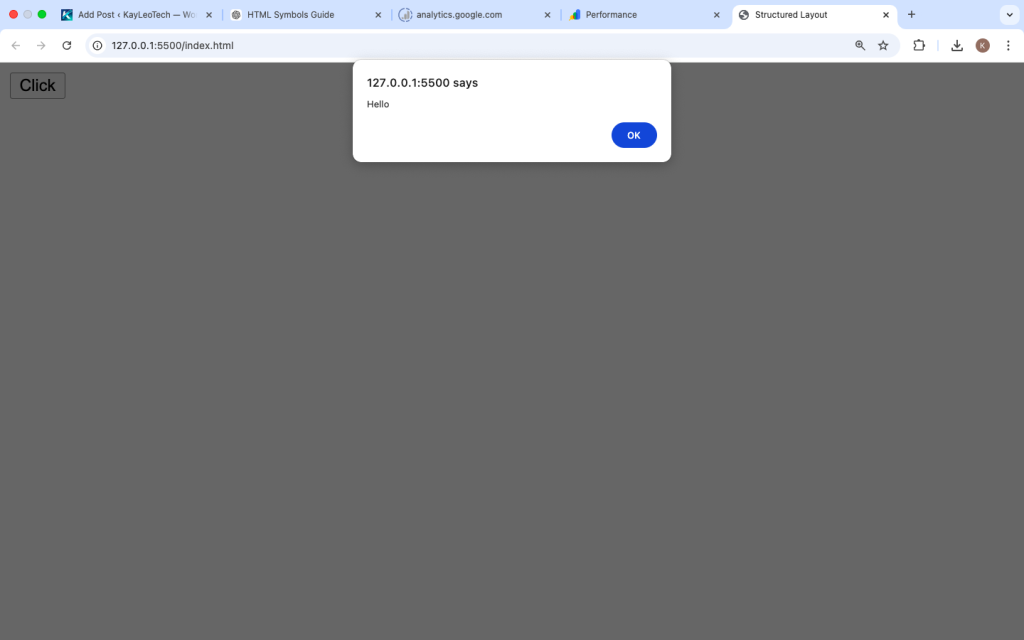
JavaScript often interacts with elements inside <body>.
Example:

This makes pages interactive.
| Head | Body |
|---|---|
| Metadata | Visible content |
| SEO info | Text and media |
| Not displayed | Displayed |
Common Beginner Mistakes
- Putting content inside
<head> - Forgetting closing
</body> - Using too many inline styles
- Poor structure without layout tags
- Not organizing content clearly
Avoid these to write clean HTML.
Best Practices for Using <body>
- Keep structure organized
- Use semantic layout tags
- Separate styling into CSS
- Use clear headings
- Keep content readable
- Test in browser often
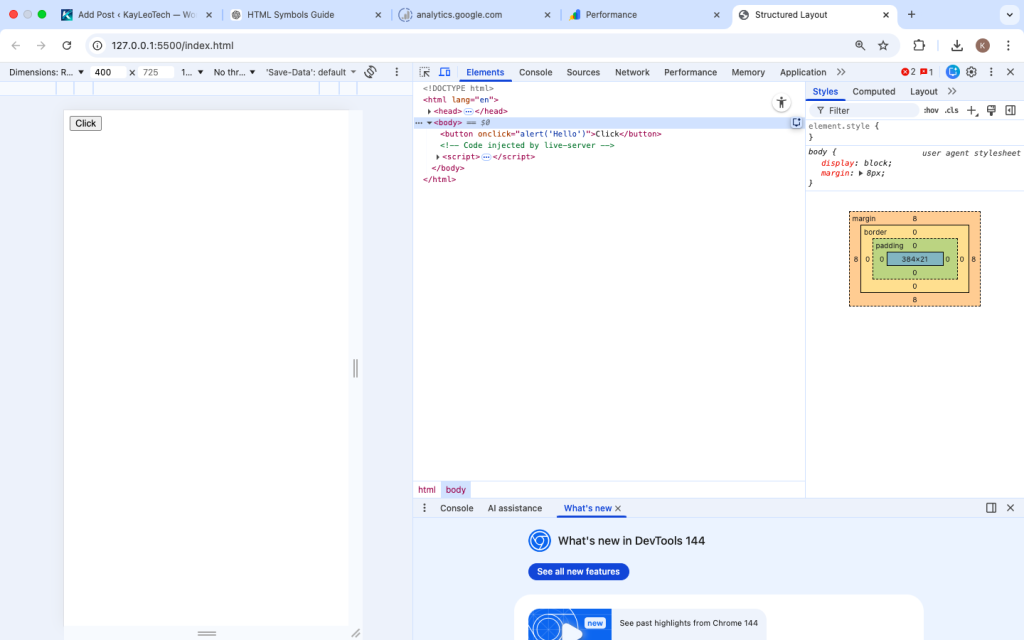
Testing Your <body> Tag in VS Code
Steps:
- Write HTML file
- Save file
- Open in browser
- Inspect layout
- Check console errors
Real Example of a Complete <body>
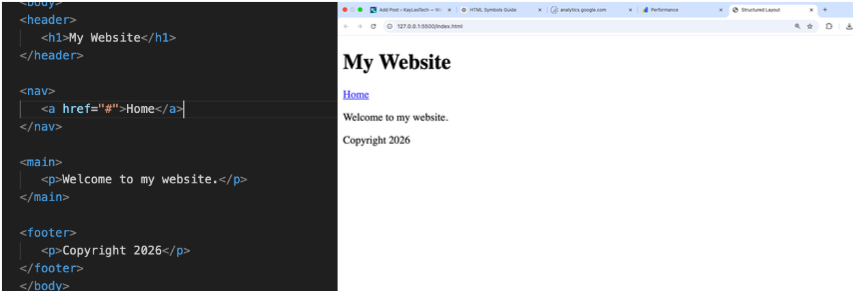
This is a clean, practical structure.
The HTML <body> tag is the foundation of everything users see on a web page. It contains content, layout, media, and interaction. Learning how to structure and organize the <body> properly helps you build clear, professional, and functional websites.
Once you understand how the <body> works, you can design full pages, add styling, and create interactive experiences. Every website you build will rely on this tag.
Master it early, and everything else in web development becomes easier.