
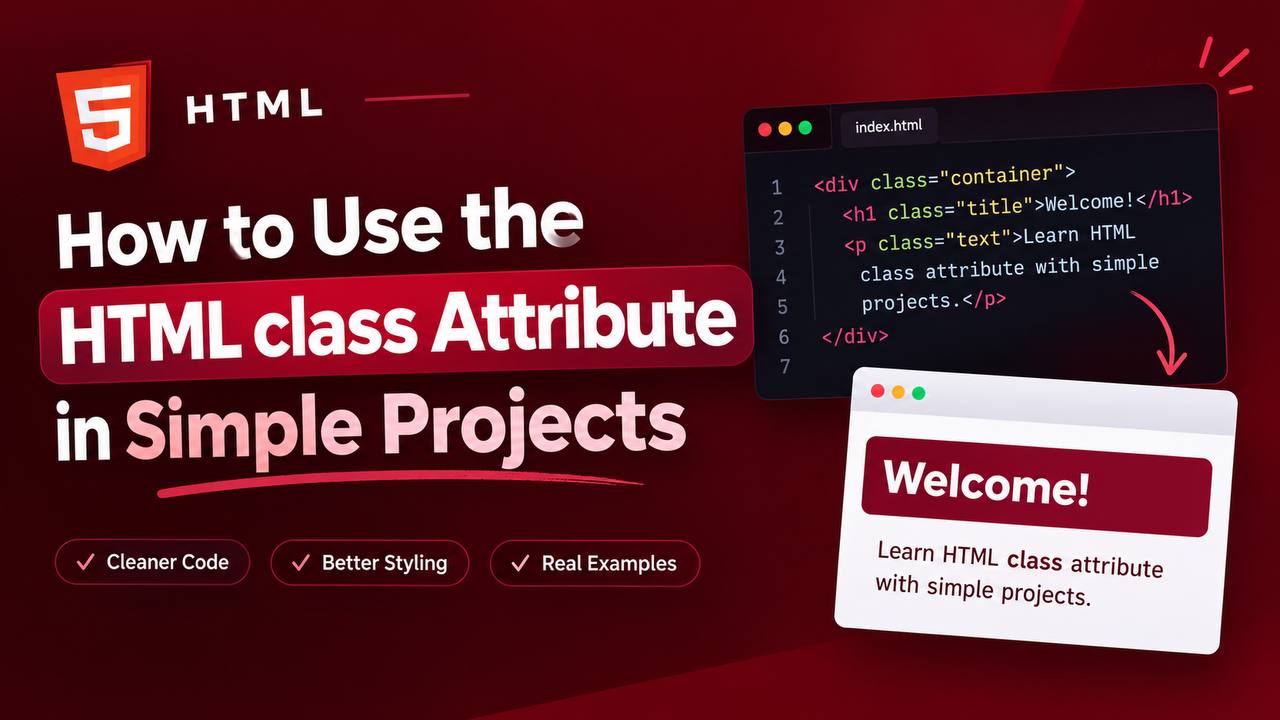
When you start learning HTML, you will quickly come across something called the class attribute. At first, it may look like just another piece of HTML syntax, but it becomes extremely useful once you begin styling webpages with CSS or adding interactions with JavaScript.
The class attribute allows you to give one or more HTML elements a common name. That name can then be used to identify those elements and apply styles or functionality to them.
For example, imagine you are building a webpage with several cards. You may want every card to have the same background, spacing, border, and text arrangement. Instead of styling every card individually, you can give them the same class name and style them together.
This is one of the main reasons the class attribute is so important in web development.
In this guide, you will learn what the HTML class attribute does, how it works, how to use it in simple projects, how it works with CSS and JavaScript, and the common mistakes beginners should avoid.
The goal is not to memorize complicated code. Instead, you will learn the idea behind classes so you can confidently use them in your own projects.
What Is the HTML class Attribute?
The class attribute is used to give an HTML element a name or group identifier.
For example:
<p class="intro">Welcome to my website.</p>
Here, class="intro" gives the paragraph a class called intro.
The word intro is not a special HTML command. You choose the class name yourself.
You could call it:
introwelcomemain-textdescriptionhighlight
The important thing is that the name should describe the purpose of the element or the group it belongs to.
Why Is the class Attribute Important?
The class attribute becomes especially useful when your webpage contains multiple elements that need similar treatment.
Imagine you have five buttons on a page.
You might want all five buttons to have:
- The same font
- The same size
- The same border
- The same spacing
- The same hover effect
Instead of creating separate CSS rules for every button, you can give them the same class.
This makes your code easier to manage.
Classes are therefore an important connection between HTML and CSS.
HTML creates and organizes the content, while CSS can use the class names to control how that content looks.
Basic Structure of a Class
A class is written inside an HTML opening tag.
For example:
<div class="card">
Here:
divis the HTML element.classis the attribute.cardis the class name.
You can think of it as giving the element a label.
The label does not normally change what the element means. Instead, it gives CSS and JavaScript a way to identify it.
How Classes Work With CSS
This is where the class attribute becomes particularly useful.
Suppose you have several paragraphs that should have the same appearance. You can give them the same class and then create one CSS rule for that class.
For example:
<p class="text">First paragraph</p>
<p class="text">Second paragraph</p>
<p class="text">Third paragraph</p>
You could then target the text class in CSS.
The important idea is that all three paragraphs now belong to the same group.
If you change the CSS rule for that class, all three paragraphs can receive the change.
This saves time and prevents unnecessary repetition.
One Class Can Be Used on Many Elements
A very useful feature of classes is that the same class can be assigned to many HTML elements.
For example, you might have:
- Three buttons
- Four cards
- Several paragraphs
- Multiple links
All of them can share a class when they need the same styling or behavior.
This is different from an ID, which is normally intended to identify one unique element.
A class is better thought of as a group name.
A Simple Project Example: Product Cards
Imagine you are building a small online store as a practice project.
You want to display three products.
Each product contains:
- An image
- A product name
- A price
- A button
You could give each product container the same class, such as product-card.
The class tells CSS that these containers belong to the same design group.
You can then make all product cards have the same:
- Width
- Border
- Padding
- Spacing
- Background
- Text alignment
The result is a consistent design without repeating the same styling instructions for every product.
Using Classes With Buttons
Buttons are another simple example.
Imagine a page has several buttons such as:
- Learn More
- Read Article
- Contact Us
- Buy Now
If they should have a similar appearance, you can give them the same class.
This allows you to create one design for the entire group.
Later, if you decide that the buttons should have rounded corners or different spacing, you can change the class styling rather than editing every button separately.
This is one reason professional websites rely heavily on classes.
Can an Element Have More Than One Class?
Yes.
An HTML element can have multiple classes.
For example:
<div class="card featured">
This element belongs to both the card and featured classes.
This can be useful when you want to combine different styles.
For example, card could provide the basic card design while featured adds something special to one particular card.
You can think of it as giving one element multiple labels.
Why Use Multiple Classes?
Multiple classes can help you create reusable styles.
Imagine you have ten cards.
All ten cards need the normal card design, but one card is special.
You could give that one card both:
cardfeatured
The normal class controls the basic design, while the second class adds the special appearance.
This approach is often cleaner than creating an entirely separate style for the featured card.
Class Names Are Created by the Developer
One thing beginners sometimes misunderstand is that HTML does not provide a fixed list of class names.
You create them yourself.
For example:
<div class="profile-card">
The browser does not automatically know what profile-card means.
You define what that class should do through CSS or JavaScript.
This gives developers a lot of flexibility.
However, class names should still be meaningful and easy to understand.
Choosing Good Class Names
A good class name should describe the purpose of the element or the role it plays.
Examples include:
headerproduct-cardhero-sectionmain-contentprofilebuttonsidebarfooter-links
Avoid confusing names that do not explain anything.
For example, a class named box1 may work in a small experiment, but it becomes difficult to understand when your project grows.
A descriptive name makes your code easier to maintain.
Class Names Are Case-Sensitive in Practice
It is important to be consistent with your class names.
For example:
product-card
and
Product-Card
should not be treated as interchangeable names in your development workflow.
A good habit is to choose one naming style and use it consistently throughout your project.
Many developers prefer lowercase names with hyphens because they are easy to read.
For example:
profile-card
is easier to understand than:
profilecard
Using Classes With <div>
The class attribute is commonly seen with the <div> element.
For example:
<div class="container">
A container class can help CSS control the width, spacing, alignment, or positioning of that section.
However, classes are not limited to <div> elements.
You can use them with many HTML elements.
Classes Can Be Used With Headings
You can assign a class to headings when you want certain headings to share a style.
For example:
<h2 class="section-title">Our Services</h2>
Another heading can use the same class.
This allows all headings in that group to receive consistent styling.
Classes Can Be Used With Images
Images can also have classes.
For example:
<img class="profile-image" src="profile.jpg" alt="Profile photo">
The class could be used to control:
- Image size
- Border radius
- Spacing
- Alignment
This is especially useful in portfolio and profile projects.
Classes and JavaScript
Classes are not only useful for CSS.
JavaScript can also use class names to find and interact with HTML elements.
For example, a JavaScript project might use a class to identify:
- Buttons
- Cards
- Menus
- Forms
- Messages
JavaScript can then respond when users interact with those elements.
For a beginner, you do not need to master JavaScript immediately. Just remember that classes can become useful when you start building interactive websites.
Difference Between class and id
This is one of the most important things to understand.
Both class and id can identify HTML elements, but they are used differently.
A class is designed for grouping elements.
An ID is normally used for one unique element.
For example, imagine a webpage has several product cards.
You could give all of them the class:
product-card
But if you wanted to identify one particular section uniquely, an ID might be more appropriate.
A simple way to remember it is:
Class = group
ID = unique identity
This distinction becomes very useful as your projects become larger.
Common Beginner Mistakes With Classes
Although classes are simple, beginners often make a few mistakes.
Using Classes Without a Purpose
Adding class names everywhere does not automatically make HTML better.
Use a class when you need to group, style, or identify elements.
Creating Too Many Unnecessary Classes
If every element has a completely different class for no reason, your CSS can become difficult to manage.
Try to create reusable classes.
Using Confusing Names
Names such as abc, box2, or thing may make sense temporarily but can become confusing later.
Use descriptive names.
Forgetting That HTML and CSS Must Match
If your HTML uses:
class="product-card"
but your CSS targets a completely different class name, the expected styling will not work.
The class name must match.
A Simple Practice Project
One of the best ways to learn the class attribute is to build a small profile card.
Create a webpage containing:
- Your name
- A short introduction
- A profile image
- A list of skills
- A contact button
Give the major elements useful classes such as:
profile-cardprofile-imageprofile-nameprofile-descriptionskill-listcontact-button
You can then practice styling each class with CSS.
This project is small enough for a beginner but teaches an important real-world concept.
Another Practice Project: Simple Blog Cards
Create three blog cards on one webpage.
Each card could contain:
- Blog image
- Article title
- Short description
- Read More link
Give all three cards the same class.
Then style them together.
After that, create a second class for one featured article.
This simple exercise teaches you how multiple classes can work together.
Classes and Responsive Design
Classes also become important when building responsive websites.
You can use classes to target different sections of your layout and change their appearance at different screen sizes.
For example, a class might identify a group of cards.
CSS can then change how those cards are arranged on:
- Desktop
- Tablet
- Mobile
This is one reason understanding classes is important before moving into more advanced CSS.
Best Practices for Using the class Attribute
When working with classes, keep a few principles in mind.
Use clear and descriptive names.
Reuse classes when several elements need the same styling.
Avoid unnecessary classes.
Keep your naming system consistent.
Use semantic HTML elements when they provide a clearer meaning, and use classes to add styling or grouping where needed.
Most importantly, remember that the class attribute is a tool for organization. It should make your project easier to understand, not more complicated.
Why the class Attribute Matters in Web Development
The class attribute may look like a small part of HTML, but it becomes extremely important as websites become more complex.
A beginner may start with a simple page containing only a heading and a paragraph.
Soon, the project may grow to include:
- Navigation
- Cards
- Forms
- Buttons
- Images
- Sidebars
- Multiple sections
Without a good way to group and identify these elements, managing the design becomes difficult.
Classes provide that organization.
They allow HTML, CSS, and JavaScript to work together more effectively.
The HTML class attribute is one of the most useful concepts to understand when learning web development. It allows you to group HTML elements, apply shared styles, and prepare elements for JavaScript interactions.
The easiest way to remember its purpose is to think of a class as a group name.
If several elements need the same styling or behavior, they can share a class.
As you practice with simple projects such as profile cards, product cards, blog layouts, and landing pages, you will naturally become more comfortable using classes.
You do not need to memorize complicated rules. Start by creating a few HTML elements, give related elements meaningful class names, and then use CSS to style those groups.
Once you understand this basic relationship between HTML classes and CSS, you will have a much stronger foundation for building organized, responsive, and professional websites.