Every website you have ever visited whether it is Google, YouTube, Facebook, a blog, or an online store is built on a foundation called HTML. Even before colors, animations, or advanced features are added, HTML is what gives a website its basic structure.
If you are new to web development or curious about how websites work behind the scenes, learning HTML is the first and most important step. This article explains what HTML is, what it is used for, how it works, and how it forms the structure of a website, using clear language that beginners can understand.
By the end of this guide, you will have a solid understanding of HTML and why it is essential in modern web development.
What Does HTML Mean?
HTML stands for HyperText Markup Language.
Let’s break that down:
• HyperText means text that contains links to other text or pages.
• Markup means using special tags to mark parts of content.
• Language means it follows a specific set of rules that browsers understand.
HTML is not a programming language. Instead, it is a markup language used to structure and organize content on the web.
What Is HTML Used For?
HTML is used to create the structure and content of web pages. It tells the browser:
• What is a heading
• What is a paragraph
• Where images appear
• How links work
• What content belongs to forms, lists, tables, and sections
Without HTML, a browser would not know how to display text, images, or links properly.
In simple terms:
THINK OF HTML LIIKE SKELETON OF A WEBSITE
How HTML Works
HTML works by using tags to define elements on a page. These tags wrap around content and tell the browser how that content should be treated.
A basic HTML tag looks like this:
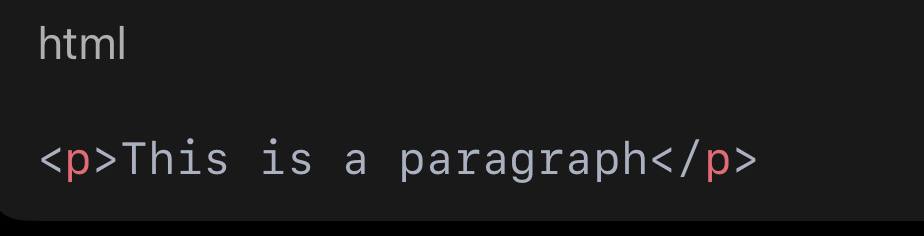
• <p> is the opening tag
• </p> is the closing tag
• The text in between is the content
The browser reads these tags and displays the content accordingly.
The Basic Structure of an HTML Document
Every HTML page follows a basic structure. This structure helps browsers understand how to read and display the page correctly.
Here is a simple example:
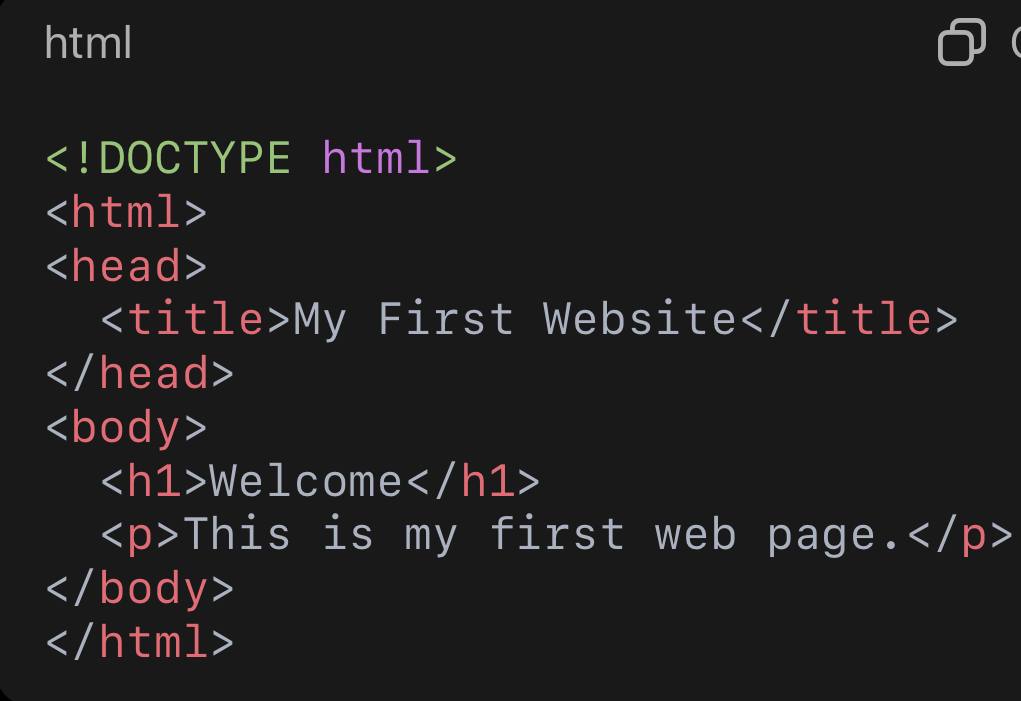
Let’s explain each part.
The DOCTYPE Declaration
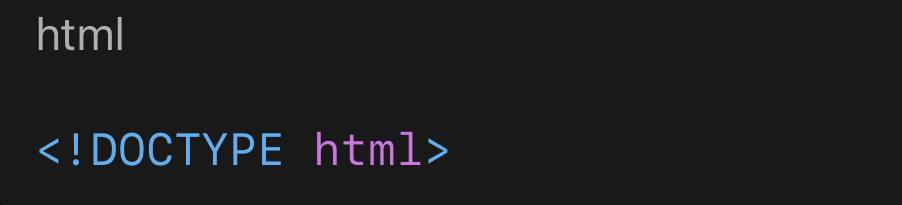
This line tells the browser that the document is written in HTML5, the modern version of HTML. It helps ensure the page is displayed correctly across different browsers.
The <html> Element
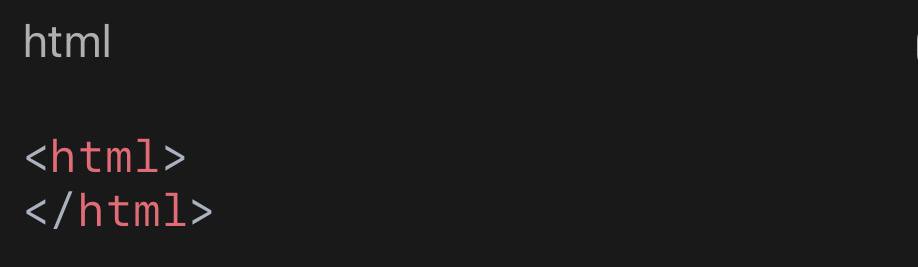
This element wraps the entire webpage. Everything inside it is considered part of the HTML document.
The <head> Section
The <head> section contains information about the page, not content that users see directly.
Common elements inside the head include:
• Page title
• Meta information
• Links to stylesheets
• Character encoding
Example:
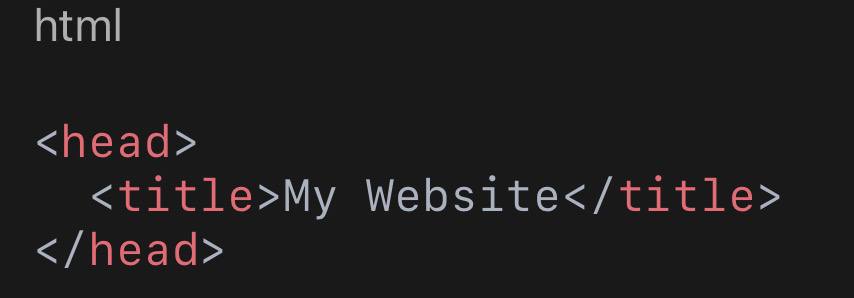
The title appears in the browser tab, not on the page itself.
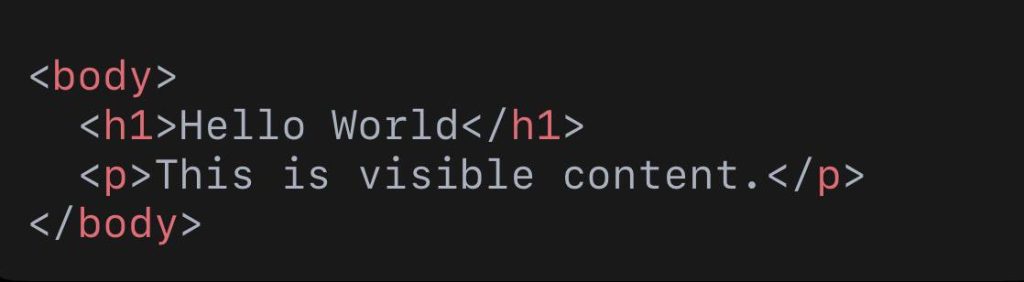
The <body> Section
The <body> section contains everything users see on the page, such as:
• Text
• Images
• Buttons
• Links
• Forms
Example:
HTML Headings
HTML provides six levels of headings:
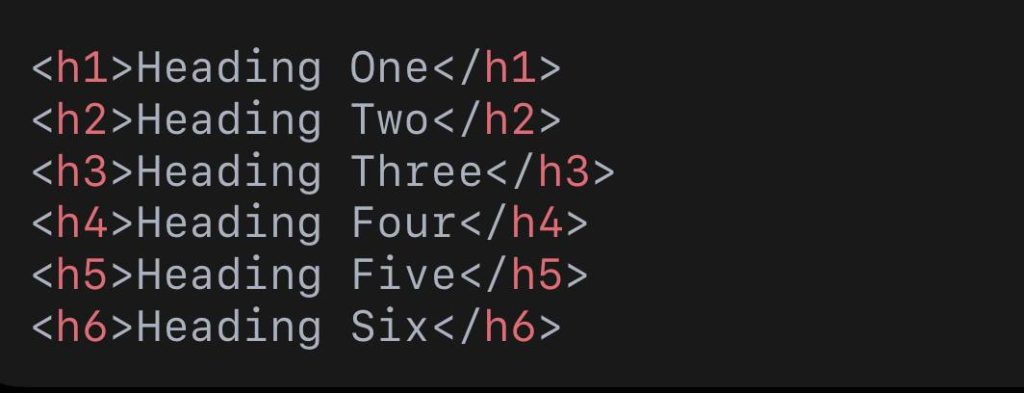
• <h1> is the most important heading
• <h6> is the least important
Headings help:
• Organize content
• Improve readability
• Improve SEO (search engine optimization)
A page should usually have one main <h1>.
Paragraphs in HTML
Paragraphs are created using the <p> tag:

Browsers automatically add spacing before and after paragraphs.
Links (Anchor Tags)
Links allow users to navigate between pages or websites.

mind you the anchor tag has and opening and closing tags like this:<a> </a>
• <a> is the anchor tag
• href specifies the destination
Links are a core part of how the web works.
Images in HTML
Images are added using the <img> tag:

mind you <img> tag is a self closing tag which means it doesn’t require the keyword of </img> (mind you this is wrong the correct way is <img src=”/images/ball.png” alt=”ball-picture”>)
• src points to the image file
• alt describes the image for accessibility and SEO
The image tag does not need a closing tag.
Lists in HTML
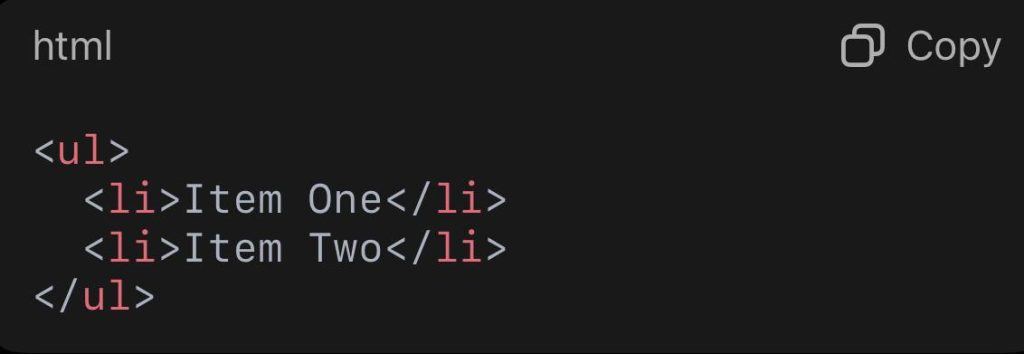
HTML supports two main types of lists.
Unordered List (bullet points)
Ordered List (numbered)
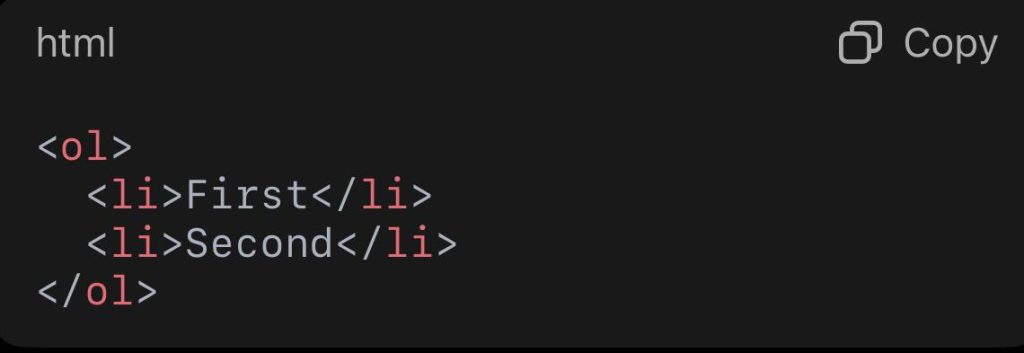
Lists are useful for navigation menus, steps, and features.
Tables in HTML
Tables are used to display data in rows and columns.
Example:
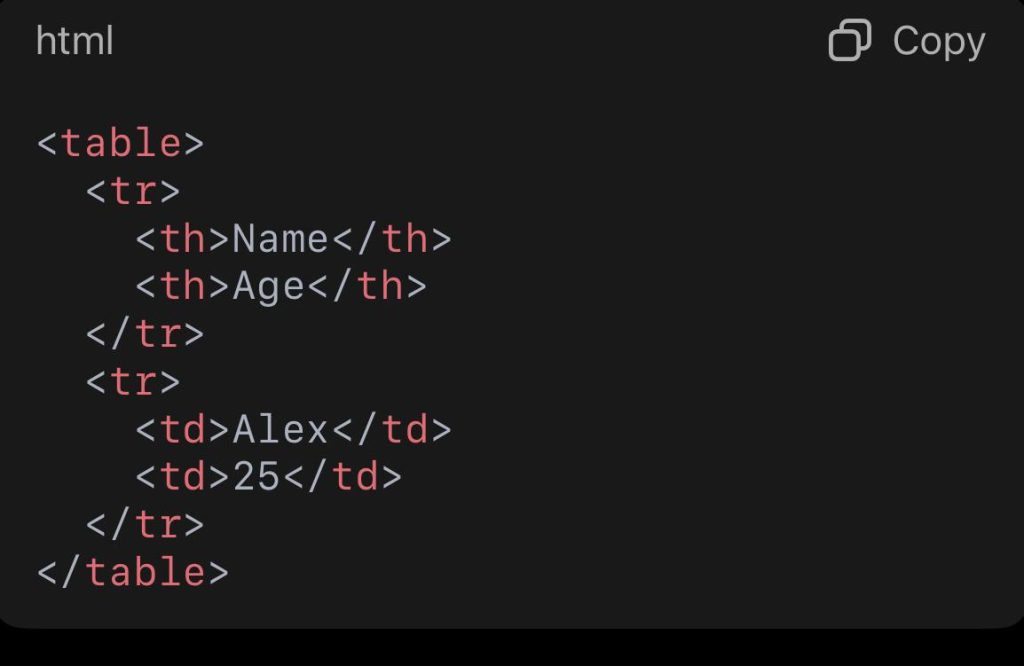
Tables should be used for data, not layout.
Forms in HTML
Forms allow users to input data.
Example:
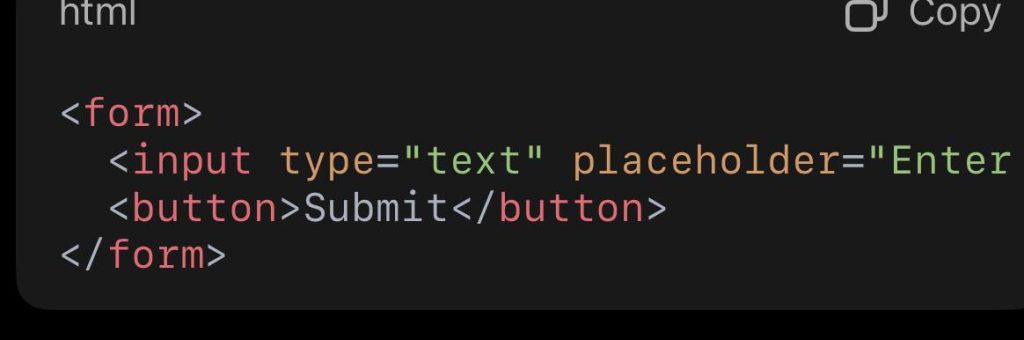
Forms are used for:
• Login pages
• Contact forms
• Search bars
HTML Attributes
Attributes provide additional information about elements.
Example:

Common attributes include:
• class
• id
• src
• href
• alt
Attributes help with styling and functionality.
Semantic HTML
Semantic HTML uses meaningful tags to describe content.
Examples:
• <header>
• <nav>
• <main>
• <section>
• <article>
• <footer>
Semantic HTML improves:
• Accessibility
• SEO
• Code readability
Example:
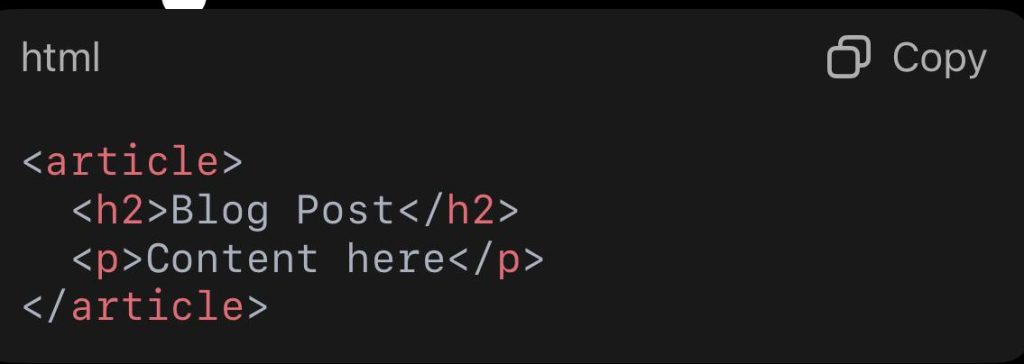
HTML and Website Structure
HTML creates the structure of a website, while other technologies build on it:
• HTML – structure
• CSS – design and layout
• JavaScript – interactivity
Without HTML, CSS and JavaScript have nothing to work with.
⸻
Common Mistakes Beginners Make
• Forgetting to close tags
• Using too many <div> elements
• Skipping headings order
• Not using semantic tags
• Writing messy, unorganized code
Learning clean HTML early helps avoid problems later.
Why Learning HTML Is Important
Learning HTML helps you:
• Understand how websites work
• Build websites from scratch
• Improve SEO knowledge
• Work with designers and developers
• Move into CSS, JavaScript, and frameworks easily
HTML is the foundation of all web development.
HTML is the backbone of the web. It defines structure, organizes content, and makes websites possible. For beginners, understanding HTML is not optional it is essential.
Once you understand HTML fundamentals, learning CSS and JavaScript becomes much easier. Whether you want to build websites, blogs, applications, or digital products, HTML is the starting point.
Master the basics, practice regularly, and build real projects. Every professional web developer started exactly where you are now with HTML.