
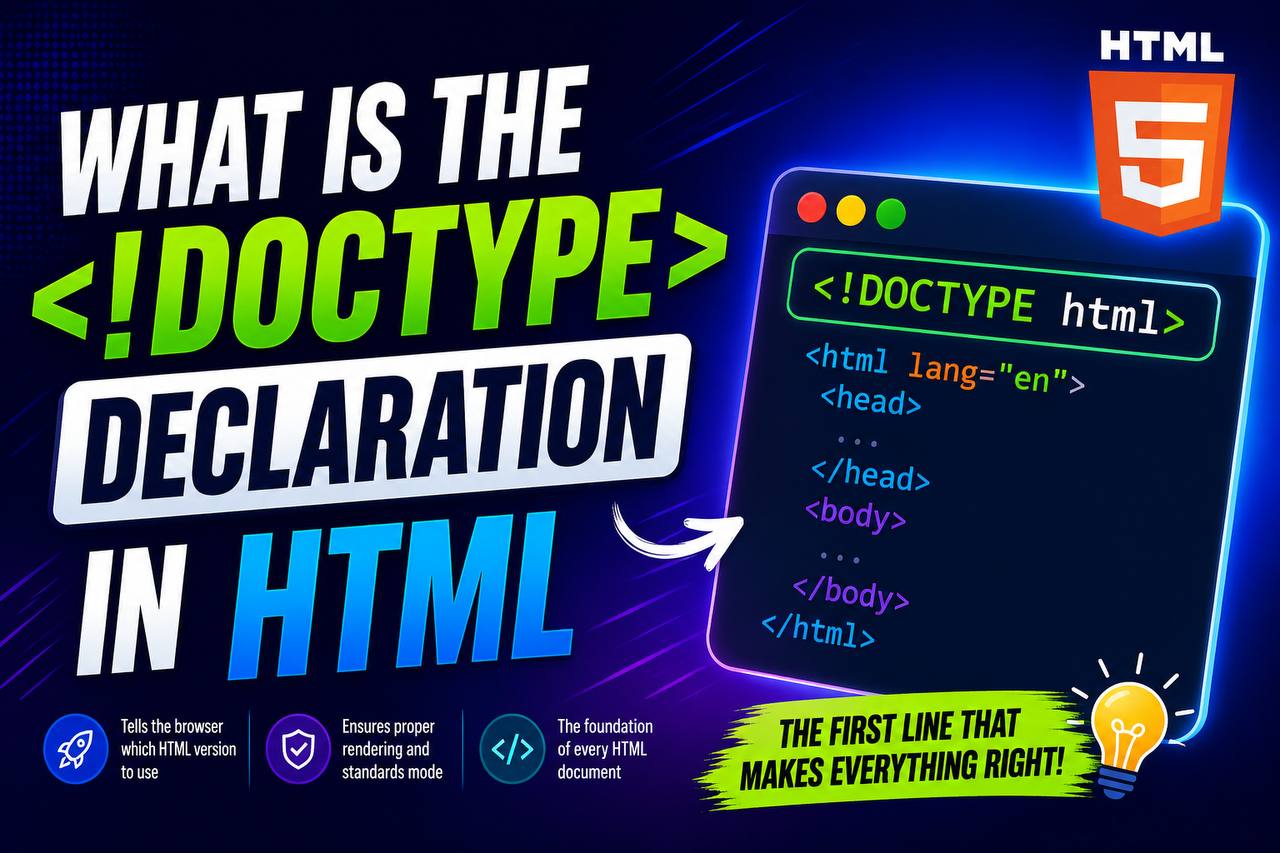
If you have ever looked at the source code of an HTML document, you have probably noticed a line at the very top that looks like this:
<!DOCTYPE html>
Although it is only one short line, the <!DOCTYPE> declaration plays a very important role in every HTML webpage. In fact, it is one of the first things every web developer learns because it tells the browser how to interpret the document.
Many beginners mistakenly think the <!DOCTYPE> declaration is an HTML tag, but it is actually a declaration that helps browsers display webpages correctly. Without it, browsers may switch to an older rendering mode, causing unexpected layout and compatibility problems.
In this beginner-friendly guide, you’ll learn what the <!DOCTYPE> declaration is, why it is important, how it works, where it should be placed, and why every HTML document should include it.
This article focuses mainly on clear explanations instead of large amounts of code, making it easy for beginners to understand.
What Is the <!DOCTYPE> Declaration?
The <!DOCTYPE> declaration tells the web browser which version of HTML the document is using.
In modern web development, the declaration is usually written as:
<!DOCTYPE html>
This simple declaration tells the browser that the webpage uses HTML5, the current standard version of HTML.
Unlike most HTML elements, the <!DOCTYPE> declaration is not an HTML tag. It does not create visible content on the webpage. Instead, it provides instructions to the browser before it begins reading the rest of the document.
Think of it as a set of directions that says:
“Read this webpage using modern HTML rules.”
Why Is the <!DOCTYPE> Declaration Important?
Although it looks simple, the <!DOCTYPE> declaration performs an essential job.
Here are several reasons why it is important.
1. It Tells the Browser Which HTML Standard to Use
Web browsers support many versions of HTML.
The declaration lets the browser know that the document follows HTML5 standards.
Without it, browsers may assume the page was written using older HTML rules.
2. It Helps Browsers Display Pages Correctly
Every browser has rendering modes.
The <!DOCTYPE> declaration helps browsers use Standards Mode, which follows modern web standards.
Without it, browsers may enter Quirks Mode, where pages are displayed using outdated behavior.
This can lead to:
- Broken layouts
- Incorrect spacing
- Unexpected font sizes
- CSS inconsistencies
3. It Improves Cross-Browser Compatibility
A webpage should look similar whether someone opens it in:
- Google Chrome
- Mozilla Firefox
- Microsoft Edge
- Safari
- Opera
The <!DOCTYPE> declaration helps make this possible by encouraging browsers to follow the same HTML standards.
Is <!DOCTYPE> an HTML Tag?
This is one of the most common beginner questions.
The answer is No.
The <!DOCTYPE> declaration is not an HTML element.
Unlike tags such as:
<html><head><body><div>
the declaration does not have an opening and closing tag.
Instead, it simply provides information to the browser.
Where Should the <!DOCTYPE> Declaration Be Placed?
The declaration should always appear as the first line in an HTML document.
Nothing should appear above it—not even blank spaces or comments.
Example:
<!DOCTYPE html>
<html>
This placement ensures the browser reads the declaration before processing the rest of the document.
What Happens If You Leave It Out?
A webpage may still open without the declaration, but it may not behave as expected.
Some possible issues include:
- Older browser rendering behavior
- Layout problems
- CSS inconsistencies
- Unexpected display differences
Modern browsers are quite forgiving, but omitting the declaration is considered poor practice.
A Brief History of <!DOCTYPE>
Before HTML5, web developers had to use long and complicated DOCTYPE declarations.
For example, HTML 4.01 required declarations that looked much longer and included references to Document Type Definitions (DTDs).
With the introduction of HTML5, the declaration became much simpler:
<!DOCTYPE html>
This simplified syntax made it easier for beginners and professionals alike.
Why HTML5 Uses a Simple Declaration
One of the goals of HTML5 was to make web development easier.
Instead of requiring developers to memorize long declarations, HTML5 introduced a short, easy-to-remember version.
This improves readability and reduces errors.
Understanding Browser Rendering Modes
To understand why <!DOCTYPE> matters, it helps to know that browsers can display webpages in different modes.
Standards Mode
This is the preferred mode.
In Standards Mode:
- HTML follows modern specifications.
- CSS behaves consistently.
- Layouts work as expected.
Quirks Mode
This mode exists for compatibility with very old websites.
In Quirks Mode:
- Browsers imitate outdated behavior.
- Some CSS rules behave differently.
- Layout problems are more likely.
Using the correct declaration encourages browsers to use Standards Mode.
Why Beginners Should Always Include It
As a beginner, it is a good habit to start every HTML document with:
<!DOCTYPE html>
Doing so ensures your projects follow modern web standards from the beginning.
Does the Declaration Affect SEO?
The <!DOCTYPE> declaration does not directly improve search engine rankings.
However, it contributes to a properly structured HTML document.
A correctly structured webpage is easier for browsers to render, which supports a better user experience.
Good user experience is an important part of modern website quality.
Does It Affect Accessibility?
Indirectly, yes.
A webpage that renders correctly is generally easier to navigate for everyone, including users who rely on assistive technologies.
Following modern HTML standards helps create more reliable and accessible websites.
Common Beginner Mistakes
Here are some mistakes beginners often make.
1. Forgetting the Declaration
Some beginners accidentally remove the declaration while editing their files.
Always check that it remains at the top of your document.
2. Placing Content Above It
Nothing should appear before the declaration.
Incorrect placement can prevent browsers from entering Standards Mode.
3. Thinking It Is an HTML Element
Remember:
The declaration is not an HTML tag.
It does not create visible content.
4. Using Old DOCTYPE Versions
Some tutorials still show older HTML4 or XHTML declarations.
For modern websites, simply use:
<!DOCTYPE html>
Does Every HTML File Need It?
Yes.
Every standalone HTML document should begin with the HTML5 DOCTYPE declaration.
Whether you are building:
- A portfolio
- A business website
- A blog
- An online store
- A landing page
the declaration should always be included.
The Relationship Between <!DOCTYPE> and the <html> Element
After the declaration comes the <html> element.
The structure usually begins like this:
<!DOCTYPE html>

<html>
The declaration prepares the browser.
The <html> element begins the actual webpage.
Why Modern Code Editors Include It Automatically
Editors such as Visual Studio Code often generate the declaration automatically when creating a new HTML file.
This helps beginners start with a correctly structured document.
Even though the editor adds it for you, it is still important to understand why it is there.
Real-World Example
Imagine two developers create the same webpage.
Developer A includes the HTML5 declaration.
Developer B forgets it.
On some browsers:
- Developer A’s page displays correctly.
- Developer B’s page shows layout inconsistencies.
Although modern browsers are more forgiving than older ones, including the declaration helps avoid unnecessary problems.
Difference Between <!DOCTYPE> and HTML Elements
<!DOCTYPE> | HTML Elements |
|---|---|
| Declaration | Tags |
| Gives browser instructions | Creates webpage content |
| Appears once | Used throughout the document |
| No closing tag | Usually have opening and closing tags |
Understanding this distinction helps beginners avoid confusion.
Practice Projects That Use <!DOCTYPE>
Every HTML practice project should begin with the declaration.
Examples include:
Personal Portfolio
Start with the declaration before writing your portfolio.
Blog Homepage
Every HTML page should include it.
Product Landing Page
Place it at the top before the <html> element.
Contact Page
Even simple practice pages should begin with the declaration.
Resume Website
Using the declaration ensures your project follows modern standards.
Best Practices for Using <!DOCTYPE>
Here are some helpful habits to develop.
Always Place It First
Nothing should appear before the declaration.
Use the HTML5 Version
Stick with:
<!DOCTYPE html>
There is usually no need to use older versions.
Keep Every HTML File Consistent
If your website contains multiple pages, every page should include the declaration.
Understand Its Purpose
Rather than memorizing it, remember what it does:
It tells browsers to interpret your webpage using modern HTML standards.
Why Every Web Developer Learns It Early
The <!DOCTYPE> declaration is one of the first lines written in almost every HTML document.
Although it is small, it establishes the foundation for everything that follows.
Without it, browsers may interpret the document differently.
With it, developers can build webpages with greater confidence and consistency.
The <!DOCTYPE> declaration is a small but essential part of every HTML document. While it does not display anything on the webpage, it tells browsers how to interpret your code and ensures they use modern HTML standards.
For beginners, understanding the purpose of <!DOCTYPE> is just as important as learning headings, paragraphs, and images. It helps create webpages that render consistently, follow current web standards, and provide a better experience for users across different browsers.
As you continue learning HTML, make it a habit to start every new webpage with the HTML5 declaration. It is a simple step that supports clean, professional, and reliable web development practices and will remain an essential part of your projects for years to come.