
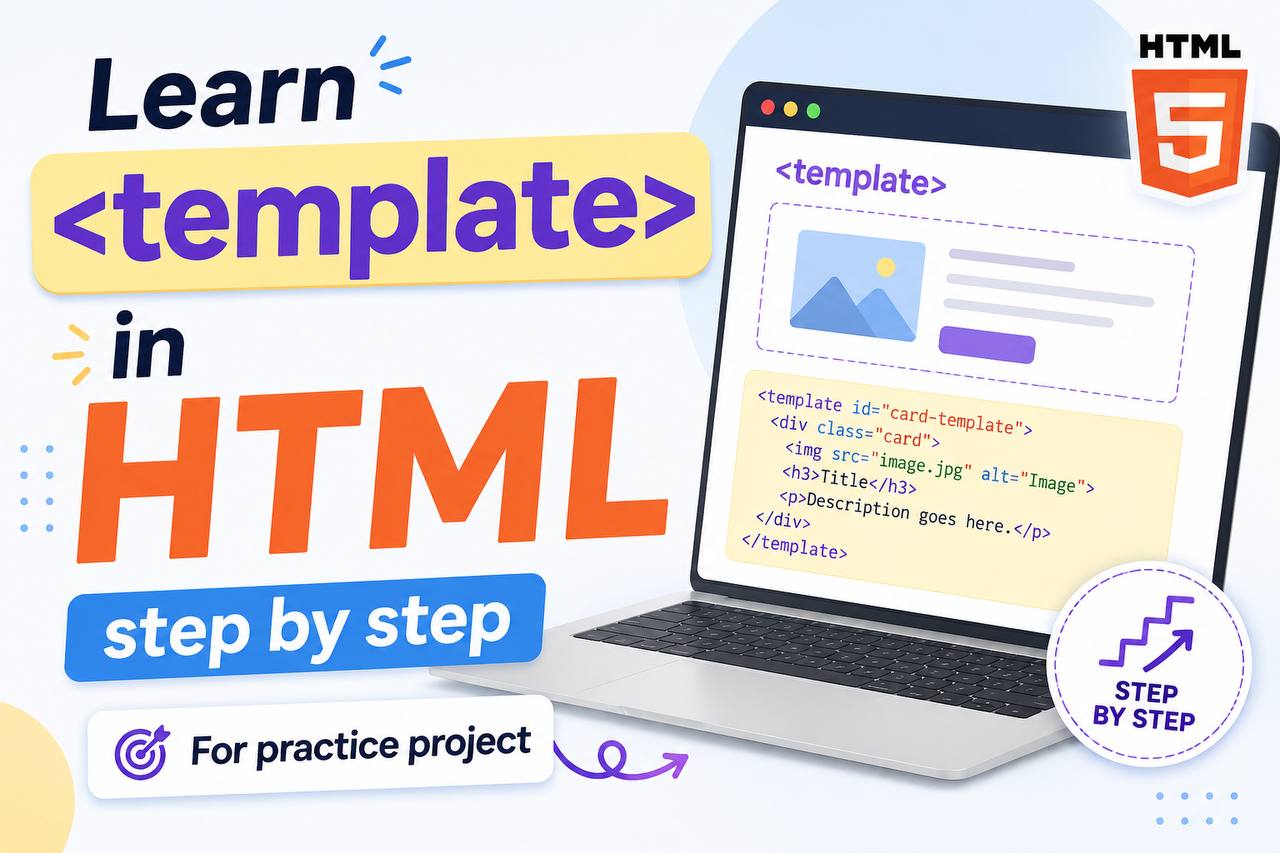
Modern websites are becoming more interactive every day. Instead of writing the same HTML code repeatedly, developers often create reusable structures that can be copied and displayed only when needed. One HTML element that helps make this possible is the <template> tag.
The HTML <template> element is one of the most interesting features introduced in HTML5. Even though beginners may not use it immediately in simple webpages, understanding how it works can help you build cleaner and smarter practice projects later.
The <template> tag is especially useful when working with:
- Dynamic content
- JavaScript projects
- Reusable webpage sections
- Cards and product layouts
- Todo apps
- User profiles
- Popups and modals
In this beginner-friendly guide, you will learn what the HTML <template> element is, why it matters, how it works, where it is used, and how you can practice using it in your own projects.
This article focuses mainly on easy explanations instead of too much code so beginners can understand everything comfortably.
What is the HTML <template> Tag?
The HTML <template> tag is used to store HTML content that should not appear immediately when the webpage loads.
In simple words, the <template> element acts like a hidden blueprint for content.
The browser reads the content inside <template>, but it does not display it automatically.
The content only appears when JavaScript activates or copies it.
Think of it like this:
- A normal HTML element appears immediately
- A
<template>element stays hidden until needed
This makes it very useful for reusable webpage designs.
Simple Syntax of the <template> TagThe content exists in the page but does not show on the screen automatically.
Why the <template> Tag is Important
Many beginners ask:
“Why store hidden HTML?”
The answer is flexibility and reusability.
The <template> element helps developers create content structures that can be reused later without rewriting code repeatedly.
Here are some important reasons why it matters.
1. Keeps HTML Organized
Instead of duplicating the same layout many times, developers can create one reusable template.
This makes projects cleaner and easier to manage.
2. Helps Create Dynamic Websites
Modern websites often load content dynamically.
For example:
- Social media posts
- Product cards
- Notifications
- Chat messages
The <template> tag helps generate these layouts easily.
3. Prevents Immediate Display
The browser does not render template content immediately.
This is useful when content should appear only after a user action.
4. Useful for JavaScript Projects
The <template> element works especially well with JavaScript.
JavaScript can:
- Copy template content
- Insert it into the page
- Repeat it multiple times
This makes interactive projects easier.
How the <template> Tag Works
The <template> element stores content invisibly.
The browser loads the content but does not display it.
Example:
<template>

  <div class="card">
    Product Card
  </div>

</template>
The “Product Card” will not appear immediately.
The template acts like a hidden storage area.
What Makes <template> Different from Normal HTML?
Normal HTML elements display automatically.
Example:
<div>
  Hello
</div>
This appears instantly.
But inside <template>:
<template>
  <div>Hello</div>
</template>
The content stays hidden.
That is the main difference.
What Kind of Content Can Go Inside <template>?
The <template> element can contain almost any HTML content including:
- Text
- Paragraphs
- Images
- Cards
- Forms
- Buttons
- Tables
- Entire layouts
Example:
<template>

  <article>
    <h2>Blog Post</h2>
  </article>

</template>
The content stays invisible until used.
Real-Life Uses of the <template> Tag
The <template> element appears in many modern projects.
1. Product Cards
Online stores often display repeated product layouts.
Instead of writing the same structure many times, developers create one template.
Example uses:
- Product image
- Product name
- Price
- Buy button
The template can be copied repeatedly.
2. Todo List Apps
Todo apps often generate new tasks dynamically.
The <template> element stores the task design.
Each new task copies the same structure.
3. Social Media Posts
Platforms like social media websites repeatedly display:
- User profiles
- Posts
- Comments
Templates help generate these layouts efficiently.
4. Chat Applications
Chat apps often reuse the same message design repeatedly.
Templates make this easier.
Why Beginners Should Learn <template>
Some beginners think the <template> element is too advanced.
But learning it early has many benefits.
It helps you understand:
- Dynamic webpages
- Reusable layouts
- JavaScript interaction
- Modern web development
Even if you do not use it immediately, understanding the concept is valuable.
HTML5 and the <template> Element
The <template> tag became officially supported with HTML5.
Before HTML5, developers often used hidden <div> elements instead.
Old method:
<div style="display:none;">Modern method:
<template>
The modern method is cleaner and more semantic.
Browser Support for <template>
The <template> element works in all modern browsers including:
- Chrome
- Firefox
- Safari
- Edge
- Opera
Most users can access it without issues.
How JavaScript Uses <template>
The <template> element is mainly useful when combined with JavaScript.
JavaScript can:
- Find the template
- Copy the content
- Add it to the webpage
This allows developers to create repeated structures dynamically.
Example uses include:
- Adding new comments
- Generating cards
- Displaying user profiles
Simple Example of Template Usage
Imagine a product card design.
Instead of writing:
- Product title
- Image
- Price
- Button
many times, you create one template.
Then JavaScript duplicates it whenever needed.
This saves time and keeps code cleaner.
Difference Between <template> and <div>
Beginners often compare these elements.
<template> | <div> |
|---|---|
| Hidden by default | Visible immediately |
| Used for reusable structures | Used for layout containers |
| Usually works with JavaScript | Mainly for organization |
| Content not rendered instantly | Content displayed immediately |
Use <template> for hidden reusable content.
Use <div> for normal layout sections.
Difference Between <template> and <section>
These elements also serve different purposes.
<template> | <section> |
|---|---|
| Hidden reusable content | Visible webpage section |
| Used for future rendering | Used for organizing content |
| Often combined with JavaScript | Used directly in page layout |
Accessibility and <template>
Because template content is hidden initially, screen readers usually ignore it until it becomes visible.
This helps avoid confusion for users.
When displayed properly, the inserted content becomes accessible like normal HTML.
SEO and the <template> Element
Content inside <template> is not immediately displayed to users.
Search engines may not treat hidden template content the same way as visible content.
This is why templates are mostly used for interactive functionality rather than important SEO content.
Common Beginner Mistakes
Here are mistakes beginners often make with <template>.
1. Expecting Template Content to Appear Automatically
Content inside <template> stays hidden.
Beginners sometimes think it should display normally.
2. Using <template> Without JavaScript
Templates are most useful when paired with JavaScript.
Without JavaScript, the hidden content may never appear.
3. Confusing Templates with Hidden Divs
The <template> element is specifically designed for reusable hidden content.
It is more semantic than hiding regular <div> elements.
4. Overcomplicating Small Projects
Not every beginner project needs templates.
Simple pages may work fine without them.
Practice Project Ideas Using <template>
Here are beginner-friendly project ideas.
1. Todo List App
Create a task template and generate new tasks dynamically.
2. Product Card Layout
Build reusable product cards for an online store project.
3. User Profile Cards
Generate user cards automatically from stored data.
4. FAQ Generator
Create expandable FAQ items dynamically.
5. Notification System
Generate reusable notification popups.
Why Reusable Components Matter
Modern web development relies heavily on reusable structures.
The <template> element helps developers:
- Reduce repeated code
- Build faster
- Maintain projects more easily
- Keep layouts consistent
This concept becomes even more important in advanced frameworks later.
Combining <template> with Other HTML Elements
The <template> element works alongside many HTML elements including:
<article><section><details><div><button>
Templates are flexible and can store many types of layouts.
Best Practices for Using <template>
Here are some helpful tips.
Keep Templates Organized
Name and structure templates clearly.
Use Templates for Repeated Layouts
Templates are most useful when the same design appears multiple times.
Avoid Overusing Templates
Simple static pages may not need them.
Combine with JavaScript Properly
Templates become powerful when connected to JavaScript logic.
Focus on Readability
Keep template structures clean and understandable.
Real-World Websites That Use Similar Concepts
Many modern websites use reusable template systems including:
- Social media platforms
- Ecommerce stores
- Dashboard apps
- Messaging platforms
- Online learning websites
Reusable layouts are everywhere in modern web development.
Why Semantic HTML Matters
The <template> element is part of modern HTML development.
Semantic and organized HTML improves:
- Readability
- Maintenance
- Accessibility
- Developer workflow
- Project structure
Learning semantic HTML early builds strong development habits.
The HTML <template> element is one of the most useful tools for creating reusable and dynamic webpage content. Even though beginners may not use it daily at first, understanding how it works helps prepare you for more advanced web development projects.
Instead of repeating the same HTML structures again and again, the <template> tag allows developers to store reusable layouts that can appear only when needed.
As you continue practicing HTML and JavaScript, the <template> element will become much more valuable in your projects.
The more you practice modern HTML concepts like <template>, the easier it becomes to build interactive, organized, and professional websites.
terbinafine dosage expert overview
terbinafine dosage expert overview
ivermectin comprehensive guide
ivermectin comprehensive guide
ivermectin demodex medical summary
ivermectin demodex medical summary
minoxidil foam vs liquid drying time
minoxidil foam vs liquid drying time
minoxidil mechanism evidence
minoxidil mechanism evidence
vardenafil onset profile
vardenafil onset profile
Metabolism and Duration Variability
Metabolism and Duration Variability
Distribution Variability Guide
Distribution Variability Guide
Onset vs Duration Overview
Onset vs Duration Overview
TadalafilCentral tadalafil guide
TadalafilCentral tadalafil guide
online access guide for tadalafil
online access guide for tadalafil
The rewards here are insane compared to other places I’ve tried. Really feeling the luck on this site lately ph777bar