
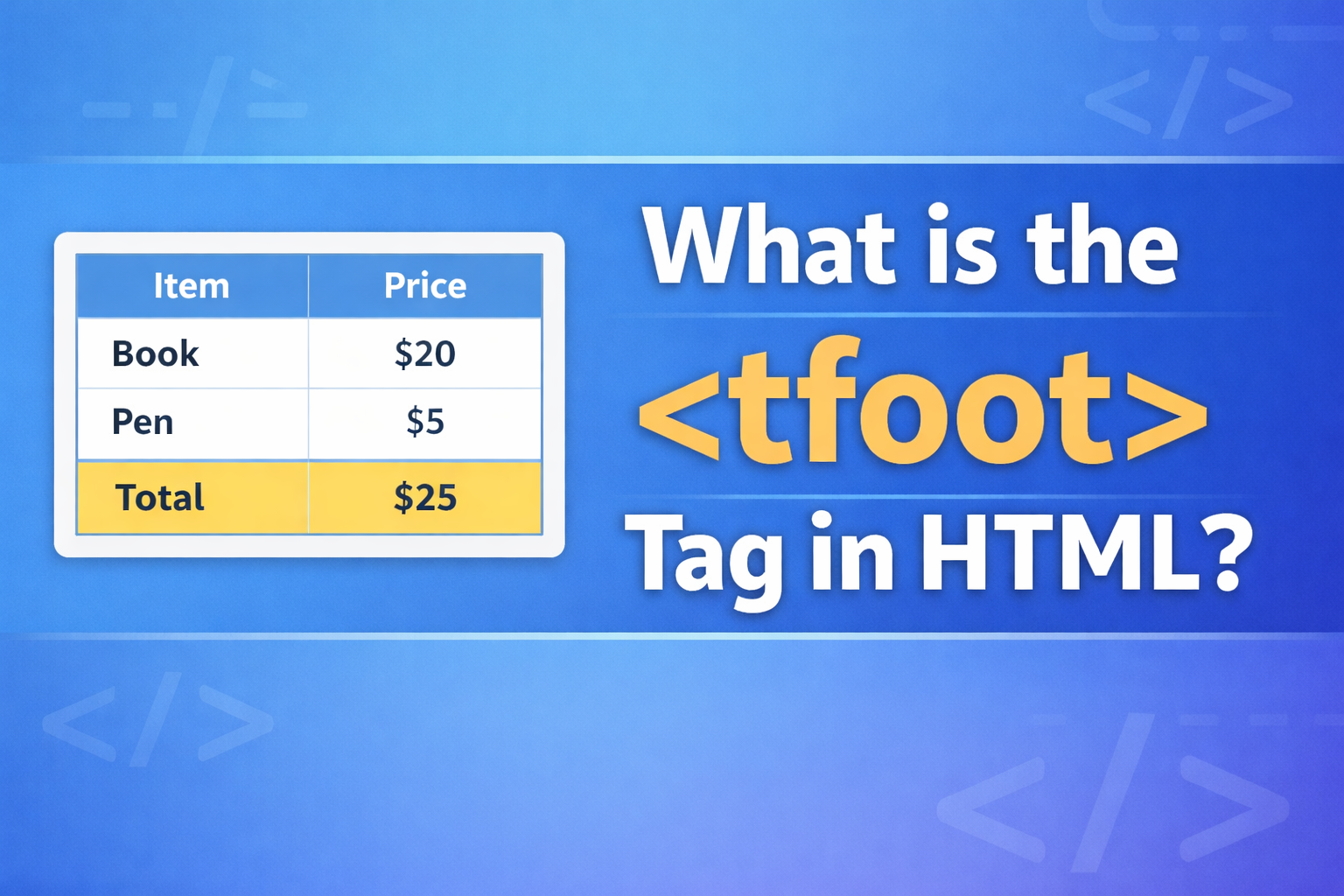
The <tfoot> tag in HTML is used to define the footer section of a table. It is part of the table structure and is mainly used to group footer content, such as totals, summaries, or extra information related to the table data.
If you are working with tables in HTML, understanding <tfoot> is important because it helps you organize your data clearly and makes your table easier to read and manage.
Basic Idea of <tfoot>
In a table, there are usually three main parts:
<thead>– for the table header<tbody>– for the main content<tfoot>– for the table footer
The <tfoot> tag is placed inside the <table> element and is used to group footer rows.
Basic Syntax of <tfoot>
Here is a simple example:
<table>
  <tfoot>
    <tr>
      <td>Total</td>
      <td>$100</td>
    </tr>
  </tfoot>
</table>
Explanation:
<table>: Creates the table<tfoot>: Defines the footer section<tr>: Table row<td>: Table data (cells)
This creates a footer row that shows a total value.
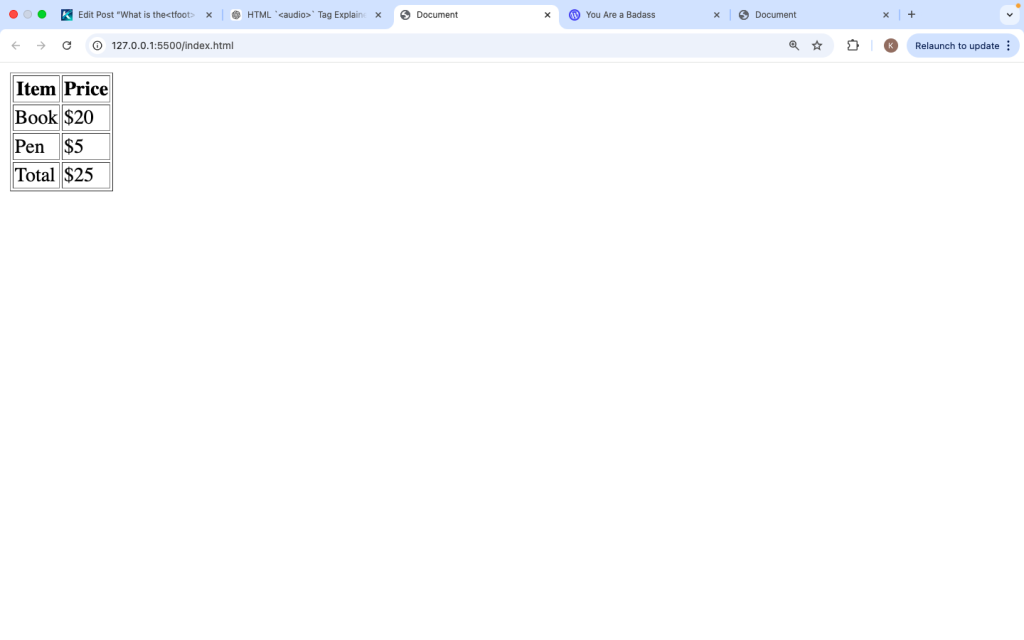
Full Table Example with <tfoot>
Here is a complete table example:
<table border=”1″>
<thead>
<tr>
<th>Item</th>
<th>Price</th>
</tr>
</thead>
<tbody>
<tr>
<td>Book</td>
<td>$20</td>
</tr>
<tr>
<td>Pen</td>
<td>$5</td>
</tr>
</tbody>
<tfoot>
<tr>
<td>Total</td>
<td>$25</td>
</tr>
</tfoot>
</table>
What this does:
- Header shows column names
- Body shows data
- Footer shows total
This structure makes the table clear and organized.
Why Use <tfoot>
The <tfoot> tag is useful for several reasons:
1. Better Organization
It separates the footer content from the main data.
2. Easy Styling
You can style the footer differently using CSS.
3. Clear Summary
It helps display totals or important summary data.
4. Improves Readability
Users can quickly find summary information at the bottom.
Important Note About Placement
Even though <tfoot> is usually shown at the bottom of a table, in HTML code it can appear before <tbody>.
Example:
<table>
<tfoot>
<tr>
<td>Total</td>
<td>$25</td>
</tr>
</tfoot>
<tbody>
<tr>
<td>Item</td>
<td>$25</td>
</tr>
</tbody>
</table>
Why is this allowed?
Browsers will still display <tfoot> at the bottom, even if it is written before <tbody>. This behavior helps browsers load table data faster.
Difference Between <thead>, <tbody>, and <tfoot>
| Tag | Purpose |
|---|---|
<thead> | Header (titles) |
<tbody> | Main content (data) |
<tfoot> | Footer (totals/info) |
Each part plays a role in structuring the table.
Using <tfoot> with Multiple Rows
You can have more than one row in the footer:
<tfoot>
  <tr>
    <td>Subtotal</td>
    <td>$25</td>
  </tr>
  <tr>
    <td>Tax</td>
    <td>$5</td>
  </tr>
  <tr>
    <td>Total</td>
    <td>$30</td>
  </tr>
</tfoot>
This is useful when you want to show detailed calculations.
Styling <tfoot> with CSS
You can style the footer section to make it stand out:
<style>
tfoot {
background-color: lightgray;
font-weight: bold;
}
</style>
This will highlight the footer row visually.
Using <th> in <tfoot>
You can also use <th> (table header cells) in the footer:
<tfoot>
  <tr>
    <th>Total</th>
    <td>$25</td>
  </tr>
</tfoot>
This can make the footer label more noticeable.
Real-Life Use Cases
The <tfoot> tag is commonly used in:
1. Financial Tables
To show totals, balances, or summaries.
2. Reports
To display final results or conclusions.
3. Shopping Carts
To show total price, tax, and discounts.
4. Data Tables
To summarize large sets of data.
Accessibility Benefits
Using <tfoot> improves accessibility:
- Screen readers can understand table structure better
- Helps users navigate large tables
- Provides clear summary information
This is important for building inclusive websites.
Common Mistakes to Avoid
1. Not Using <tfoot>
Some developers put totals inside <tbody>, which reduces clarity.
2. Wrong Placement
Even though browsers adjust it, it’s better to keep structure clean.
3. Overusing Footer
Only use <tfoot> for summary or footer content, not regular data.
4. Missing <tr>
Always wrap footer content inside <tr>.
Wrong:
<tfoot>
  <td>Total</td>
</tfoot>
Correct:
<tfoot>
  <tr>
    <td>Total</td>
  </tr>
</tfoot>
Combining <tfoot> with JavaScript
You can update footer values dynamically using JavaScript.
Example:
<table id="myTable">
  <tfoot>
    <tr>
      <td>Total</td>
      <td id="totalValue">$0</td>
    </tr>
  </tfoot>
</table>

<script>
  document.getElementById("totalValue").innerText = "$50";
</script>
This is useful for dynamic data like shopping carts.
Browser Support
The <tfoot> tag is supported in all modern browsers:
- Chrome
- Firefox
- Safari
- Edge
There are no major compatibility issues.
2. Keep It Simple
Use <tfoot> only for summary or footer content.
3. Make It Clear
Label totals clearly so users understand them.
4. Style It Properly
Use CSS to highlight important information.
5. Use Semantic HTML
This improves SEO and accessibility.
<tfoot> vs Regular Rows
You might wonder why not just use a normal row at the bottom.
Here’s the difference:
| Feature | <tfoot> | Regular Row |
|---|---|---|
| Semantic meaning | Yes | No |
| Accessibility | Better | Basic |
| Organization | Clear | Mixed |
Using <tfoot> gives your table meaning, not just layout.
The <tfoot> tag in HTML is used to define the footer section of a table. It helps organize data by separating summary information from the main content. Whether you are showing totals, calculations, or final results, <tfoot> makes your tables clearer and more structured.
By using <tfoot> along with <thead> and <tbody>, you create a well-organized table that is easy to read, style, and maintain. It also improves accessibility and gives your HTML proper meaning.
In modern web development, using semantic tags like <tfoot> is a good practice. It not only makes your code cleaner but also improves user experience.
If you are working with tables that include totals or summary data, the <tfoot> tag is the right tool to use.