
When you open a website and notice its colors, layout, fonts, spacing, and overall appearance, what you are seeing is not magic and not random design. Behind every visually appealing website is a technology called CSS, which stands for Cascading Style Sheets. CSS is one of the core building blocks of the web, and without it, websites would look plain, confusing, and difficult to use.
To truly understand how websites are styled and designed, it is important to understand what CSS is, why it exists, and how it works together with other web technologies. CSS does not create content, and it does not control logic or behavior. Instead, it focuses entirely on presentation—how things look on the screen.
At its core, CSS allows developers and designers to separate content from design, making the web cleaner, more flexible, and easier to maintain.
What CSS Really Is and Why It Exists
CSS was created to solve a simple but serious problem. In the early days of the web, websites were built almost entirely with HTML. HTML handled everything: content, structure, and appearance. This made pages messy and difficult to update. Changing the color or layout of a website often meant editing every single page manually.
CSS was introduced to handle styling only, so that HTML could focus on structure and meaning. With CSS, you can control the appearance of an entire website from one place. This separation makes websites easier to design, update, and scale over time.
Think of it this way:
• HTML is the skeleton of a website
• CSS is the skin, clothing, and visual style
• JavaScript is the behavior and interaction
CSS tells the browser how elements should look, where they should be placed, and how they should respond visually to different screen sizes.
⸻
How CSS Works Behind the Scenes
CSS works by targeting HTML elements and applying styles to them. These styles can control things like color, font size, spacing, alignment, borders, and layout. When a browser loads a webpage, it reads the HTML first, then applies the CSS rules to determine how everything should appear visually.
A CSS rule is made up of three main parts:
• The element being targeted
• The property being changed
• The value applied to that property
For example, CSS can tell a browser that all paragraph text should be black, use a specific font, and have space between lines. The browser follows these instructions and displays the content accordingly.
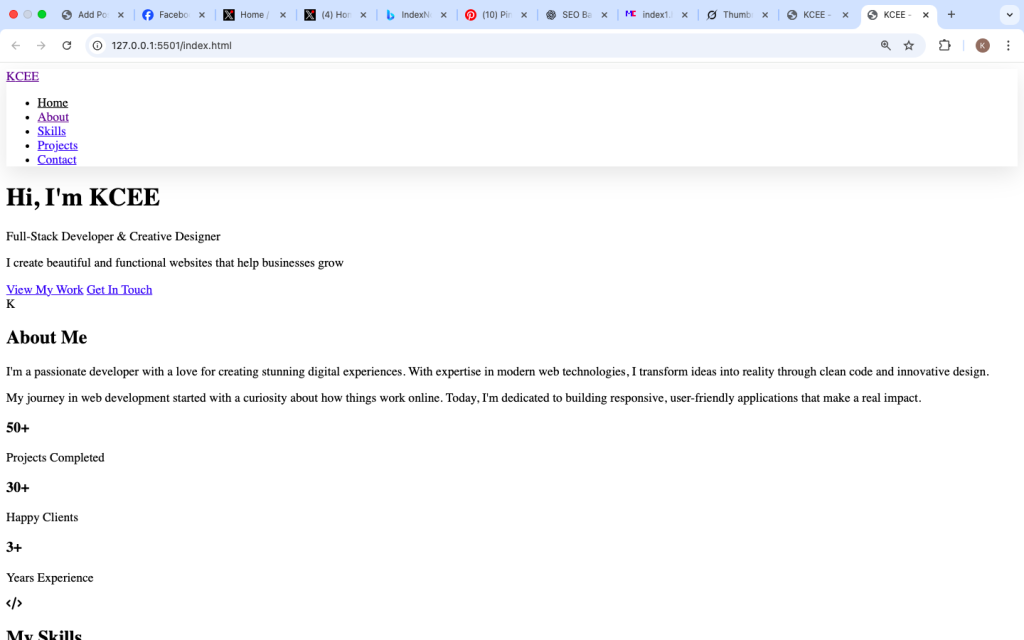

How CSS Is Added to a Website
CSS can be applied to a website in different ways, depending on the size and structure of the project. Small websites may use simple styling, while larger websites rely on organized CSS files.
The most common approach is using an external CSS file, which is linked to the HTML page. This allows one stylesheet to control the design of multiple pages. When changes are made to the CSS file, the entire website updates automatically.
This approach is one of the reasons modern websites can remain consistent across hundreds or thousands of pages.

Styling Text and Typography
One of the most noticeable roles of CSS is controlling how text appears on a website. Typography plays a major role in readability and user experience. CSS allows designers to choose fonts, adjust font sizes, control spacing between letters, and improve line height for easier reading.
Good typography makes content comfortable to read and helps guide users through information naturally. Poor typography, on the other hand, can make even valuable content feel overwhelming or unprofessional.
CSS also allows different text styles for headings, paragraphs, links, and buttons, helping create a visual hierarchy that users can understand at a glance.
Colors, Backgrounds, and Visual Identity
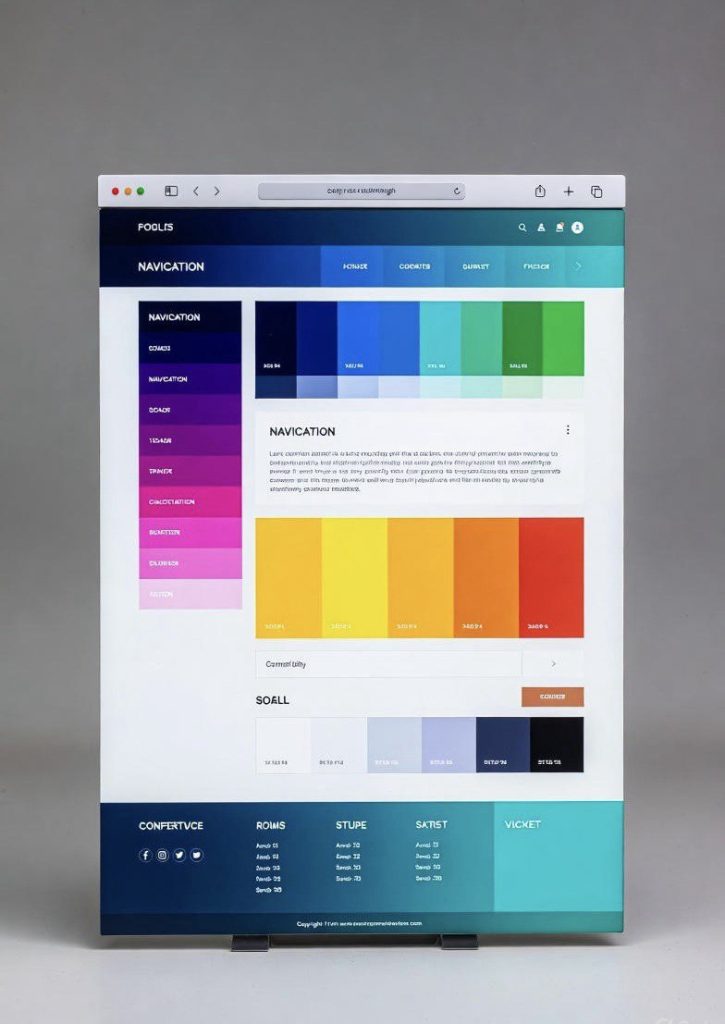
CSS controls all colors used on a website, including text color, background color, borders, and visual highlights. Colors are not just decoration; they influence emotions, branding, and usability.
With CSS, designers can apply consistent color themes across an entire site. This consistency helps users recognize a brand and feel comfortable navigating the site.
Backgrounds can be simple solid colors or complex combinations of gradients and images. CSS ensures that these visual elements load efficiently and adapt to different screen sizes.
Layout and Page Structure
One of the most powerful roles of CSS is controlling layout—how elements are positioned on a page. CSS determines whether content appears in columns, rows, grids, or stacked sections.
Modern CSS provides layout systems that allow websites to adapt smoothly to different devices. Whether a user is on a phone, tablet, or desktop, CSS adjusts the layout so content remains usable and readable.
This flexibility is essential in today’s internet, where users access websites from many screen sizes.

Responsive Design and Mobile Friendliness
Responsive design means a website automatically adjusts to fit different screen sizes. CSS makes this possible by allowing rules that apply only under certain conditions, such as screen width.
This ensures that:
• Text remains readable on small screens
• Buttons are easy to tap
• Images resize properly
• Layouts do not break on mobile devices
Search engines favor mobile-friendly websites, and users expect smooth experiences regardless of device. CSS plays a direct role in meeting both expectations.
Visual Effects and User Experience
CSS also handles subtle visual effects that improve user experience. These include hover effects, transitions, animations, and visual feedback when users interact with elements.
For example, when a button slightly changes color when hovered over, that feedback reassures the user that the element is interactive. These small details make websites feel alive and intuitive.
While CSS animations are not meant to replace complex interactions, they are perfect for enhancing usability without slowing down performance.
CSS and Website Performance
Well-written CSS helps websites load faster and perform better. Because CSS is lightweight and reusable, browsers can cache stylesheets and reuse them across pages. This reduces loading time and improves overall performance.
Poorly structured CSS, on the other hand, can slow down a website and make maintenance difficult. This is why organizing CSS properly becomes more important as a website grows.
Performance matters not just for users, but also for search engines, which consider site speed when ranking pages.
Why CSS Matters for the Future of the Web
CSS continues to evolve alongside the web. New features are constantly being added to make layouts more flexible, designs more expressive, and websites more accessible.
Understanding CSS is not just important for developers. Designers, content creators, and even business owners benefit from knowing how styling works. It allows better communication, better decisions, and better digital products.
CSS empowers creators to shape how information is presented, making the web more usable, beautiful, and inclusive.
CSS is the silent force behind every well-designed website. It controls how content looks, feels, and adapts across devices. Without CSS, the web would be unreadable and chaotic. With it, information becomes clear, accessible, and engaging.
For anyone learning how websites work, understanding CSS is not optional it is essential. It bridges the gap between raw content and meaningful design, turning simple pages into professional digital experiences.
As you continue exploring technology, remember that CSS is not just about colors and layouts. It is about communication, usability, and making the web work better for everyone.