
Web development can feel overwhelming at first. You hear words like HTML, CSS, JavaScript, frontend, backend, frameworks, and suddenly it sounds more complicated than it really is. The truth is: anyone can learn web development with the right approach, even if you have no technical background.
By the end, you’ll understand what web development is, how it works, what to learn first, and how to move forward without confusion.
The Three Core Technologies Every Beginner Must Know
Before jumping into tools or frameworks, beginners must understand the three pillars of the web.
1. HTML – The Structure of the Web
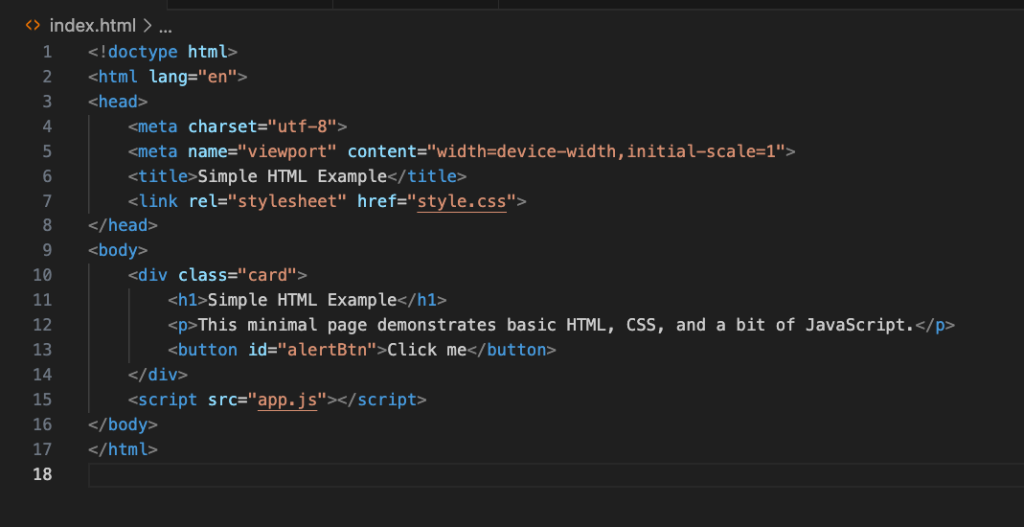
HTML (HyperText Markup Language) is the skeleton of a website. It defines the content and structure headings, paragraphs, images, links, forms, and buttons.
Think of HTML like the frame of a house. Without it, nothing exists.
What beginners should learn first in HTML:
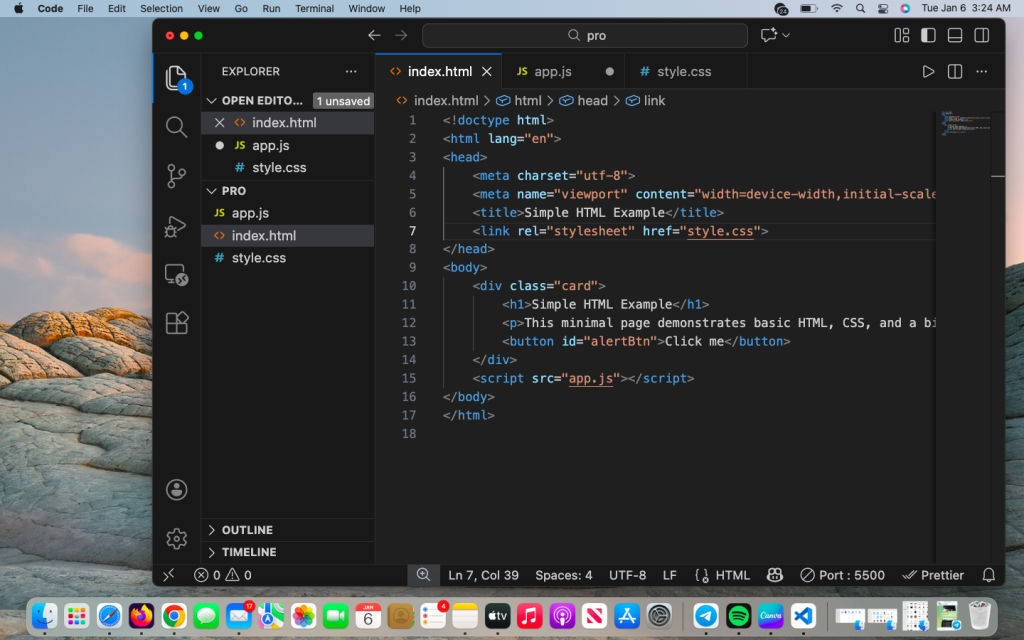
- Basic tags (
<h1>,<p>,<img>,<a>) - Lists and tables
- Forms and input fields
- Semantic HTML (header, section, footer)
2. CSS – The Design and Layout
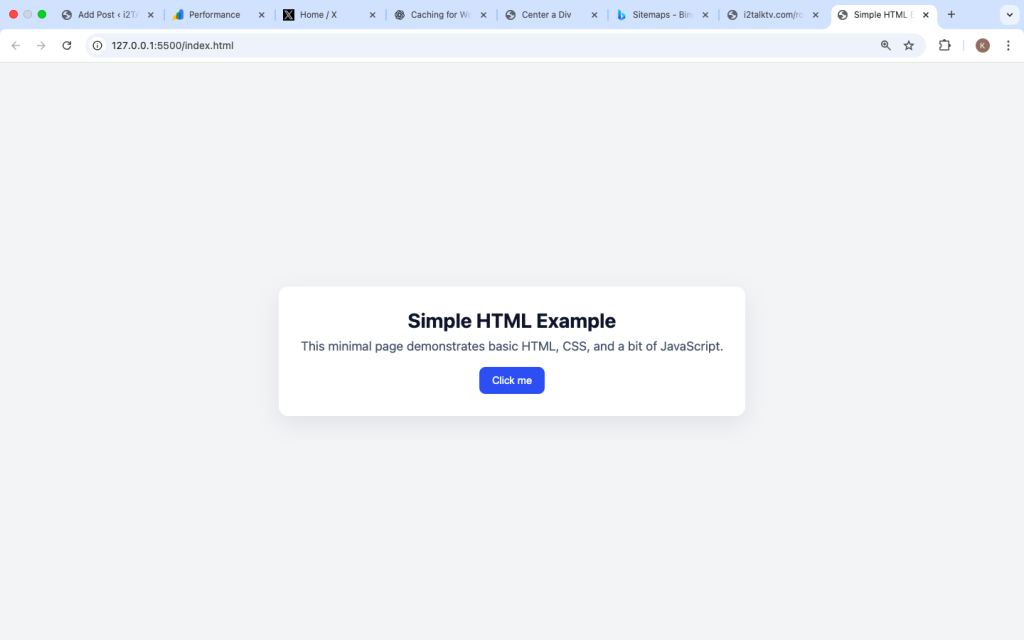
CSS (Cascading Style Sheets) controls how your website looks. Colors, fonts, spacing, alignment, layouts, and responsiveness all come from CSS.
If HTML is the skeleton, CSS is the skin, clothes, and style.
Key CSS concepts for beginners:
- Colors and typography
- Box model (margin, padding, border)
- Flexbox and basic layouts
- Responsive design for mobile screens

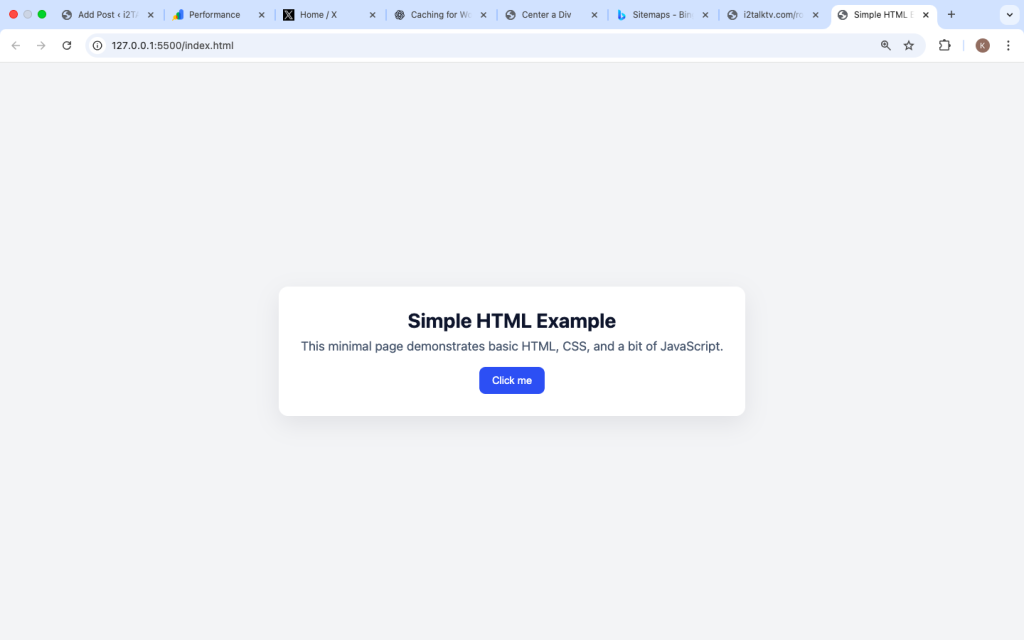
3. JavaScript – The Interaction and Logic
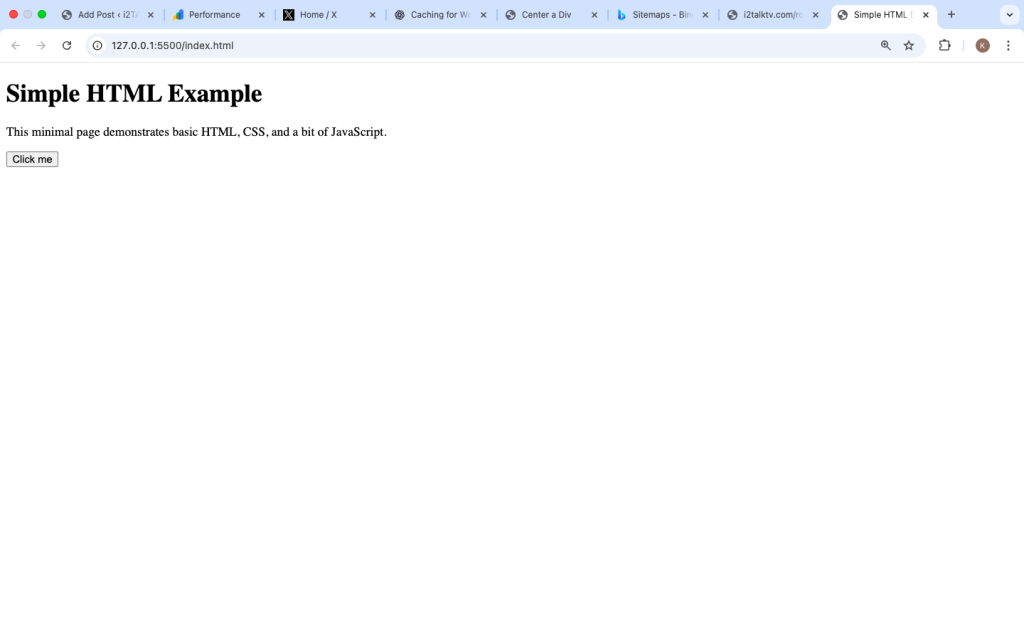
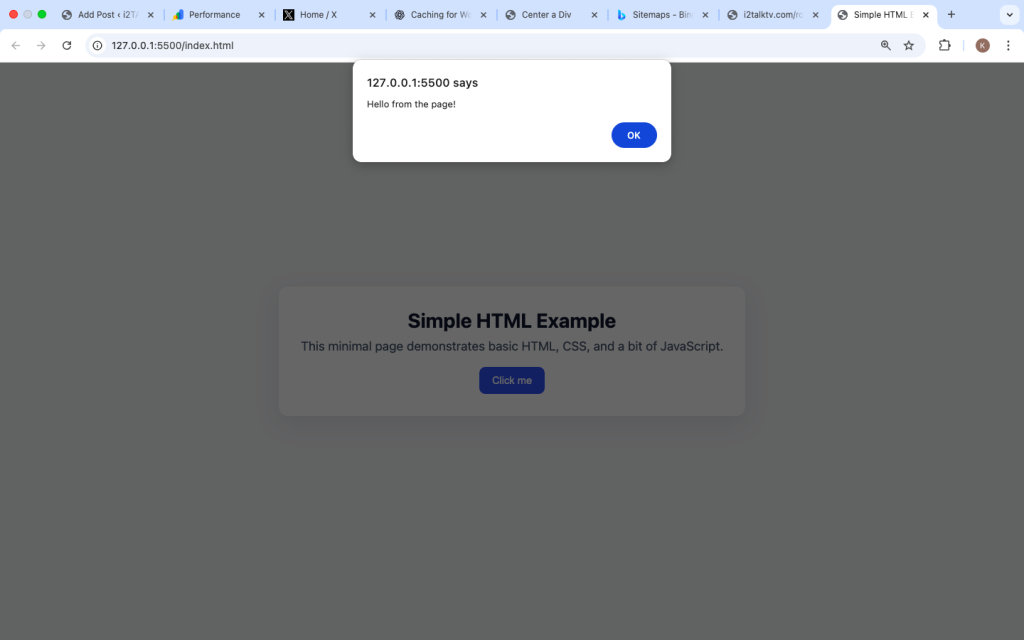
JavaScript makes websites interactive. It handles clicks, form validation, animations, dynamic content, and real-time updates.
Without JavaScript, websites would feel static and lifeless.
Beginner JavaScript topics to focus on:
- Variables and data types
- Functions and events
- DOM manipulation
- Simple logic (if/else)

Frontend vs Backend: What’s the Difference?
As a beginner, you’ll often hear these two terms.
Frontend Development
Frontend is everything users see and interact with in the browser. It uses:
- HTML
- CSS
- JavaScript
If you enjoy visuals, layouts, and user experience, frontend is a great starting point.
Backend Development
Backend handles behind-the-scenes logic like databases, servers, and authentication. It uses languages such as:
- PHP
- Python
- Node.js
Beginners are strongly advised to start with frontend first before moving to backend.
Tools Beginners Need (Nothing Complicated)
You don’t need expensive software to start learning web development.
Essential Tools:
- Code Editor: VS Code is beginner-friendly and free
- Web Browser: Chrome or Firefox
- File System: Basic knowledge of folders and files
That’s it. Avoid tool overload at the beginning.
How to Practice Web Development the Right Way
Watching tutorials alone will not make you a developer. Practice is everything.
Start with Small Projects
Examples:
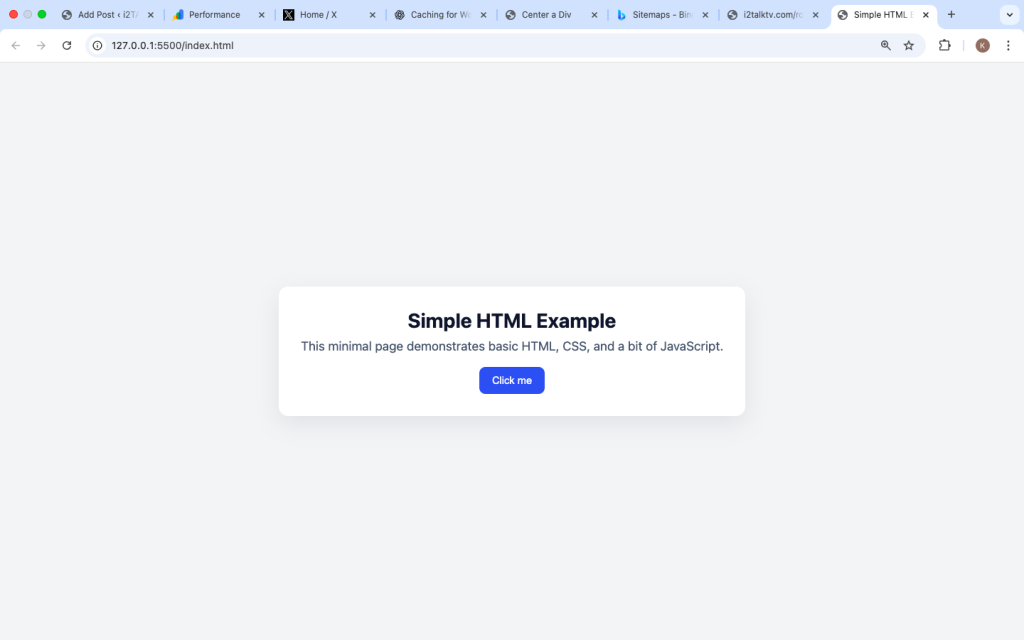
- A personal profile page
- A simple login form UI
- A landing page
- A basic calculator
Each project should help you apply what you just learned.
Common Beginner Mistakes to Avoid
Many beginners quit because of avoidable mistakes.
1. Trying to Learn Everything at Once
Web development is wide. Focus on one path at a time.
2. Copying Code Without Understanding
Always ask why the code works.
3. Jumping Into Frameworks Too Early
Learn vanilla HTML, CSS, and JavaScript first.
4. Comparing Yourself to Others
Everyone learns at a different pace.
How Long Does It Take to Learn Web Development?
This is a common question.
- Basic websites: 1–2 months
- Comfortable frontend skills: 3–6 months
- Advanced skills: Ongoing learning
Consistency matters more than speed.
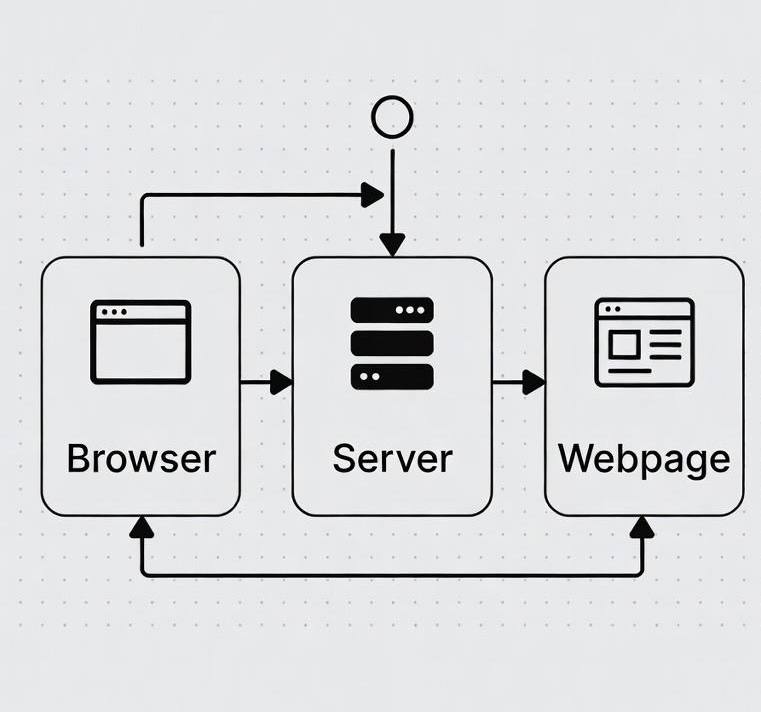
Understanding How Websites Work Behind the Scenes
When someone visits a website:
- The browser requests the page
- The server responds
- HTML loads first
- CSS styles the content
- JavaScript adds interaction
Understanding this flow helps beginners learn faster.
Learning Resources That Actually Help
Choose structured learning, not random videos.
Good learning methods include:
- Step-by-step tutorials
- Building personal projects
- Reading documentation slowly
- Debugging errors on your own
Avoid rushing.
How to Stay Motivated as a Beginner
Web development can be frustrating, especially when things don’t work.
Helpful tips:
- Celebrate small wins
- Break problems into smaller parts
- Revisit old projects to see progress
- Learn by teaching others
Progress builds confidence.
What You Can Build as a Beginner
Even with basic skills, you can create:
- Personal websites
- Blog layouts
- Simple dashboards
- Portfolio pages
- Landing pages
These projects are enough to show real progress.
Learning web development is not about being perfect. It’s about steady improvement.
Focus on:
- Strong fundamentals
- Regular practice
- Clear understanding
- Patience with yourself
With time, what once felt confusing will become natural. Web development is a skill that rewards consistency, and once you understand the basics, everything else builds on top of it.
Start small, stay curious, and keep building.