
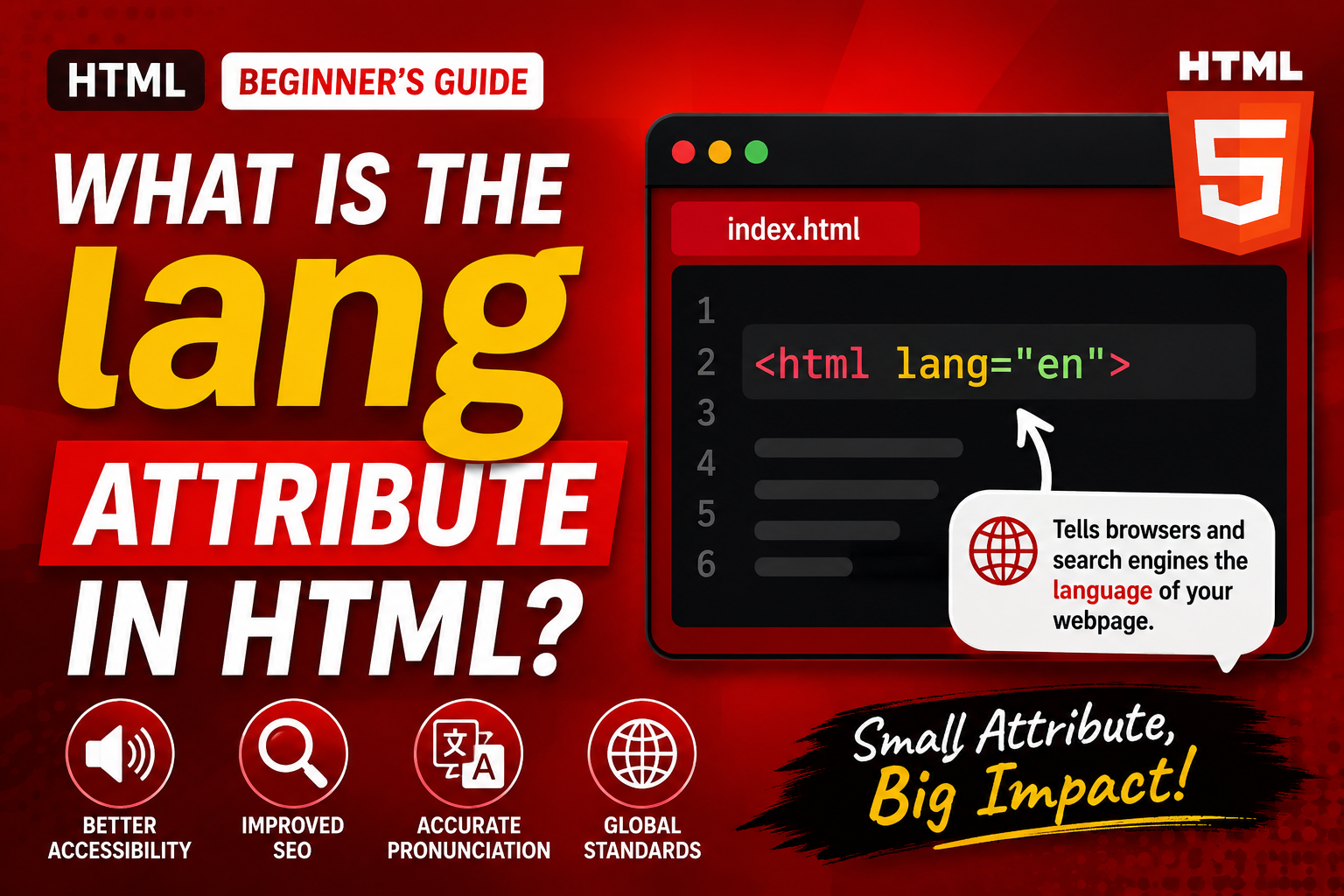
When you create a webpage with HTML, there are many small details that may seem unimportant at first but can make a big difference in how your website works. One of those details is the HTML lang attribute.
The lang attribute tells browsers, search engines, screen readers, and other technologies what language the content of a webpage is written in. Although it is only a small piece of HTML, using it correctly is an important part of creating accessible, understandable, and well-structured websites.
If you are just starting to learn HTML, you may have seen something like lang="en" near the beginning of an HTML document and wondered what it means. This guide will explain it in simple terms.
You will learn what the lang attribute does, where it should be placed, why it matters, how language codes work, common examples, common mistakes, and how you can use it correctly in your practice projects.
What Is the lang Attribute?
The lang attribute is an HTML attribute that identifies the language of the content inside an element.
In most webpages, it is placed on the opening <html> element.
For example:
<html lang="en">
The en value tells the browser that the main language of the webpage is English.
Think of the lang attribute as a label that tells technology:
“The content on this page is written in this language.”
This information can be useful even though visitors may never see the attribute directly on the screen.
Why Does HTML Need a Language Attribute?
A browser can often recognize a language automatically, but you should not depend entirely on automatic detection.
When you explicitly specify the language, you provide clear information about your webpage.
This can help:
- Screen readers pronounce words correctly
- Search engines understand your content
- Browsers provide appropriate language features
- Translation tools identify the original language
- Developers understand the intended language of the page
It is a small addition that can improve the overall quality of your HTML document.
Where Should the lang Attribute Go?
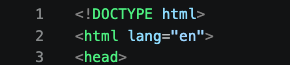
For most webpages, the lang attribute belongs on the <html> element.
A basic HTML document might begin like this:
<!DOCTYPE html>
<html lang="en">
The important part is lang="en".
Because the <html> element contains the entire webpage, placing the language there tells browsers that the document’s primary language is English.
This is generally the best place to start when creating a webpage.
What Does lang="en" Mean?
The value inside the lang attribute identifies the language.
In lang="en":
langis the attribute name.enis the language code.enmeans English.
There are many other language codes.
For example:
en— Englishfr— Frenches— Spanishde— Germanit— Italianpt— Portuguesear— Arabiczh— Chineseja— Japaneseko— Korean
The code should match the actual language being used.
What If a Website Uses More Than One Language?
A webpage does not have to contain only one language.
Imagine an English webpage that includes a paragraph written in French. The main document can be identified as English, while the specific French paragraph can have its own lang attribute.
For example:
<html lang="en">
The page is primarily English.
A particular section could then use:
<p lang="fr">Bonjour tout le monde.</p>
This tells the browser that this particular text is French.
This feature is especially useful for multilingual websites.
Why Is This Useful for Screen Readers?
One of the most important reasons to use the lang attribute is accessibility.
Screen readers can use the declared language to determine how words should be pronounced.
Imagine a page that is mostly English but contains French or Spanish words. Without language information, a screen reader may pronounce some words incorrectly.
When the appropriate language is specified, assistive technology has a better chance of using the correct pronunciation rules.
This makes the website more accessible to people who rely on screen readers.
The lang Attribute and Search Engines
Search engines can use language information when processing webpages.
The lang attribute helps communicate the intended language of your content.
However, it is important to understand that adding lang="en" is not a magic SEO trick. It does not automatically make a webpage rank higher.
Instead, it is part of good HTML structure and helps provide useful information about the document.
Good SEO involves many other factors, including useful content, page structure, technical performance, and search intent.
Language Codes Are Not Random
One important thing to understand is that language codes follow established standards.
For example, en represents English, while fr represents French.
This means you should not create your own language codes.
For an English website, use:
lang="en"
rather than something like:
lang="english"
The standardized code is the correct choice.
What About Regional Languages?
Sometimes simply identifying a language is not enough.
A language can have different regional variations.
For example, English is spoken in countries such as:
- United Kingdom
- United States
- Canada
- Australia
- Nigeria
You can provide more specific information using a language and region combination.
For example:
<html lang="en-US">
This represents English associated with the United States.
Another example is:
<html lang="en-GB">
This represents English associated with the United Kingdom.
The first part identifies the language, while the second part identifies the region.
en vs en-US
Beginners may wonder whether they should always use a regional code.
Not necessarily.
If you only need to identify the language as English, lang="en" is usually sufficient.
A more specific value such as en-US can be useful when the regional variety matters.
For example, a website specifically written for an American audience may choose en-US.
The important thing is to describe the content accurately.
What If Your Website Is Written in French?
If your entire webpage is written in French, you should identify it accordingly.
For example:
<html lang="fr">
This tells technologies that the document is primarily French.
The same principle applies to other languages.
If the page is Spanish, use the appropriate Spanish language code. If it is German, use the German code.
The value should always reflect the actual primary language of the page.
Can You Use lang on Individual Elements?
Yes.
The lang attribute can be used on individual HTML elements when a particular piece of content is written in another language.
For example, a mostly English page might contain a Spanish quotation.
You could identify the quotation as Spanish without changing the language of the entire document.
This is useful for:
- Quotes
- Foreign phrases
- Multilingual content
- Translated sections
- Names or expressions from another language
It gives browsers and assistive technologies more precise information.
The lang Attribute Does Not Translate Content
This is an important distinction.
The lang attribute tells the browser what language the content is written in. It does not translate the content.
For example:
<html lang="fr">
does not turn English text into French.
It simply tells technology that the document should be treated as French.
Translation is a completely different process.
Common Beginner Mistakes
There are several mistakes beginners should avoid.
1. Forgetting the lang Attribute
A common mistake is creating an HTML document without specifying the primary language.
Adding the correct language code is a simple improvement to your document.
2. Using the Wrong Language Code
If your website is written in English, don’t identify it as French or Spanish.
The value should match the actual content.
3. Using Made-Up Codes
Do not invent language values such as lang="english" when a standard code such as en exists.
4. Assuming lang Changes the Language
The attribute identifies a language; it does not translate text.
5. Adding an Incorrect Regional Code
Only use a regional identifier when it accurately represents the content.
How to Practice Using the lang Attribute
The best way to understand the lang attribute is to use it in small HTML projects.
Start with a simple webpage written entirely in English.
Set the document language to English.
Then create another practice page using a different language if you understand that language.
After that, experiment with a webpage that contains multiple languages.
For example, you could create a small personal profile page written in English with a short French greeting.
This will help you understand the difference between the main document language and the language of individual pieces of content.
Using lang in Your Practice Projects
You should get into the habit of thinking about the language of your webpage whenever you create an HTML document.
For example, if you are building:
- A personal portfolio
- A blog
- A business website
- A school project
- A news website
- A documentation page
you should identify the primary language of the content.
It takes only a moment to add the correct attribute, but it makes your HTML more complete.
Why the lang Attribute Is Part of Good HTML
Good HTML is not only about making content appear on a screen.
It is also about giving browsers and assistive technologies useful information about the document.
The lang attribute is a good example of this idea.
A visitor may never notice it, but behind the scenes it can help technology understand how your content should be handled.
This is one reason semantic and accessible HTML matters.
A Simple Way to Remember It
If you are trying to remember what the lang attribute does, think of it this way:
lang = language
Whenever you see something like:
lang="en"
read it as:
“The language is English.”
Once you understand this simple idea, the attribute becomes much easier to remember.
The HTML lang attribute is a small but important part of creating well-structured webpages. Its main job is to identify the language of the content inside an HTML element.
For most webpages, you will place it on the opening <html> element so browsers, search engines, screen readers, and other technologies can understand the primary language of the document.
You can also use lang on individual elements when a particular part of the page is written in a different language.
The most important thing to remember is that the lang attribute identifies a language; it does not translate content.
As you continue learning HTML, try to include the correct lang value in every practice project you create. It is a small habit, but it helps you develop better accessibility and HTML structure from the beginning.
Once you understand attributes such as lang, you will also begin to see how HTML provides browsers with useful information beyond simply displaying text and images. That is an important step toward writing cleaner, more professional HTML.
Really impressed with the variety of games available. There is always something new to try and the loading times are quick vnrr886666