
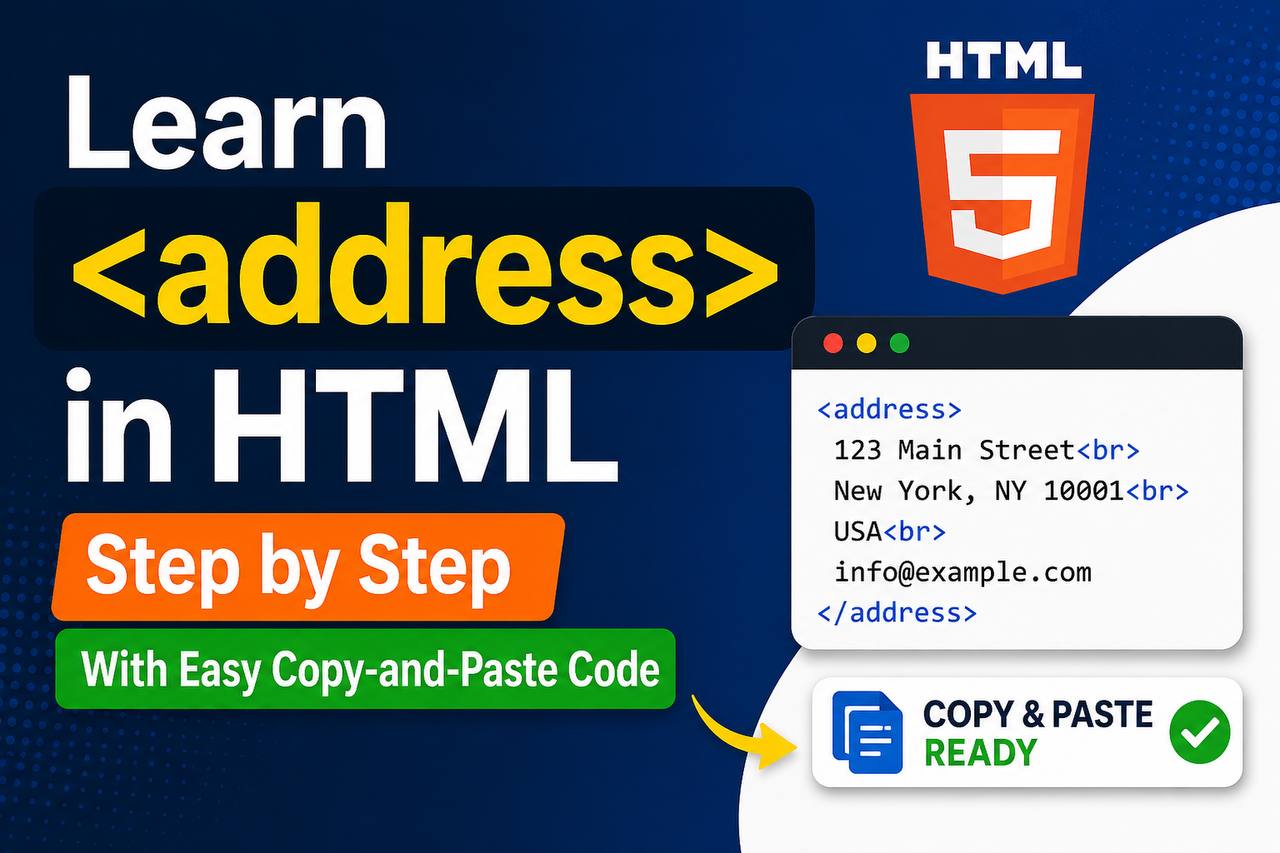
The <address> tag in HTML is used to display contact information related to a webpage, article, author, or organization. It helps browsers and developers understand that the content inside the tag contains contact details such as email addresses, phone numbers, physical locations, or website links.
Even though many beginners overlook this tag, it is useful for semantic HTML and better webpage structure.
In this guide, you’ll learn:
- What the
<address>tag is - How it works
- When to use it
- Best practices
- Easy examples with copy-and-paste code
By the end, you’ll be able to use the <address> tag correctly in your own HTML projects.
What Is the <address> Tag in HTML?
The <address> tag defines contact information for:
- A webpage author
- A business
- A company
- An article writer
- A website owner
Browsers usually display text inside <address> in italic format by default.
Basic Syntax of <address>
Here’s the simplest example:
<address>
  Contact us at support@example.com
</address>
Output:
- The text appears in italic style
- Browsers recognize it as contact information
Simple Real Example
<address>
  John Doe<br>
  Lagos, Nigeria<br>
  Email: johndoe@email.com
</address>
This example shows:
- A name
- A location
- An email address
The <br> tag is used to place each detail on a new line.

Why the <address> Tag Is Important
The <address> tag helps:
- Organize contact details properly
- Improve semantic HTML
- Make webpages easier for browsers and search engines to understand
- Improve accessibility
Instead of placing contact information inside random <div> tags, HTML provides <address> specifically for this purpose.
Default Browser Styling
Browsers automatically style <address> text in italics.
Example:
<address>
  support@example.com
</address>
Usually appears like this:
You can change the style using CSS.
Adding Links Inside <address>
You can place clickable links inside the tag.
Email Link Example
<address>
  Email us:
  <a href="mailto:support@example.com">
    support@example.com
  </a>
</address>
When users click the email, it opens their email app.
Phone Number Example
<address>
  Call us:
  <a href="tel:+2348000000000">
    +234 800 000 0000
  </a>
</address>
This is useful on mobile devices.
Full Contact Information Example
<address>
  KayHovaLLC<br>
  25 Victoria Island Road<br>
  Lagos, Nigeria<br><br>

  Email:
  <a href="mailto:info@kayhova.com">
    info@kayhova.com
  </a><br>

  Phone:
  <a href="tel:+2348012345678">
    +234 801 234 5678
  </a>
</address>
This example includes:
- Company name
- Address
- Phone number
Where to Use the <address> Tag
The <address> tag is commonly used in:
- Website footers
- Blog author sections
- Company contact pages
- Article author information
- Portfolio websites
Example Inside a Footer
<footer>
  <address>
    Created by John Doe<br>
    Email: john@example.com
  </address>
</footer>
This is one of the most common uses.
Example Inside an Article
<article>
  <h1>Learning HTML</h1>

  <p>HTML is the foundation of websites.</p>

  <address>
    Written by Jane Smith
  </address>
</article>
This tells browsers who wrote the article.
Styling the <address> Tag with CSS
You can customize the appearance completely.
Example:
<style>
  address {
    font-style: normal;
    background-color: #f2f2f2;
    padding: 15px;
    border-left: 4px solid blue;
  }
</style>

<address>
  KayHovaLLC<br>
  Lagos, Nigeria
</address>
This removes the italic style and adds a modern design.
Understanding Semantic HTML
The <address> tag is part of semantic HTML.
Semantic HTML means using tags based on their meaning instead of just appearance.
Examples:
<header>for page headers<footer>for footers<article>for articles<address>for contact information
Using semantic tags makes your code cleaner and more professional.
Common Mistakes Beginners Make
1. Using <address> for Random Text
Wrong:
<address>
  Welcome to my website
</address>
The tag should only contain contact-related information.
2. Using It for Every Address on a Website
The <address> tag is meant for contact information related to the page or article author—not every location.
3. Forgetting Line Breaks
Without <br>, everything stays on one line.
Wrong:
<address>
  John Lagos Nigeria Email
</address>
Better:
<address>
  John<br>
  Lagos, Nigeria<br>
  Email: john@email.com
</address>
<address> vs <p> Tag
| Tag | Purpose |
|---|---|
<p> | General paragraph text |
<address> | Contact information |
The <address> tag gives meaning to the content.
Using <address> with Social Media Links
You can also add social media links.
Example:
<address>
  Follow us:<br>

  <a href="https://facebook.com">
    Facebook
  </a><br>

  <a href="https://twitter.com">
    Twitter
  </a>
</address>
This is useful for businesses and portfolios.
Responsive Contact Box Example
Here’s a modern contact section.
<!DOCTYPE html>
<html>
<head>
<style>
  .contact-box {
    max-width: 400px;
    padding: 20px;
    background: #f5f5f5;
    border-radius: 10px;
    font-family: Arial;
  }

  .contact-box address {
    font-style: normal;
    line-height: 1.8;
  }

  .contact-box a {
    color: blue;
    text-decoration: none;
  }
</style>
</head>

<body>

<div class="contact-box">
  <h2>Contact Us</h2>

  <address>
    KayHovaLLC<br>
    Victoria Island, Lagos<br>

    Email:
    <a href="mailto:info@kayhova.com">
      info@kayhova.com
    </a><br>

    Phone:
    <a href="tel:+2348012345678">
      +234 801 234 5678
    </a>
  </address>
</div>

</body>
</html>
This creates a clean contact card.
Accessibility Benefits
Using the <address> tag improves accessibility because:
- Screen readers understand the content type
- Contact information becomes clearer
- Semantic structure improves navigation
This helps users with assistive technologies.
SEO Benefits of Semantic Tags
Search engines understand webpages better when semantic HTML is used correctly.
While <address> alone will not magically improve rankings, it contributes to:
- Better structure
- Cleaner HTML
- Improved accessibility
- More understandable page content
Browser Support
The <address> tag works in:
- Chrome
- Firefox
- Edge
- Safari
- Opera
It is supported by all modern browsers.
Best Practices
Use Real Contact Information
Always place genuine contact details.
Keep It Organized
Use line breaks and spacing.
Combine with Links
Make phone numbers and emails clickable.
Avoid Overusing It
Use it only where contact information is relevant.
Mini Project Example
Here’s a small website footer using <address>.
<footer style="background:#222; color:white; padding:20px;">

  <h3>KayHovaLLC</h3>

  <address>
    25 Admiralty Way<br>
    Lagos, Nigeria<br><br>

    Email:
    <a href="mailto:contact@kayhova.com">
      contact@kayhova.com
    </a><br>

    Phone:
    <a href="tel:+2348012345678">
      +234 801 234 5678
    </a>
  </address>

</footer>
This creates a realistic footer section.
When NOT to Use <address>
Do not use <address> for:
- Random paragraphs
- Navigation menus
- Product descriptions
- Headlines
- Blog content
Only use it for contact-related information.
The <address> tag may look simple, but it plays an important role in semantic HTML. It helps structure contact information clearly and makes webpages easier for browsers, search engines, and screen readers to understand.
As a beginner, learning semantic tags like <address> is important because it helps you write cleaner and more professional HTML code.
The best way to master this tag is by practicing:
- Create footer sections
- Build contact pages
- Add author information
- Experiment with styling using CSS
Once you understand how the <address> tag works, you’ll be able to create better organized and more user-friendly websites.
Just had a great run on this site today! The graphics are crisp and the gameplay is very intuitive. I am sticking with br77bbbet for a while.
Finding a straightforward login portal can be such a hassle, but oldbet9jalogin made it super easy for me. I appreciate how they keep the interface clean and the server responses are consistently fast. Whether I am playing on my phone or laptop, everything runs perfectly. Highly recommend checking it out. oldbet9jalogin