
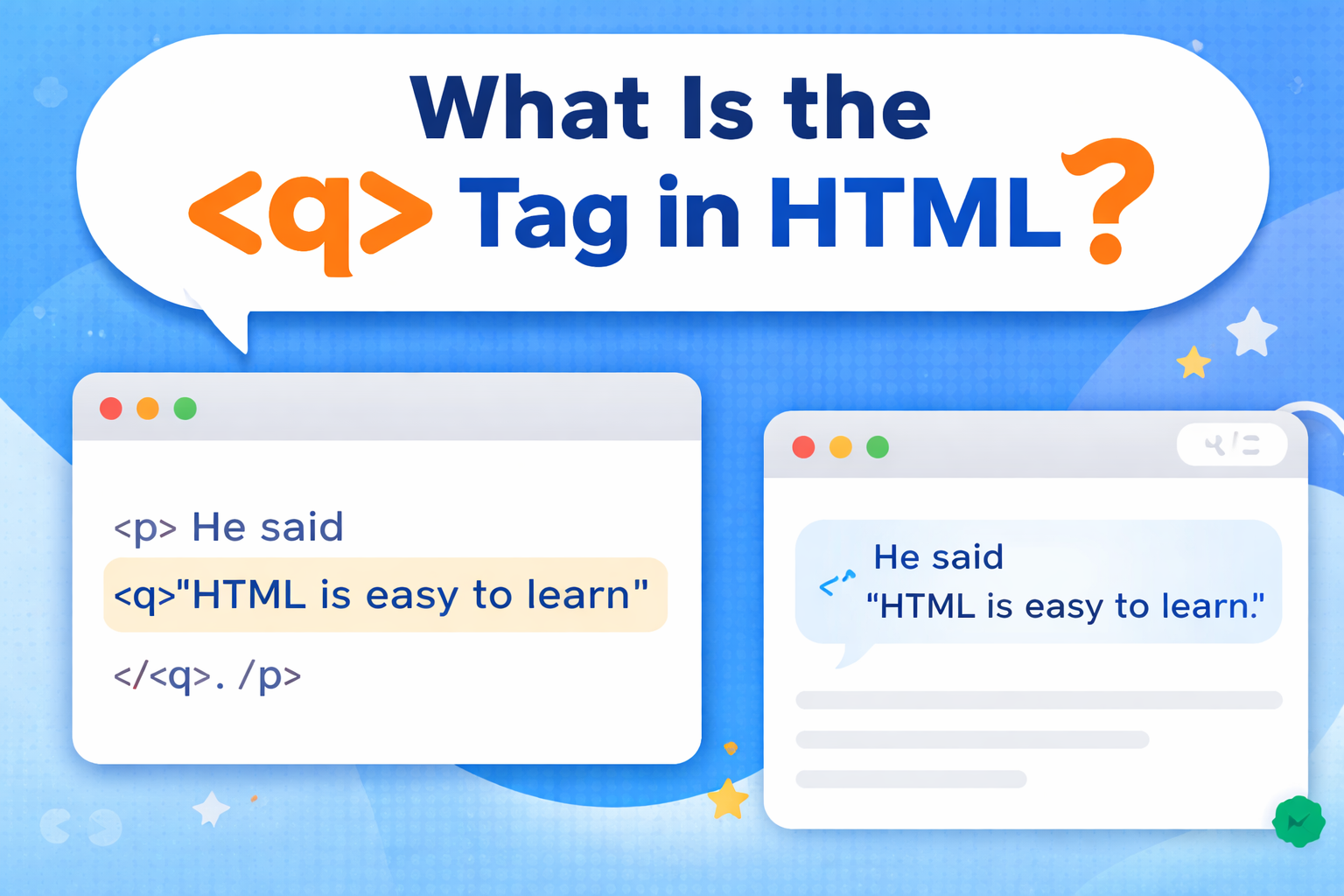
When writing content on a webpage, you may need to include short quotes inside a sentence. For example, quoting what someone said or highlighting a short phrase.
Instead of manually adding quotation marks, HTML provides a simple and clean way to handle this using the <q> tag.
The <q> tag is used to define short inline quotations. Browsers automatically add quotation marks around the text, making your content look neat and properly structured.
In this guide, you will learn what the <q> tag is, how it works, when to use it, and how to use it correctly in your HTML projects.
Understanding the <q> Tag
The <q> tag is an HTML element used to mark short quotes within a line of text.
Unlike long quotes that take their own space, <q> is used for quotes that fit naturally inside a sentence.
Basic Syntax
The <q> tag has an opening and closing tag.
Example:

When displayed in the browser, it will appear like this:
👉 “This is a short quote”
The browser automatically adds quotation marks.
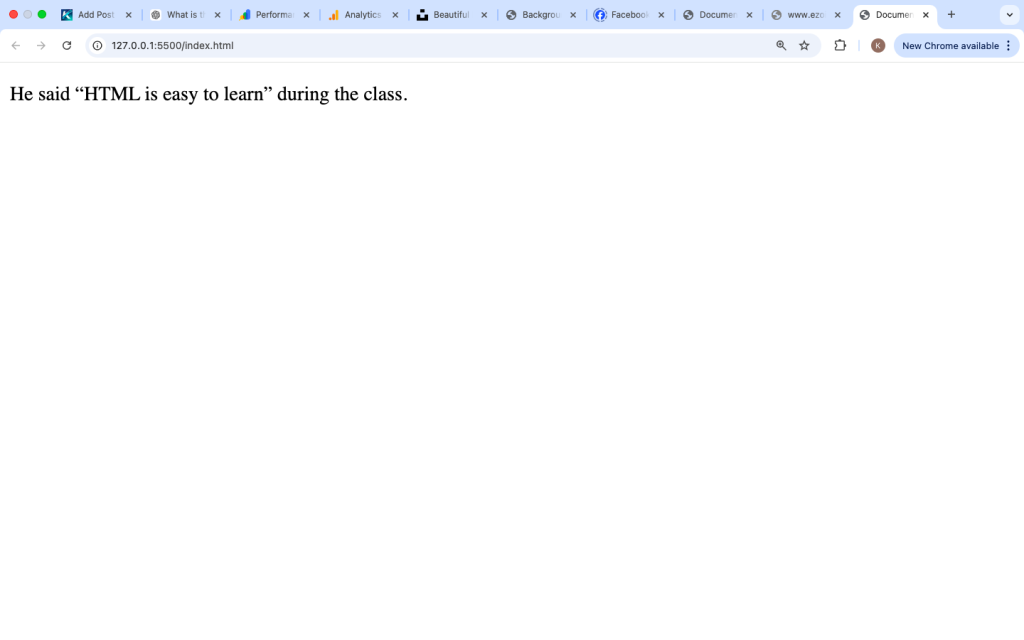
Example Inside a Sentence

This keeps the quote inside the sentence and properly formatted.
Why the <q> Tag Is Used
The <q> tag is used to:
- Add short quotes inside text
- Automatically include quotation marks
- Keep content clean and readable
- Provide semantic meaning
Instead of typing quotes manually, the browser handles it for you.
How Browsers Display the <q> Tag
Browsers automatically add quotation marks around <q> content.
Example:

Output:
👉 “Hello world”
Browsers may use:
- Double quotes (“ ”)
- Single quotes (‘ ’) for nested quotes
All modern browsers support the <q> tag.
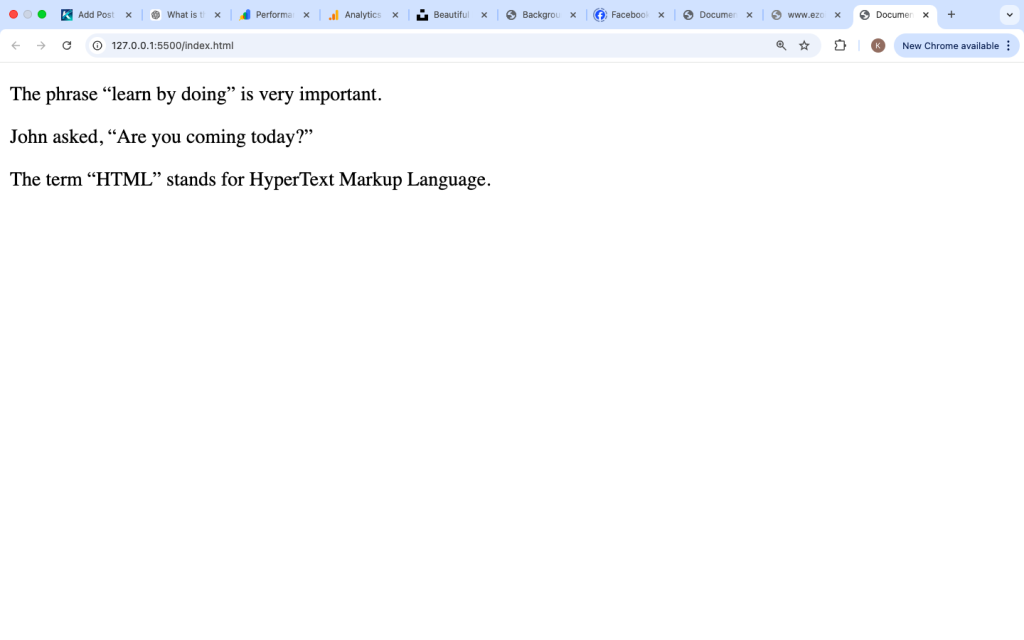
Common Use Cases of the <q> Tag

This keeps the quote clean and readable.
2. Highlighting a Short Phrase
Example:

This makes the phrase stand out.
3. Conversations or Dialogue
Example:

This is useful for storytelling or examples.
4. Educational Content
Example:

This helps highlight key terms.
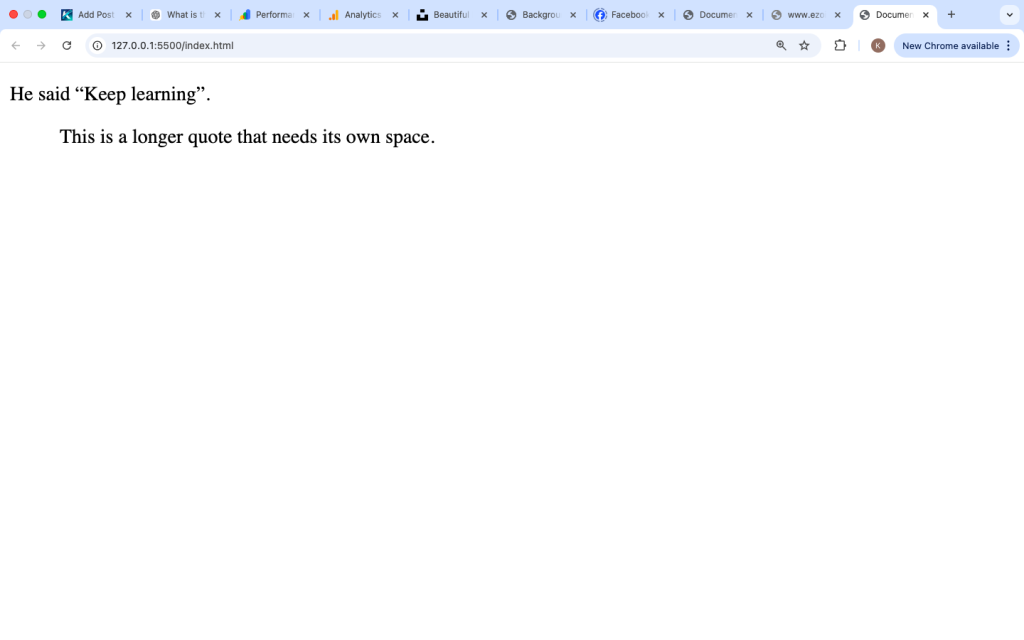
<q> Tag vs <blockquote> Tag
Many beginners confuse <q> with <blockquote>.
<q> Tag
- Used for short quotes
- Appears inline
- Adds quotation marks
<blockquote> Tag
- Used for long quotes
- Appears on a new line
- Indented
Example:
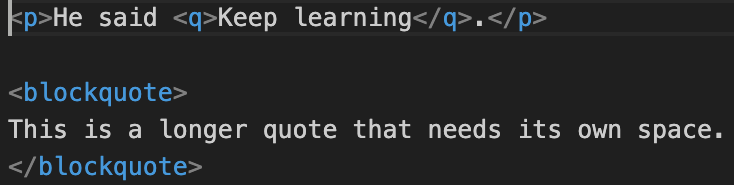
Use <q> for short quotes and <blockquote> for long ones.
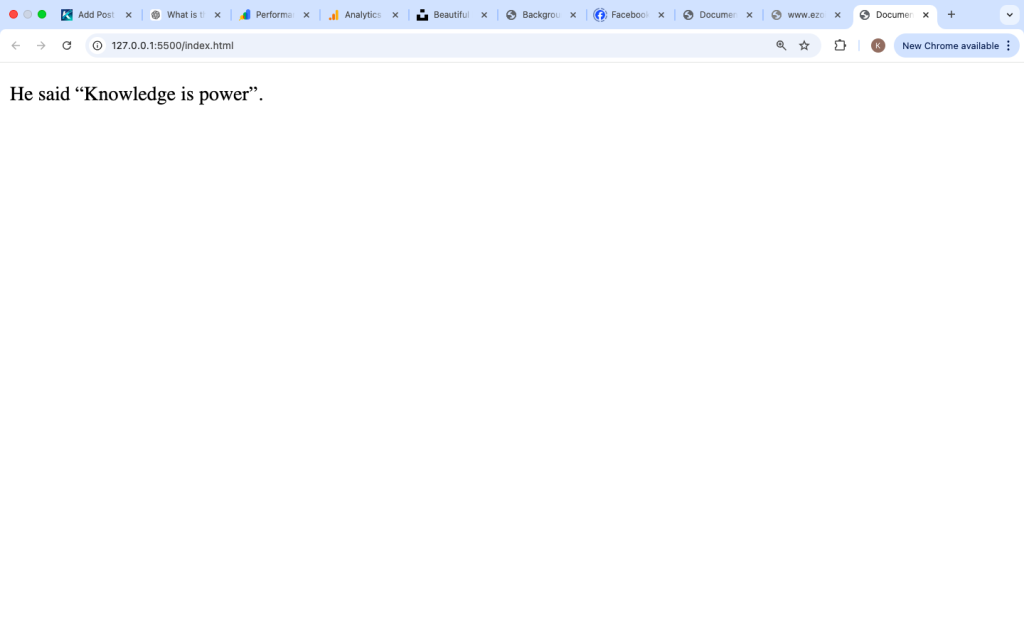
Using the cite Attribute
The <q> tag supports the cite attribute.
It specifies the source of the quote.
Example:

This does not show on the page but helps with structure and meaning.
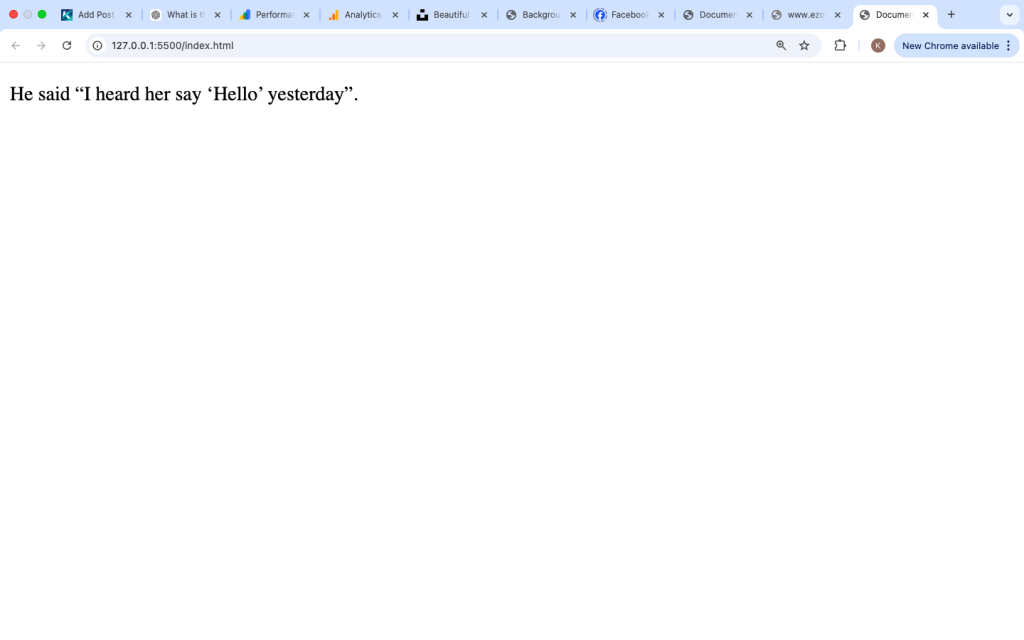
Nested Quotes with <q>
You can place a <q> tag inside another <q> tag.
Example:

Browsers will automatically switch between double and single quotes.
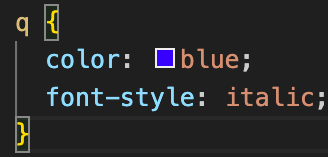
Styling the <q> Tag with CSS
You can change how quotes look using CSS.
Example:
You can also remove quotation marks if needed:
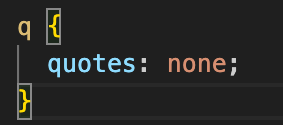
This gives you full control over appearance.
Combining <q> with Other Tags
The <q> tag can be used with other HTML tags.
Example:

This makes the quote bold and highlighted.
Accessibility and the <q> Tag
The <q> tag is supported by screen readers.
It helps users understand that the text is a quote.
For better clarity:
- Keep quotes meaningful
- Provide context
Example:

Common Mistakes Beginners Make
1. Adding Extra Quotation Marks
Wrong:

This creates double quotes.
Correct:

2. Using <q> for Long Quotes
Do not use <q> for large text blocks.
Use <blockquote> instead.
3. Using It Only for Styling
The <q> tag should be used for meaning, not just design.
Best Practices for Using the <q> Tag
Use It for Short Quotes
Only use <q> for small pieces of quoted text.
Let the Browser Handle Quotes
Do not manually add quotation marks.
Keep It Clean
Use it naturally within sentences.
Provide Context
Explain who said the quote if needed.
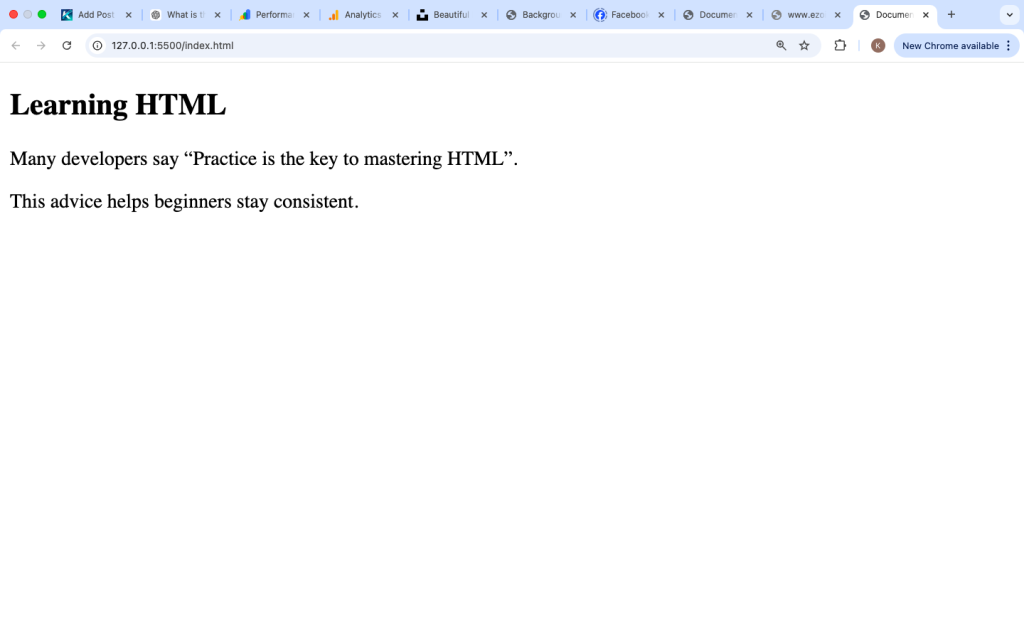
Real Example for Beginners
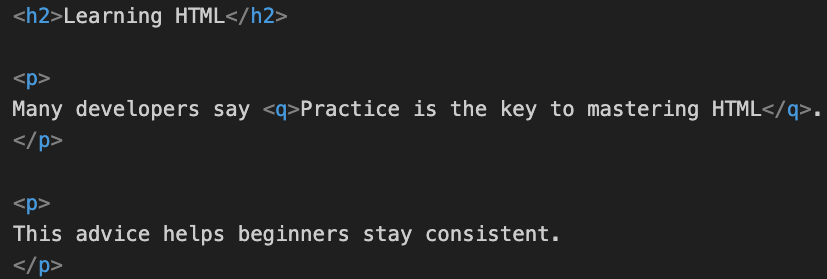
This is a simple and practical use case.
Is the <q> Tag Still Used Today?
Yes, the <q> tag is still used in modern HTML.
It is useful for:
- Blog posts
- Tutorials
- Articles
- Educational content
It helps structure content properly.
The <q> tag in HTML is used to define short inline quotations. It automatically adds quotation marks, making your content clean and easy to read.
It is best used for short quotes within sentences, while longer quotes should use the <blockquote> tag. By using <q> correctly, you can improve readability and give proper meaning to quoted text.
Understanding how to use the <q> tag is an important step in learning HTML, and it helps you create well-structured and professional web pages.