
When building web pages, sometimes you need to show text that comes from another source. This could be a quote from a book, a statement from a person, or content taken from another website.
Instead of mixing that text with your normal content, HTML provides a special tag called the <blockquote> tag.
The <blockquote> tag is used to define long quotations. It tells the browser and readers that the text is quoted from another source.
In this guide, you will learn what the <blockquote> tag is, how it works, when to use it, and how to use it correctly. Everything is explained in a simple and clear way.
Understanding the <blockquote> Tag
The <blockquote> tag is an HTML element used to define a section of quoted content.
It is usually used for:
- Long quotes
- Paragraph quotes
- Content from external sources
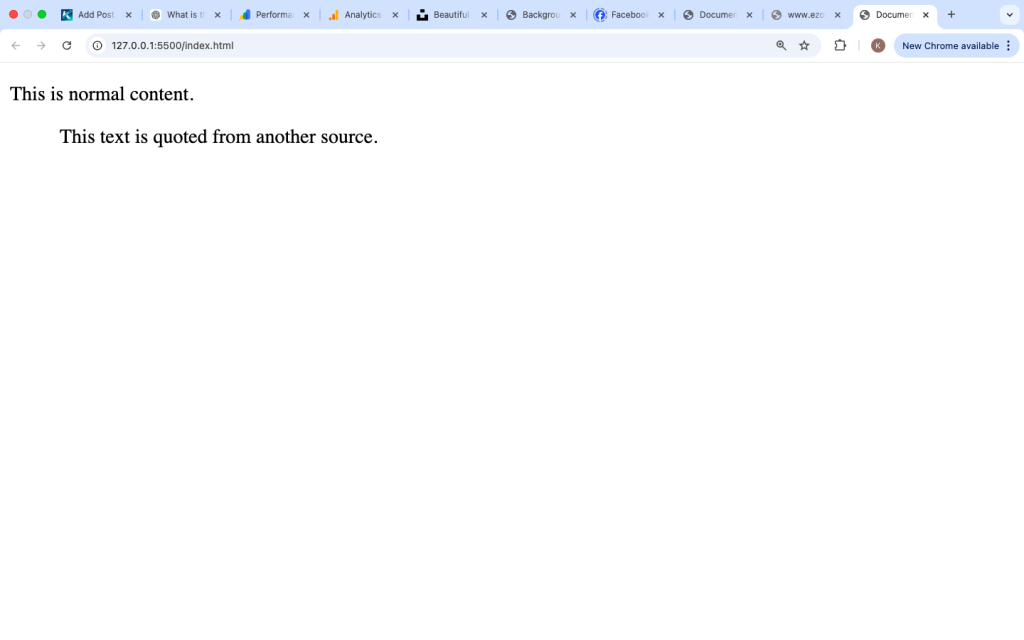
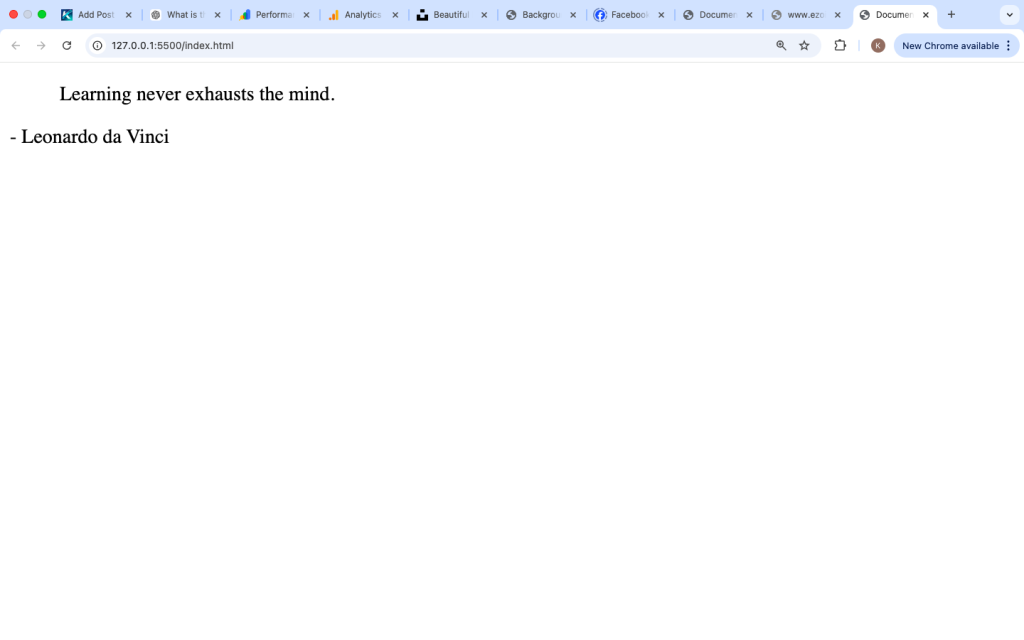
Browsers typically display <blockquote> content with indentation, making it stand out from the rest of the text.
Basic Syntax
The <blockquote> tag has an opening and closing tag.
Example:
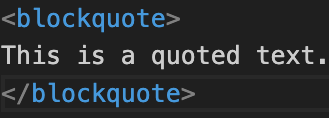
Anything inside the <blockquote> tag will be treated as a quote.
Example Inside a Page
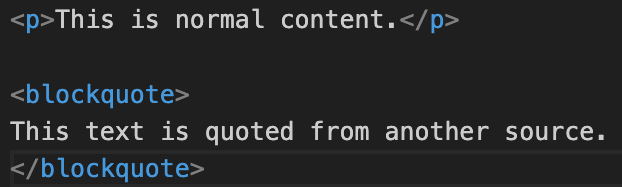
The quoted text will appear separated and usually indented.
Why the <blockquote> Tag Is Used
The <blockquote> tag is used to:
- Show quoted content clearly
- Separate quotes from main text
- Give proper meaning to quoted sections
- Improve readability
It helps users understand that the text is not original but taken from somewhere else.
How Browsers Display the <blockquote> Tag
Browsers apply default styling like this:
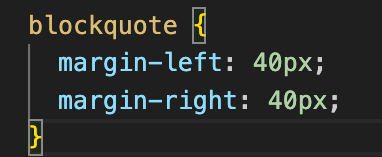
This creates:
- Indentation on both sides
- Clear separation from normal text
All modern browsers support this tag.
Common Use Cases of the <blockquote> Tag
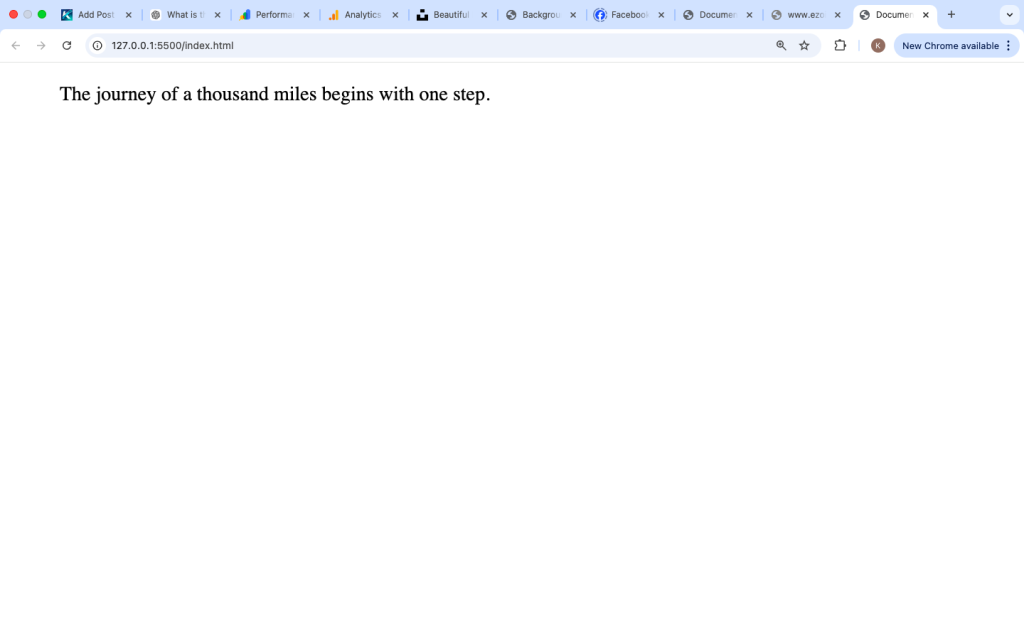
1. Quoting Text from Books or Articles
Example:

This shows a quote clearly.
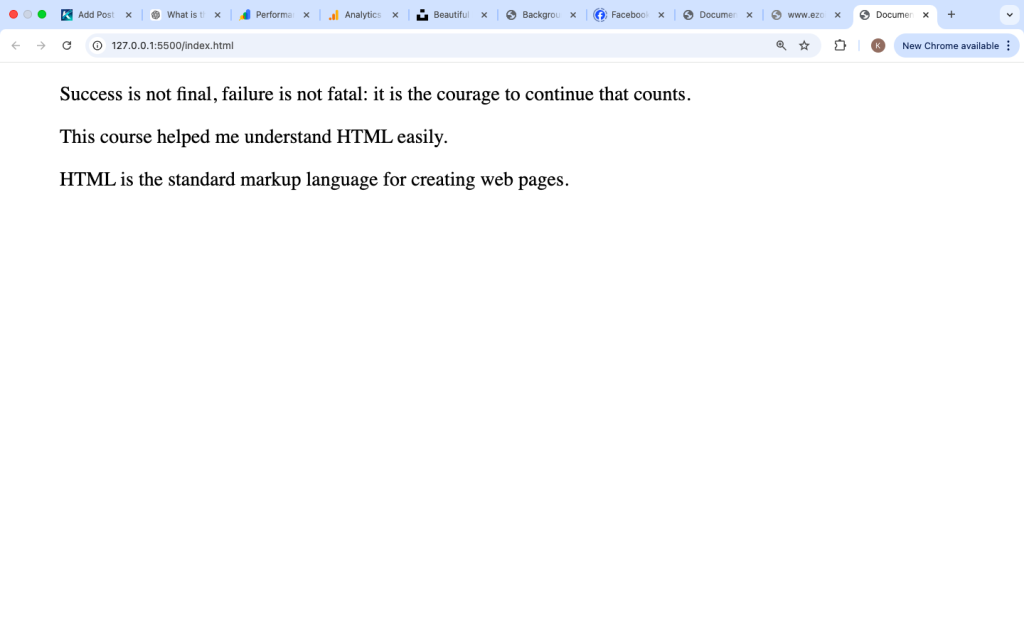
2. Quoting Famous Statements
Example:

This makes the quote stand out.
3. Displaying Testimonials
Websites often use <blockquote> for user feedback.
Example:

This improves presentation.
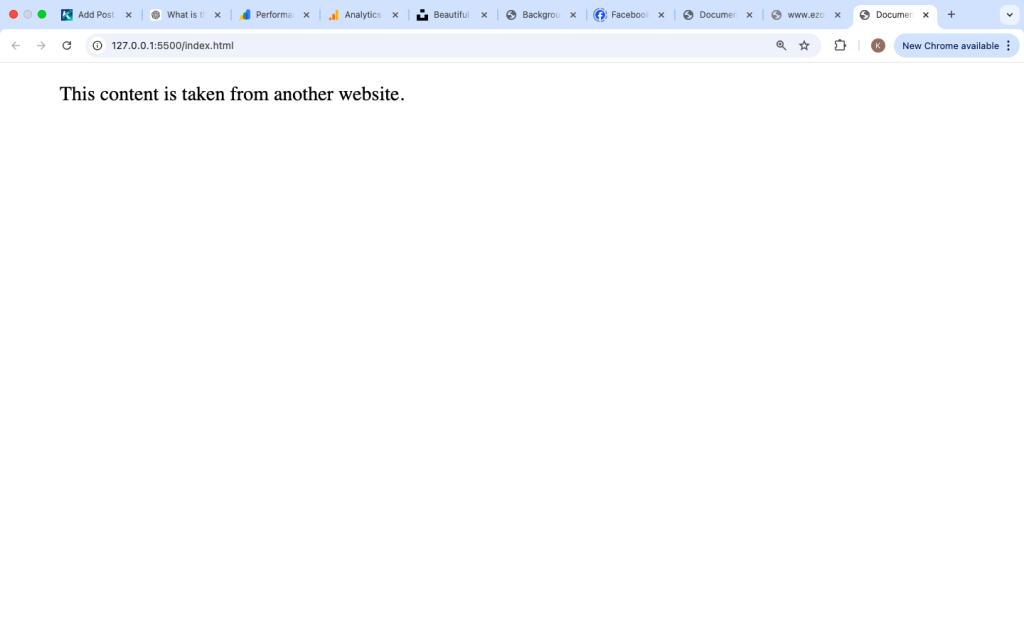
4. Referencing External Content
Example:

This shows borrowed content.
Using the cite Attribute
The <blockquote> tag supports a useful attribute called cite.
It helps show the source of the quote.
Example:

The cite attribute does not display on the page but provides information for browsers and developers.
<blockquote> Tag vs <q> Tag
Many beginners confuse <blockquote> with <q>.
<blockquote> Tag
- Used for long quotes
- Usually displayed on a new line
- Indented
<q> Tag
- Used for short quotes
- Appears inline
- Adds quotation marks
Example:
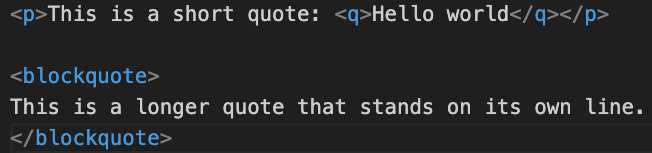
Use <blockquote> for longer content.
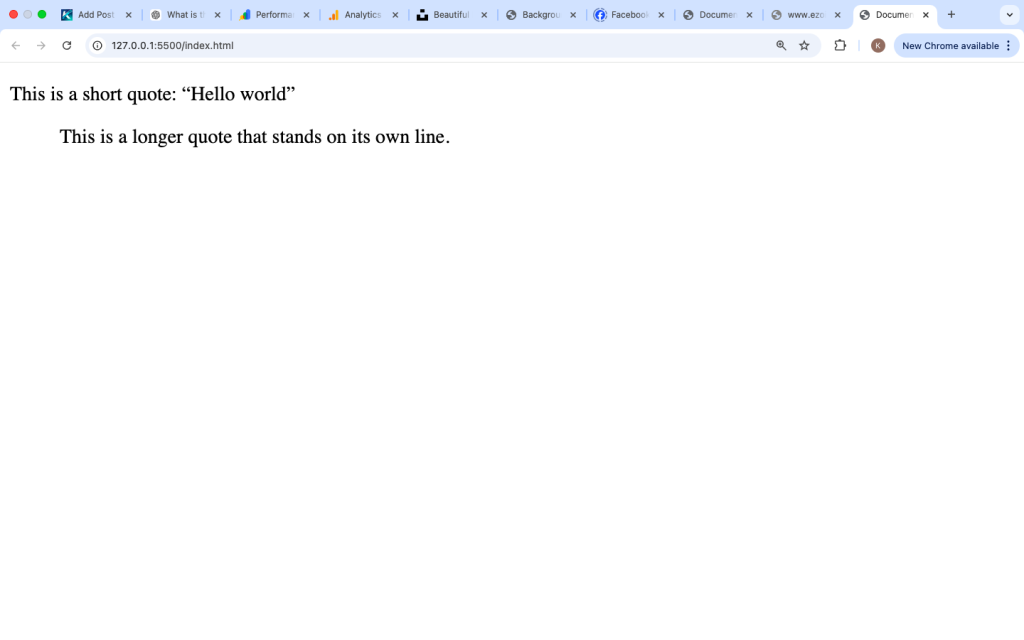
Styling the <blockquote> Tag with CSS
You can customize how quotes look using CSS.
Example:
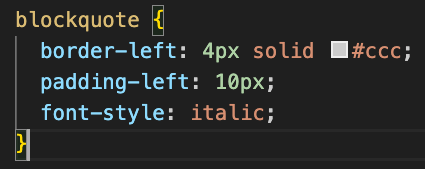
This adds:
- A vertical line
- Extra spacing
- Italic text
You can design it to match your website style.
Adding Citation Text
You can also show the source of the quote manually.
Example:
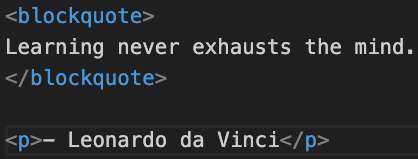
This makes the quote more complete.
Using <blockquote> in Real Websites
Here is a practical example:
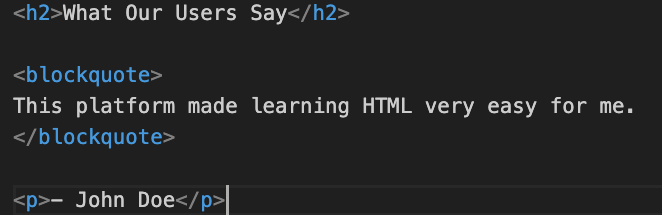
This is common in testimonial sections.
Accessibility and the <blockquote> Tag
The <blockquote> tag is supported by screen readers.
It helps users understand that the text is a quote.
To improve accessibility:
- Always provide context
- Mention the source when possible
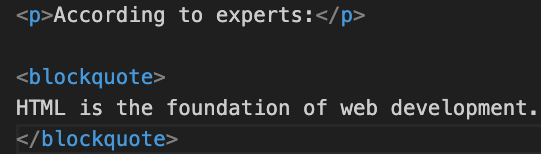
Example:
Common Mistakes Beginners Make
1. Using <blockquote> for Styling Only
Do not use <blockquote> just for indentation.
Use it only for quotes.
2. Not Providing Context
Always explain where the quote comes from.
Bad example:

Better:

3. Using It for Short Quotes
Use <q> for short inline quotes instead.
Best Practices for Using the <blockquote> Tag
Use It for Real Quotes
Only use <blockquote> when content is quoted.
Add Source Information
Include the author or source if possible.
Keep It Clear
Separate quotes from your main content.
Style It Properly
Use CSS to improve readability.
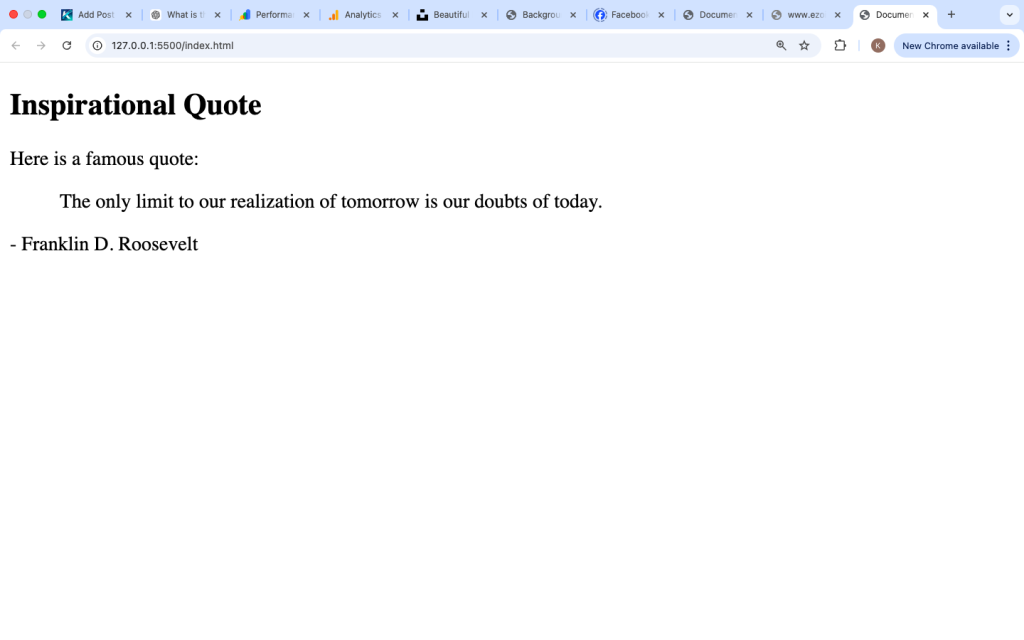
Real Example for Beginners
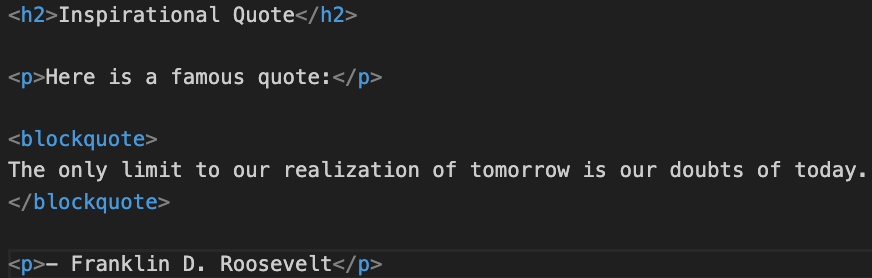
This example clearly shows the quote and its source.
This example clearly shows the quote and its source.
Is the <blockquote> Tag Still Used Today?
Yes, the <blockquote> tag is still widely used in modern web development.
It is commonly found in:
- Blog posts
- News articles
- Testimonials
- Educational content
It helps organize content and improve readability.
The <blockquote> tag in HTML is used to define long quotations taken from another source. It displays content in a way that separates it from the main text, usually with indentation.
It is useful for quotes, testimonials, and referenced content. Unlike simple styling, the <blockquote> tag provides meaning, helping users and search engines understand that the text is quoted.
By using the <blockquote> tag correctly, you can create cleaner, more structured, and more professional web pages.