
When writing content on a webpage, sometimes you need to display text slightly below the normal line of text. This is common in things like chemical formulas, mathematical expressions, or footnotes.
In HTML, the <sub> tag is used for this purpose.
The <sub> tag stands for subscript text. It displays text a little lower than the normal line and usually in a smaller size.
In this guide, you will learn what the <sub> tag is, how it works, when to use it, and how to use it correctly in your HTML projects.
Understanding the <sub> Tag
The <sub> tag is an HTML element used to define subscript text.
Subscript text appears:
- Slightly below the normal line
- Smaller than regular text
Basic Syntax
The <sub> tag has an opening and closing tag.
Example:

Anything inside the <sub> tag will appear below the normal text line.
Example Inside a Paragraph

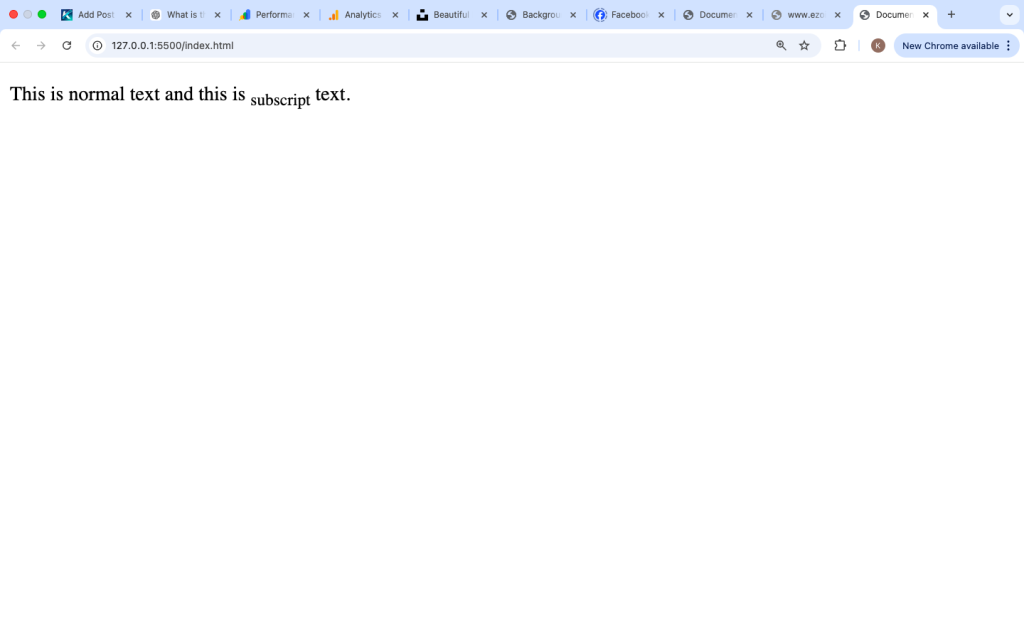
In the browser, the word “subscript” will appear slightly lower than the rest of the sentence.
What the <sub> Tag Is Used For
The <sub> tag is commonly used in situations where text naturally appears below the line.
This includes:
- Chemical formulas
- Mathematical expressions
- Scientific notation
- Footnotes
Common Use Cases of the <sub> Tag
1. Chemical Formulas
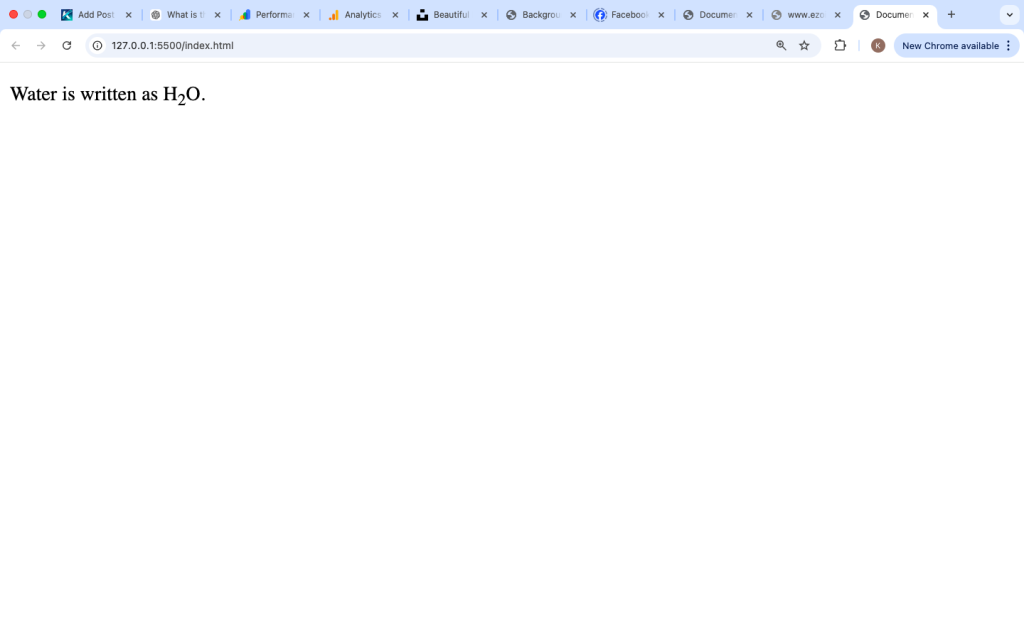
This is one of the most common uses.
Example:

Here, the “2” appears below the letters.
2. Mathematical Expressions
Example:

This is useful when working with variables.
3. Scientific Notation
Example:

Again, the number appears lower.
4. Footnotes or References
Example:

The number can refer to a note at the bottom.

How Browsers Display the <sub> Tag
Browsers apply default styling like this:
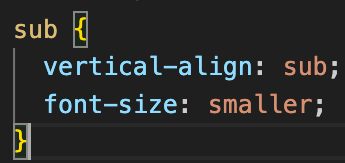
This causes:
- The text to move downward
- The text to become slightly smaller
All modern browsers support the <sub> tag.
Using <sub> with Other HTML Elements
The <sub> tag can be used inside different elements like:
- Paragraphs
- Headings
- Lists
- Tables
Example in a Heading

This displays a heading with subscript text.
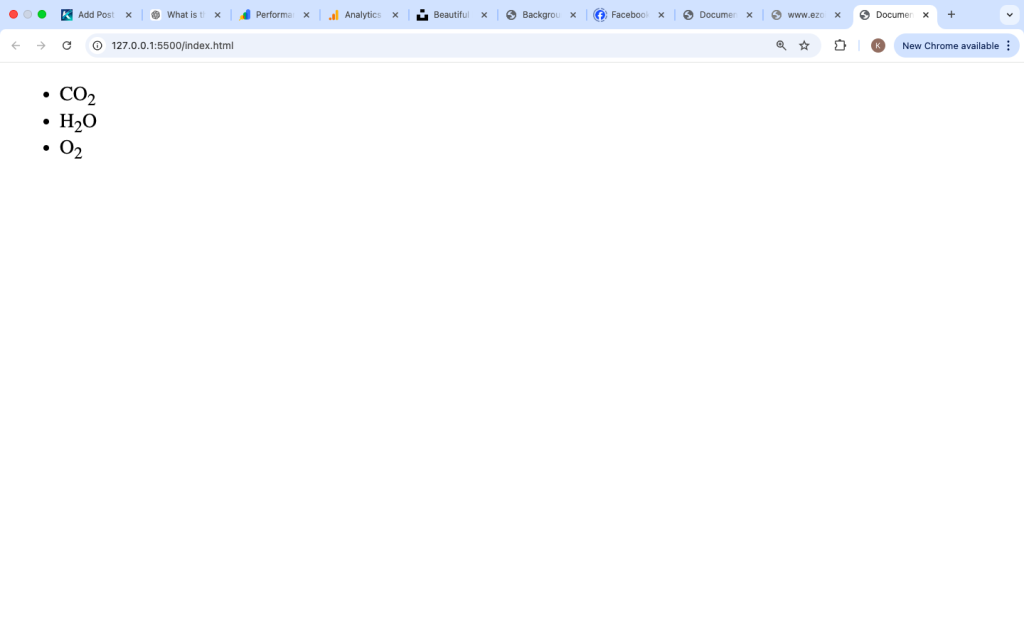
Example in a List
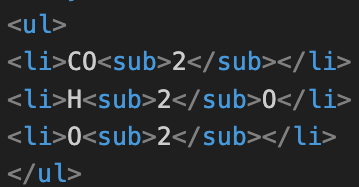
This makes formulas easy to read.
<sub> Tag vs <sup> Tag
The <sub> tag is often compared with the <sup> tag.
<sub> Tag
- Text appears below the line
- Used for formulas and footnotes
<sup> Tag
- Text appears above the line
- Used for exponents and powers
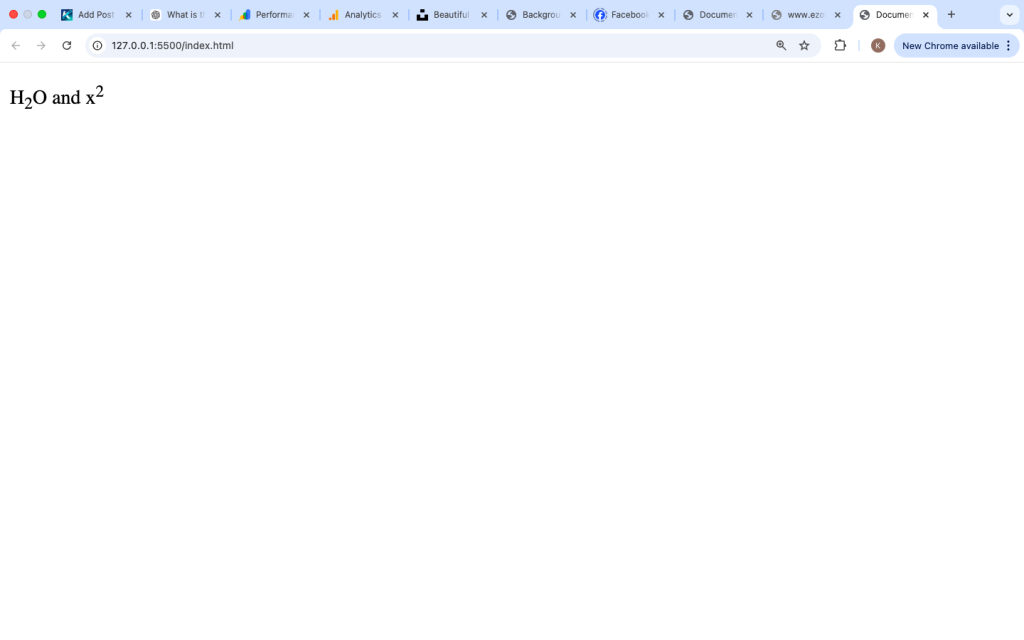
Example:

This shows both subscript and superscript.
<sub> Tag vs CSS Styling
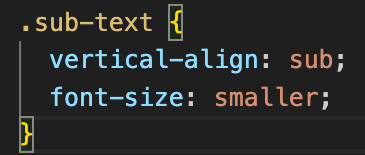
You can also create subscript using CSS.
Example:

CSS:
Difference:
<sub> | CSS |
|---|---|
| Semantic meaning | Styling only |
| Built-in behavior | Custom control |
Using <sub> is better for meaning and clarity.
Combining <sub> with Other Tags
The <sub> tag can be combined with other tags.
Example:

This makes the formula bold and correctly formatted.
Accessibility and the <sub> Tag
The <sub> tag is supported by screen readers.
It helps users understand that the text is subscript.
However, always ensure your content is clear and readable.
Example:

This is easy to understand for all users.
Common Mistakes Beginners Make
1. Using <sub> for Styling Only
Do not use <sub> just to move text down.
Use it only when it makes sense (like formulas).
2. Overusing the Tag
Too much subscript text can make content hard to read.
Keep it simple.
3. Using It for Large Text Blocks
The <sub> tag should only be used for small parts of text.
Example mistake:

This is not a good practice.
Best Practices for Using the <sub> Tag
Use It Where It Makes Sense
Use <sub> for formulas, references, and scientific text.
Keep It Short
Subscript text should be small and specific.
Combine with Clear Content
Make sure the meaning is clear even without styling.
Avoid Overuse
Only use it when needed.
Real Example for Beginners
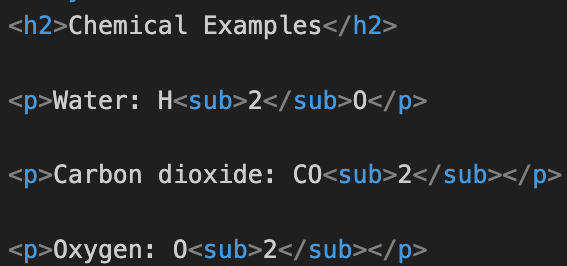
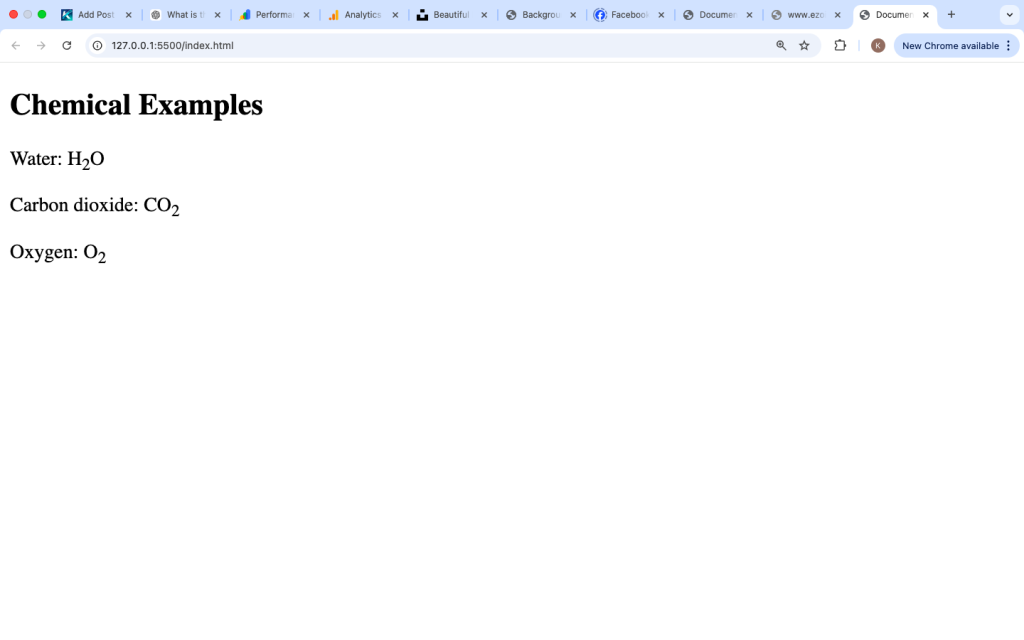
This is a simple and practical use case.
Is the <sub> Tag Still Used Today?
Yes, the <sub> tag is still widely used.
It is important in:
- Education websites
- Science content
- Math tutorials
- Technical documentation
It helps display information correctly.
The <sub> tag in HTML is used to display text as subscript, meaning slightly below the normal line of text. It is commonly used in chemical formulas, mathematical expressions, and references.
By wrapping text inside <sub> and </sub>, browsers automatically position the text lower and make it smaller. This helps maintain correct formatting and improves readability.
Although CSS can achieve similar results, the <sub> tag is better because it provides meaning and structure to your content.
Learning how to use the <sub> tag correctly is important for creating clear and professional web pages, especially when dealing with scientific or technical information.