
User Experience (UX) design is one of the most important concepts in modern digital products, yet it’s often misunderstood by beginners. Many people think UX design is only about making things “look nice,” but in reality, it goes much deeper than visuals.
This beginner-friendly guide will explain UX design in simple terms, without technical jargon.
In this article, you’ll learn:
- What UX design really means
- What a UX designer does
- The core elements of UX design
- How UX design works in real products
- The difference between UX and UI (briefly)
This guide is written for complete beginners.
What Is UX Design?
UX design stands for User Experience design.
It focuses on how a user feels when interacting with a product such as a website, mobile app, or software platform.
UX design is about:
- Ease of use
- Clarity
- Efficiency
- Satisfaction
In simple terms:
UX design ensures that a product is useful, usable, and enjoyable.
A product with good UX feels:
- Easy to understand
- Smooth to navigate
- Logical and predictable
What Does a UX Designer Do?
A UX designer focuses on how users interact with a product from start to finish.
Common responsibilities include:
- Understanding user needs
- Structuring content logically
- Designing user flows and journeys
- Creating wireframes and prototypes
- Testing designs to find problems
UX designers aim to remove confusion and friction at every step.
Unlike UI designers, UX designers are less focused on colors and visuals and more focused on structure, logic, and usability.
UX Design Is About Solving Problems
UX design always starts with a problem.
Examples:
- Users can’t find the signup button
- Users abandon checkout pages
- Users feel confused navigating a website
UX designers ask questions like:
- What is the user trying to do?
- Why are they struggling?
- How can this experience be improved?
UX design exists to make products work better for real people.
Core Elements of UX Design
1. User Research
User research helps designers understand:
- Who the users are
- What they want
- What problems they face
This can include surveys, interviews, or simple observations.
2. Information Architecture
Information architecture is how content is organized and structured.
Good structure helps users:
- Find information quickly
- Navigate easily
- Understand where they are
3. User Flows
User flows show the steps a user takes to complete a task.
For example:
- Open app
- Sign up
- Complete profile
Clear flows reduce frustration and errors.
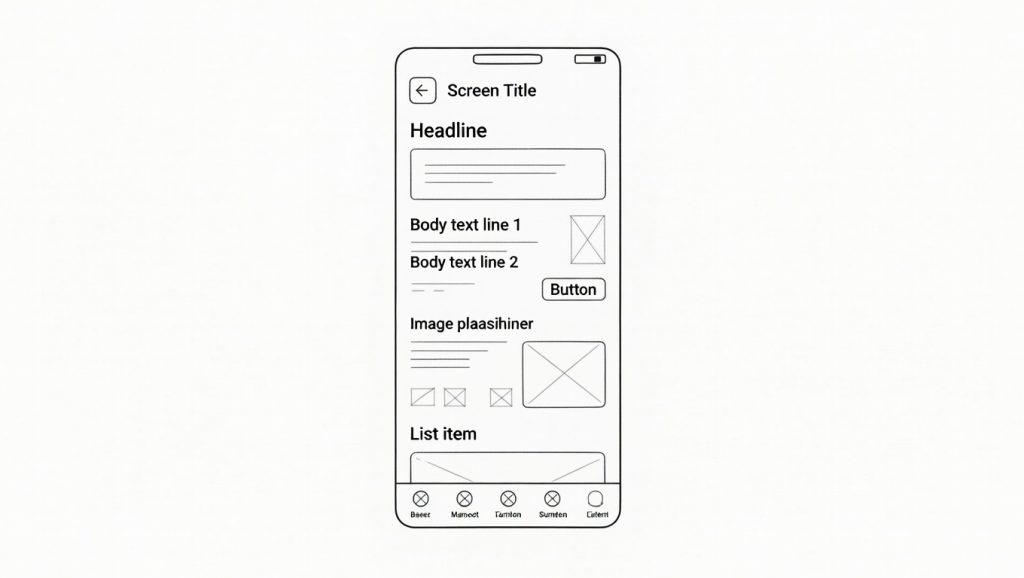
4. Wireframing
Wireframes are simple layouts showing structure without colors or visuals.
They focus on:
- Layout
- Content placement
- Navigation
5. Usability Testing
Usability testing checks if users can complete tasks easily.
UX designers test:
- Navigation clarity
- Task completion speed
- User confusion points
Testing helps improve the experience before development.
Why UX Design Is Important
Good UX design:
- Saves users time
- Reduces frustration
- Builds trust
- Increases conversions
Bad UX design leads to:
- User drop-offs
- Abandoned forms
- Negative reviews
That’s why UX design is critical for:
- Websites
- Mobile apps
- SaaS platforms
- E-commerce stores
UX Design in Real Life (Simple Examples)
You experience UX design when:
- A website loads fast and feels easy
- An app guides you clearly
- A checkout process feels smooth
Examples of good UX:
- Clear instructions
- Logical steps
- Helpful feedback
UX Design vs UI Design (Quick Overview)
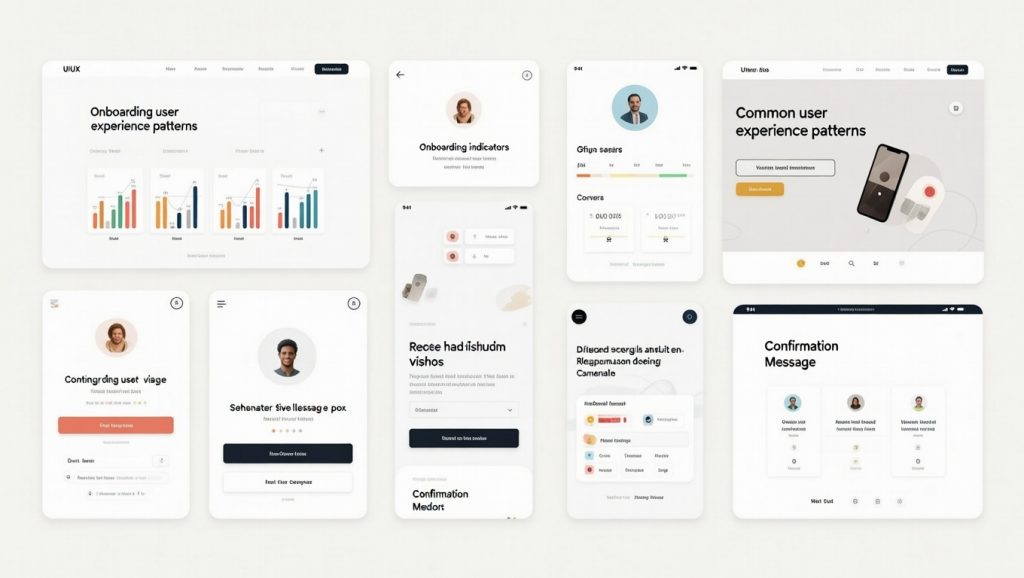
UX and UI work together, but they are different.
- UX focuses on experience and flow
- UI focuses on visuals and interface elements
UX answers:
Does this work well for users?
UI answers:
Does this look good and feel clear?
UI vs UX: What’s the Difference?
Can Beginners Learn UX Design?
Yes — UX design is very beginner-friendly.
You don’t need:
- Coding skills
- Design background
- Expensive tools
You need:
- Curiosity
- Problem-solving mindset
- Willingness to learn
Beginners can start with:
- Simple wireframes
- UX concepts
- Real-world examples
Summary: What You’ve Learned About UX Design
In this guide, you learned:
- What UX design is
- What UX designers do
- Core UX design elements
- Why UX design matters
- How UX and UI work together
This article acts as a core pillar for all your UX-related content.